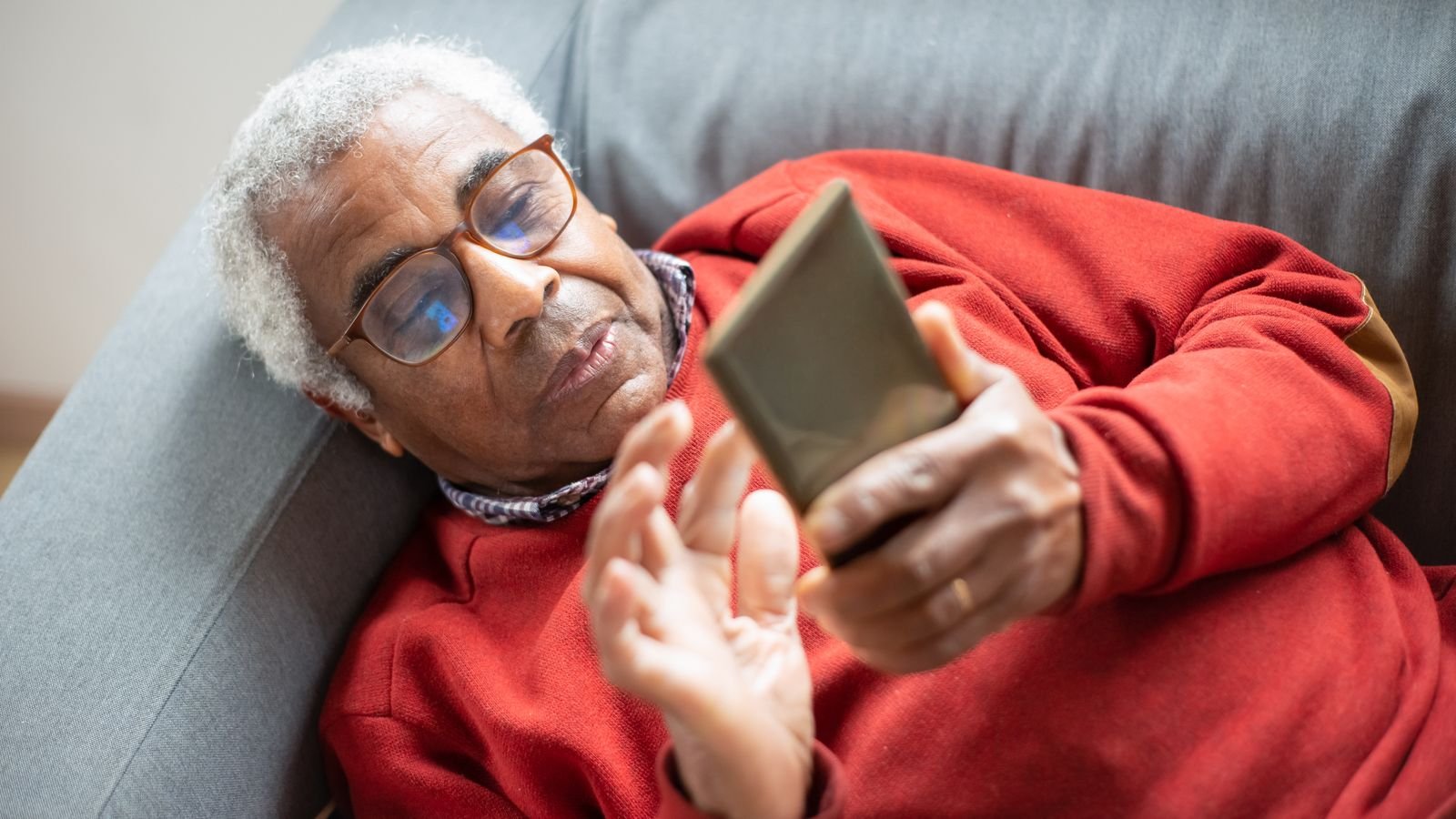
Pensioners can submit their annual life certificate with Jeevan Pramaan face authentication, using just an Android phone, two free apps and their Aadhaar-linked details, without going to the bank. It takes about 10 to 15 minutes if you have the PPO number and pension account handy, and a son, daughter or neighbour can do it on their own phone.
The deadline that matters is 30 November. Pensioners aged 80 and above can submit from 1 October; everyone else from 1 November. The step most people get wrong is the “operator” login, and it’s explained in section 3.
⚡ Key takeaways
- You need an Android phone with a working front camera, the AadhaarFaceRD app and the Jeevan Pramaan Face app (both free on Google Play).
- Keep ready: Aadhaar number, mobile number, PPO number, pension account number and the name of your bank or pension disbursing agency.
- The operator (the person holding the phone) logs in first with their own Aadhaar and face scan. Then the pensioner’s face is scanned.
- Super senior pensioners (80+) can submit from 1 October; others in November. If the certificate isn’t received by 30 November, pension can stop from December until it’s submitted.
- Face authentication is now the most used method: over 91 lakh of 1.54 crore digital life certificates in the November 2025 campaign, per the government.
What Jeevan Pramaan Is and Who Needs It
Every pensioner drawing a government pension through a bank has to prove once a year that they’re alive. For decades that meant a trip to the bank branch in November, often with an elderly parent standing in a queue.
Jeevan Pramaan is the government’s Digital Life Certificate (DLC). It’s generated with Aadhaar-based authentication and goes straight to the pension disbursing agency, usually your bank. The Department of Pension and Pensioners’ Welfare (DoPPW) runs a nationwide campaign every November to push it.
The numbers show how fast face scans have taken over. According to a PIB release of 1 December 2025, the November 2025 campaign generated 1.54 crore DLCs, and over 91 lakh of them, more than 60%, used face authentication. The release says it helped elderly pensioners with faded fingerprints, people with mobility problems and those in remote areas.
Deadlines for 2026: 80+ From 1 October, Others in November
The timing rule hasn’t changed in years.
| Pensioner | Can submit from | Last date |
|---|---|---|
| Aged 80 and above (super senior) | 1 October | 30 November |
| Below 80 | 1 November | 30 November |
The early window for super seniors comes from a DoPPW notification of July 2019, as Outlook Money explains. Business Today reported on 7 October 2026 that the same windows apply this year, with submissions generally accepted until 30 November unless the government extends it.
⚠️ Watch out
If the certificate isn’t received by 30 November, pension can be stopped from December, according to Outlook Money’s summary of the rules. Submitting later restarts it, with arrears paid once the record is updated. If it’s missing for three years or more, reinstating it needs approval through the Central Pension Accounting Office, which takes much longer.
These rules are for pensioners paid through banks under the central system. Family pensioners, EPS (EPFO) pensioners and state government pensioners should confirm their own dates with the pension office or bank.
 Also readPhone Safety for Parents: 9 Settings to Fix on Your Diwali Visit
 Jeevan Pramaan Face Authentication: Step by Step
You’ll need an Android phone with a front camera and internet, and these details for the pensioner: Aadhaar number, mobile number, PPO number, pension account number and the name of the pension sanctioning and disbursing authorities.
Install the two apps
- From Google Play, install AadhaarFaceRD (by UIDAI). It does the face capture.
- Install the Jeevan Pramaan Face app. This is where you fill in pension details.
Install them only from Google Play or links on the official jeevanpramaan.gov.in portal. Never from a WhatsApp link.
Operator login (the step that confuses people)
- Open the Jeevan Pramaan app. It first asks for the operator’s Aadhaar number, mobile number and email. The operator is whoever is holding the phone; it can be the pensioner or a family member.
- Enter the OTP sent to the operator’s mobile and email.
- Allow camera access and scan the operator’s face. This registers the phone. Outlook Money’s walkthrough lists the same sequence.
Pensioner authentication
- Now enter the pensioner’s Aadhaar number and mobile number, and the OTP that arrives on the pensioner’s phone.
- Fill in name as per Aadhaar, type of pension, PPO number, pension account number and the disbursing agency, then accept the declaration.
- Scan the pensioner’s face. Hold the phone at eye level, in good light, with glasses off if the scan fails.
- On success, the screen shows a Pramaan ID and PPO number. An SMS with a link to the certificate follows. Screenshot the screen anyway.
💡 Pro tip
Face scans fail most often because of poor light or a shaky hand. Sit the pensioner facing a window in daylight, rest the phone on a stack of books at face height, and ask them to look straight at the camera and blink slowly when the app asks.
Other Ways to Submit If the Phone Doesn’t Work
Face authentication isn’t the only digital option. The PIB release announcing the 2025 campaign listed several:
| Option | How it works | Best for |
|---|---|---|
| Face scan on your Android phone | The steps above | Tech-comfortable families, any age |
| India Post Payments Bank doorstep | Postman or Gramin Dak Sevak visits with a device for fingerprint or face DLC, for pensioners of any bank | Rural areas, elderly living alone |
| Bank camps and home visits | Pension-paying banks hold camps and visit homes and hospitals of aged, disabled or sick pensioners | Bedridden or hospitalised pensioners |
| Bank branch | Fingerprint or iris device, or paper certificate | When Aadhaar details don’t match |

The release said IPPB’s 1.8 lakh postmen and Gramin Dak Sevaks would offer doorstep DLC in all districts, and that their devices support both fingerprint and face scans. Details are on the IPPB website or at your local post office.
Why Certificates Get Rejected (and the Fix)
A Pramaan ID on screen doesn’t always mean the bank accepted it. Outlook Money notes that rejections usually come from a mismatch between what was entered and the bank’s records.
Common mismatches
- Name spelled differently on Aadhaar and the pension record
- Mobile number not the one registered with Aadhaar
- Wrong PPO number or pension account number
- Wrong sanctioning or disbursing authority picked from the list
What to do
- If you get a rejection SMS, submit again with corrected details.
- If there’s no SMS after a few days, check the status on the Jeevan Pramaan portal using the Pramaan ID.
- If it’s rejected again, visit or call the bank’s pension section and ask exactly which field doesn’t match.
- Keep the downloaded certificate or the success screenshot until the bank confirms.
 Also readSBI Data Breach Claim: 8 Steps to Protect Your Account Now
 Watch Out for Life Certificate Scams
Every November, fraudsters call pensioners pretending to be from the treasury, bank or “pension department”. They say the pension will stop unless the person shares an OTP, clicks a link or installs an app.
Here’s the rule to teach your parents: the Jeevan Pramaan process never needs anyone to call you and ask for an OTP. The OTP comes to you because you started the process. If someone calls first, it’s a scam.
- Don’t install any “life certificate” app from a link sent by SMS or WhatsApp.
- Don’t share the OTP with a caller, even if they know the PPO number.
- Don’t let a stranger do the face scan on their phone “to help”.
- Report fraud calls to 1930 or cybercrime.gov.in. Our phone safety guide for parents has nine settings that block most of these tricks.
✅ Our verdict
If your parent’s Aadhaar, mobile number and bank records match, do the face-scan Jeevan Pramaan at home: this weekend if they’re 80 or older, or in the first week of November otherwise. It saves a bank trip and the end-of-month rush. If anything doesn’t match, or the scan keeps failing, book the IPPB doorstep service or go to the bank early, not on 29 November.
Frequently Asked Questions
Can I submit my parent’s life certificate from my phone?
Yes. You log in as the operator with your own Aadhaar and face scan, then enter your parent’s details and scan their face. The OTP goes to the pensioner’s registered mobile, so keep that phone nearby.
Which apps are needed for Jeevan Pramaan face authentication?
Two free Android apps: AadhaarFaceRD from UIDAI, which captures the face, and the Jeevan Pramaan Face app, where you enter pension details. Install both from Google Play.
What is the last date for life certificate submission in 2026?
30 November, for both groups. Pensioners aged 80 and above can start from 1 October; others from 1 November.
Does face authentication work on iPhone?
The apps named by the government and banks are Android apps on Google Play. If you only have an iPhone, use a family member’s Android phone, the IPPB doorstep service or the bank branch.
How do I know my Jeevan Pramaan was accepted?
You get a Pramaan ID on screen and an SMS with the certificate link. If it’s rejected, you get a rejection SMS and should resubmit with corrected details.
The Bottom Line
Jeevan Pramaan face authentication turns the yearly bank trip into a 15-minute job at home. Get the PPO number and pension account ready, use good light, and finish well before 30 November.
While you’re helping your parents with their phone, also set up the protections in our smartphone privacy settings guide.
Keep reading
Read nextPhone Safety for Parents: 9 Settings to Fix on Your Diwali VisitRead nextSBI Data Breach Claim: 8 Steps to Protect Your Account Now Read nextUPI Lite Explained: Pay Up to ₹1,000 Without a PIN, Safely
Sources
- PIB (1 Dec 2025): DLC Campaign 4.0 achieves 1.54 crore DLCs, 91 lakh by face authentication
- PIB (13 Oct 2025): DoPPW Nationwide DLC Campaign 4.0, IPPB doorstep and bank camps
- Business Today (7 Oct 2026): Jeevan Pramaan 2026, who can submit from 1 October
- Outlook Money: life certificate dates for senior and super senior citizens, missed deadline rules
- Outlook Money: generate a life certificate via face verification, step by step
- Outlook Money: what to do if your digital life certificate is rejected