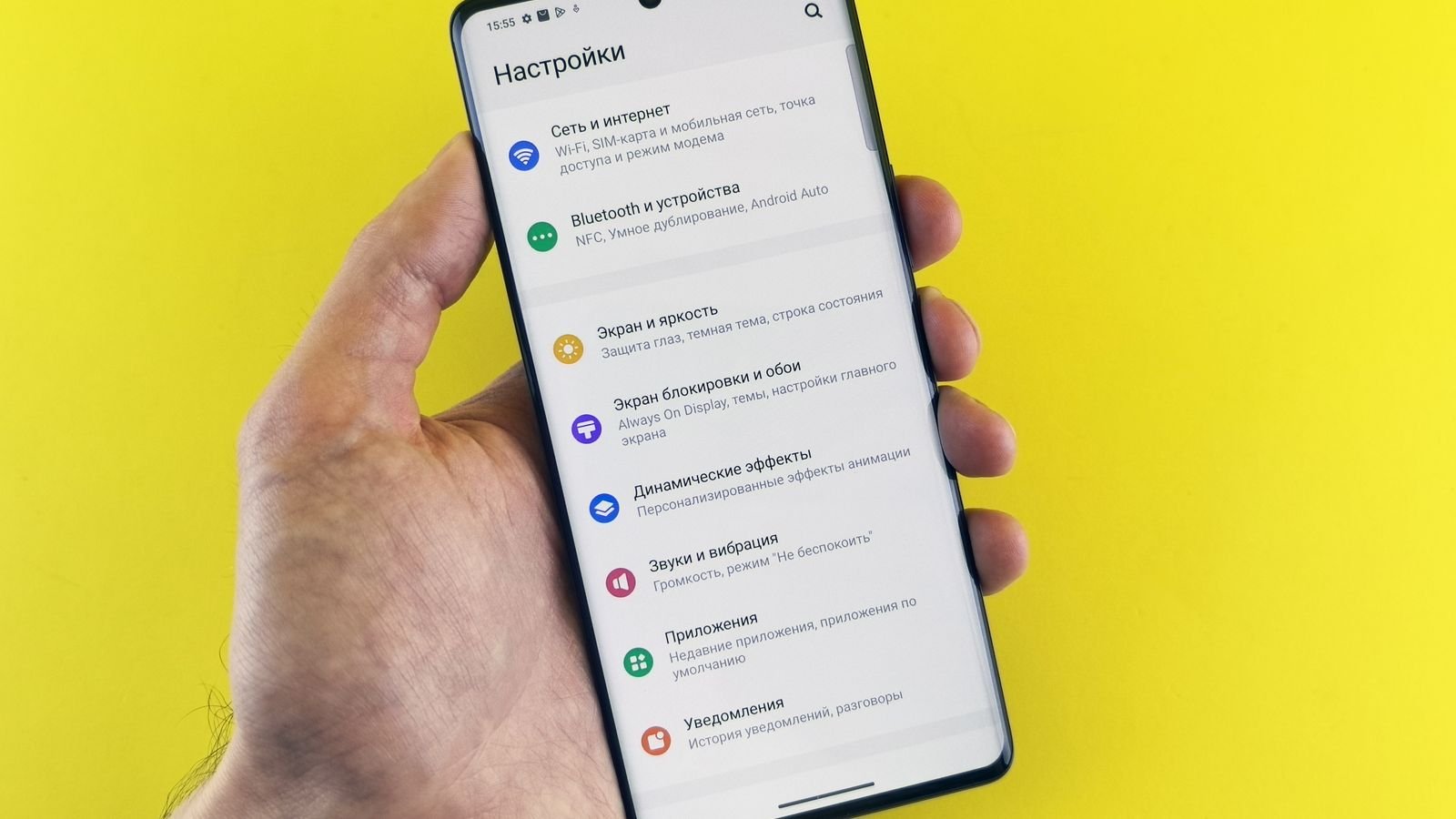
Samsung’s One UI 9 update, built on Android 17, has started reaching Galaxy phones in India. The Galaxy S26 series got it first in late September, and the S24 series followed on 13 October. Most other recent Galaxy flagships and foldables are in line.
If it’s sitting in your Software update screen, don’t just tap install and forget it. A few new features are off by default or easy to miss, and one of them is built for the scam calls Indians get every week. That one’s in section 4.
⚡ Key takeaways
- India has the stable update for the Galaxy S26 series (from 29 September) and the S24 series (from 13 October), starting with phones in Samsung’s beta programme.
- Z Fold 7 and Z Flip 7 owners in India got it early too, though first for beta users.
- S23 and Z Fold 5 / Flip 5 updates started in South Korea in mid-October. India usually follows within days or weeks.
- From One UI 8.5, expect a download of over 4 GB. Free up space first.
- Set up first: scam call detection, call screening and privacy alerts.
One UI 9 in India: What Has Rolled Out So Far
Samsung began the stable rollout on 16 September with the Galaxy S26 series, according to AndroidSage’s rollout tracker. Korea came first, as it usually does.
India got it soon after. SamMobile reported on 29 September that the Galaxy S26, S26+ and S26 Ultra were getting the stable build in Europe and India, with the September 2026 security patch. It went first to phones enrolled in Samsung’s beta programme, with everyone else expected to follow.
The S24 family was next. On 13 October, SamMobile confirmed the update for the Galaxy S24, S24+, S24 Ultra and S24 FE in Europe and India. Again, beta users got it first.
Foldables are moving too. Beebom reported on 7 October that India was among the first new markets for the Galaxy Z Fold 7 and Z Flip 7, with a 540.83 MB download for beta users on the Fold 7.
Which Galaxy Phones Are Next (and When)
Here’s where each phone stands as of 19 October. “Stable in India” means Samsung has started pushing it here, even if your phone hasn’t shown it yet.
| Phone | Status in India | Source |
|---|---|---|
| Galaxy S26, S26+, S26 Ultra | Stable, rolling out since 29 Sep | SamMobile |
| Galaxy S24, S24+, S24 Ultra, S24 FE | Stable, rolling out since 13 Oct | SamMobile |
| Galaxy Z Fold 7, Z Flip 7 | Stable for beta users first (7 Oct) | Beebom |
| Galaxy S25 series, S25 FE | Global rollout began 7 Oct | AndroidSage |
| Galaxy S23 series, Z Fold 5, Z Flip 5 | Started in South Korea mid-Oct; India expected | Tech Advisor |
| Z Fold 6, Z Flip 6 | Rolling out in waves | Tech Advisor |
| Galaxy A57, A56, A55, A36, A35 | On the eligible list; no India date yet | AndroidSage |
Tech Advisor sums it up neatly: pretty much every flagship Galaxy launched since early 2023 is getting it. The rollout is staggered, and India is usually among the early markets after Korea.
Samsung itself hasn’t published an India date for each model. Digit noted that Samsung’s eligible list “is not the complete list”, so more Galaxy phones may be added later.
 Also read15 Smartphone Privacy Settings You Probably Never Changed
 Before You Tap Install: Three Quick Checks
The update is big, so a little prep saves a headache.
Free up storage
AndroidSage puts the Galaxy S25 download at over 4 GB for people coming from One UI 8.5. Beta users get a much smaller patch (around 550 MB on the S25). If your phone is nearly full of WhatsApp forwards and videos, clear some space first.
Back up what matters
Major Android updates rarely wipe phones, but “rarely” isn’t “never”. Back up your photos and WhatsApp chats before a big version jump.
Use Wi-Fi, not your daily data
A 4 GB download can eat two days of a 2 GB/day Jio or Airtel plan. Wait till you’re on home or office Wi-Fi.
💡 Pro tip
To check, go to Settings > Software update > Download and install. If nothing shows up, your phone simply isn’t in the current wave yet. Tapping the button again and again won’t speed it up.
The New Feature Built for Indian Scam Calls
This is the part worth the update on its own. According to AndroidSage’s feature list, the update expands incoming-call scam detection to just three countries: Japan, Canada and India.
If you’ve ever got a “your electricity will be cut tonight” or “your parcel is stuck at customs” call, you know why this matters. Scam detection is designed to flag suspicious calls while they happen.
It works alongside a second new tool, Call Screening. Your phone can now answer suspicious or unknown calls for you and ask the caller to say who they are and why they’re calling. You see the answer before you decide to pick up.
⚠️ Watch out
No scam filter is perfect. Even with these features on, never share an OTP, UPI PIN or card details on a call, whoever the caller claims to be. Banks and the police don’t ask for them.

7 New Features to Set Up First
Samsung doesn’t list exact Settings paths for every new feature yet. The fastest way: open Settings and type the feature name in the search bar.
- Scam detection for calls. Search “scam” in Settings and make sure it’s on, especially on your parents’ phones.
- Call Screening. Turn it on if unknown numbers bother you all day.
- Privacy Alerts. It watches background activity on the phone and tells you when an app reaches for sensors or permissions it doesn’t need. It’s supported on the S23 series and newer flagships and foldables.
- Security Brief. Works with Now Brief to flag malware, risky APK installs and unusual permission activity. Useful if anyone at home installs apps from WhatsApp links.
- The new Quick Panel. Brightness, volume and the media player are now separate widgets you can resize and rearrange. Spend two minutes setting it up the way you use it.
- Warranty and Care. It now sits in the main Settings menu, showing warranty status, self-diagnostics and estimated repair costs. Check it before your warranty runs out. Features vary by region.
- Now Nudge (your call). It reads text in Samsung Messages, Google Messages and Google Chat to suggest calendar entries or save locations. Samsung India’s One UI page lists Hindi among its languages. Handy for some people, too nosy for others. Decide which you are.
 Also readHow to Speed Up Your Android Phone: 10 Proven Hacks for Lightning-Fast Performance
 Is It Worth Installing Now?
For most people, yes. The scam-call tools and privacy alerts alone make it worth it, especially on a phone your parents use.
There are fun extras too. My FanCam keeps a chosen person centred while you record, which suits school functions and Garba nights. Document Scan now copes with curved book pages and can erase your fingers from the scan. And Samsung Notes gets a “Tape” feature that hides text until you tap it, a neat trick for students revising for exams.
Big version updates sometimes bring early bugs that a follow-up patch fixes. If your phone is your only device for work or UPI payments, waiting a week or two for the first fixes is sensible.
✅ Our verdict
Install the update when it arrives, on Wi-Fi, after a backup. Then spend five minutes turning on scam detection, call screening and privacy alerts. If you rely on your phone for work all day, waiting one or two weeks for early bug fixes is fine.
Frequently Asked Questions
Is One UI 9 available in India?
Yes. The stable build has been rolling out in India for the Galaxy S26 series since late September and for the S24 series since 13 October. Rollouts go in waves, so your phone may get it later than someone else’s.
Will my Galaxy S23 get One UI 9?
Yes. The S23 series started getting it in South Korea in mid-October, and Tech Advisor lists the full S23 lineup among phones receiving it. India usually follows soon after Korea.
How big is the download?
It depends on where you’re updating from. AndroidSage reports over 4 GB on the S25 for people on One UI 8.5, and much smaller downloads for beta users.
Which Samsung A-series phones get the update?
The Galaxy A57, A56, A55, A36 and A35 are on the eligible list. Samsung hasn’t announced India dates for them yet.
Is Android 17 the same as One UI 9?
One UI 9 is Samsung’s software built on top of Android 17. So if your Galaxy gets the update, it gets Android 17.
The Bottom Line
One UI 9 is here for S26 and S24 owners in India, and most recent flagships and foldables are next. When it lands, back up, download on Wi-Fi, and switch on the scam-call protection first. Then go set up the privacy settings that were already on your phone.
Keep reading
 Read nextStop Wasting Battery Life! Do These 3 Things to Make Your Phone Last Longer
 Read next3 Essential Cybersecurity Tips to Keep Your Personal Data Safe
Sources
- Samsung India: One UI 9 features and language support
- AndroidSage: stable One UI 9 rollout, changelog, eligible devices and download sizes
- SamMobile: Galaxy S26 series stable update in Europe and India
- SamMobile: Galaxy S24 series stable rollout in Europe and India
- Beebom: stable update for Galaxy Z Fold 7 and Z Flip 7 in India
- Tech Advisor: the update for every Galaxy flagship since 2023
- Digit: Samsung India rollout and eligible devices