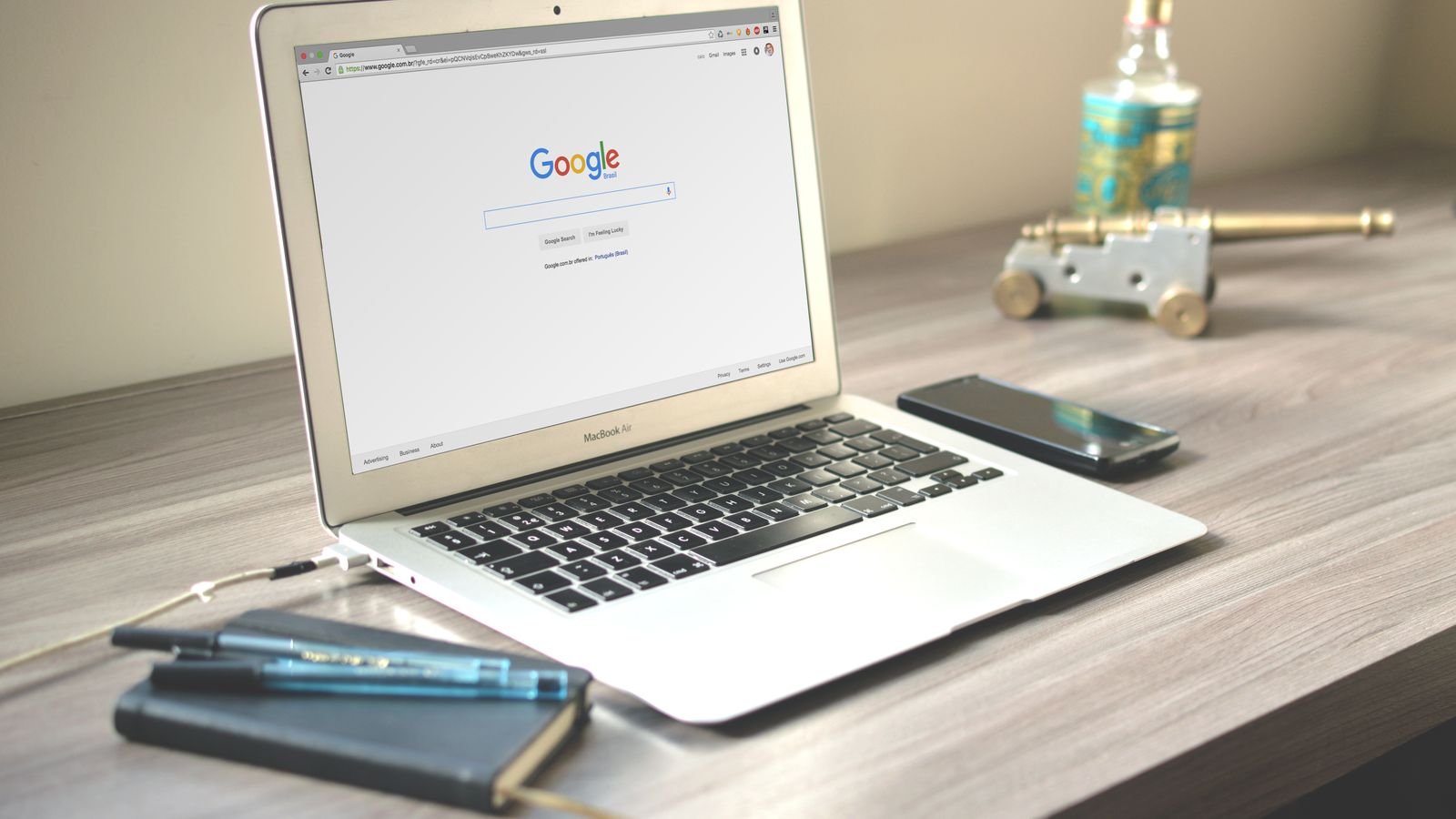
Google has released Chrome 156 with 353 security fixes, and six of them are rated Critical. If you use Chrome on a phone or laptop, update it today: it takes two minutes and one restart.
The catch is that updating isn’t always automatic in practice. Most of us never fully close Chrome, so the fix sits waiting. Section 4 shows how to check your version in 30 seconds.
⚡ Key takeaways
- Chrome 156 (156.0.8078.47/.48 on Windows and Mac) fixes 353 security bugs, including 6 Critical ones.
- On a laptop: Menu > Help > About Google Chrome > Relaunch.
- On Android: Play Store > profile icon > Manage apps and device > update Chrome.
- On iPhone: App Store > profile icon > update Chrome.
- Google hasn’t said any of these bugs are being exploited yet, but updating early is the whole point.
What Google Fixed in Chrome 156
On 20 October 2026, Google promoted Chrome 156 to the Stable channel for Windows, Mac and Linux. The official release note says the update “includes 353 security fixes”. That’s an unusually large batch for one release.
Six fixes are rated Critical, Google’s highest severity level. They cover memory bugs in these parts of the browser:
- Skia, the graphics engine that draws pages
- Accessibility (two separate bugs)
- CSS and Paint, which lay out and render web pages
- WebRTC, used for video calls in the browser
Google is keeping bug details private for now. Its note says access “may be kept restricted until a majority of users are updated with a fix”. That’s normal practice. It also means attackers will study the patches, so the window between a fix and a working exploit can be short.

Why This Update Matters More Than Usual
Chrome has had a busy October. Google’s release blog lists four stable desktop updates with security fixes in about two weeks:
| Date (2026) | Version | Security fixes | Critical |
|---|---|---|---|
| 6 Oct | Chrome 155 | 247 | 4 |
| 13 Oct | 155.0.8059.79/.80 | 37 | 7 |
| 15 Oct | 155.0.8059.84/.85 | 10 | 1 |
| 20 Oct | 156.0.8078.47/.48 | 353 | 6 |
The 6 October count comes from Malwarebytes’ write-up. The rest are from Google’s own posts.
So if your Chrome hasn’t restarted since early October, you could be missing more than 600 fixes. In India, CERT-In issued an advisory on 14 October about the 37-fix batch, as reported by The420.in. It warned that the flaws could let attackers run code or steal information.
Who found the bugs
The release note credits several researchers, and some of them used AI tools. One Critical Accessibility bug was reported by a researcher at Anthropic “assisted by Claude”. The WebRTC bug came from OpenAI’s Codex Security tool. AI is now finding browser bugs faster, which is one reason the fix counts are so high this month.
 Also readPhone Safety for Parents: 9 Settings to Fix on Your Diwali Visit
 How to Update Chrome on Android and iPhone
Google’s Chrome Help page gives these steps. The Android version is 156.0.8078.47, and Google says it “will become available on Google Play over the next few days”, so you may not see it on day one.
Android
- Open the Play Store.
- Tap your profile icon at the top right.
- Tap Manage apps and device.
- Under Updates available, find Chrome and tap Update.
Google notes that Android releases “contain the same security fixes as their corresponding Desktop releases”. So the phone update matters just as much.
iPhone and iPad
- Open the App Store.
- Tap your profile icon at the top right.
- Scroll to Available updates and tap Update next to Chrome.
Chrome 156 for iOS is version 156.0.8078.46.
💡 Pro tip
While you’re in the Play Store, turn on auto-update for apps over Wi-Fi. On a Jio or Airtel plan with a daily data cap, Wi-Fi-only updates won’t eat your mobile data.
How to Update Chrome on Windows and Mac (and Check Your Version)
This is the step most people skip. Chrome downloads updates in the background, but Google’s help page says they’re applied “when you close and reopen” the browser. If you keep 40 tabs open for weeks, the fix never actually installs.
- Open Chrome.
- Click the three-dot menu at the top right.
- Go to Help > About Google Chrome.
- Chrome checks for updates while that page is open. Click Relaunch when it appears.
Your tabs reopen after the restart, but Incognito windows don’t. Save anything you need from those first.
What version should you see?
On the About page, look for 156.0.8078.47 or higher (or .48 on Windows and Mac). If you see 155 or lower and no Relaunch button, wait a few minutes on that page and check again. Google says the rollout happens “over the coming days/weeks”.
⚠️ Watch out
Never download a “Chrome update” from a pop-up, ad or WhatsApp link. Real Chrome updates come only through the browser’s own About page, the Play Store or the App Store. Fake update pages are a common way to push malware onto PCs.
Chromebooks, Edge and Other Browsers
Chromebooks got their own update. Google’s ChromeOS note says ChromeOS 16836.19.0, with Chrome 156.0.8078.42, “has rolled out” on the Stable channel. Look for the update notification at the bottom right and restart the Chromebook.
Edge, Brave, Opera and Vivaldi are built on Chromium, the same open-source code as Chrome. Many of these bugs likely affect them too, but each company ships fixes on its own schedule. In Edge, go to Settings > About Microsoft Edge. In Brave, Opera or Vivaldi, use the About page in the main menu.
Office and college laptops
If your laptop is managed by your employer or college, IT may control Chrome updates. Check the About page anyway. If it’s stuck on an old version, tell your IT team; it’s a quick fix for them.
Do You Need to Panic?
No. Google’s release note doesn’t say any of these 353 bugs are being used in real attacks. When a Chrome bug is exploited in the wild, Google says so plainly in the note. This one has no such line.
But “not exploited yet” isn’t the same as safe. Once fixes are public, attackers compare the old and new code to work out what changed. People who delay updates for weeks are the easy targets.
The simple habit that fixes this
- Restart Chrome fully once a week. Close all windows, not just tabs.
- Keep app auto-updates on for your phone.
- Update your parents’ phones and laptops too. They rarely restart Chrome and are the most likely to click a fake “update” pop-up.
 Also readSBI Data Breach Claim: 8 Steps to Protect Your Account Now
 Our Verdict
✅ Our verdict
Update Chrome today on every device you use: phone, laptop and the family PC. On a computer, the key step is the Relaunch button on the About page; without it, the fix doesn’t install. It’s two minutes for 353 fixes, and there’s no good reason to wait.
Who should act first
- Anyone who banks or pays online in the browser. Net banking, card payments and UPI web flows all run inside Chrome.
- Work-from-home users. Your laptop holds office logins, email and shared drives.
- Families sharing one PC. Shared computers often run the same Chrome session for months without a restart.
If you only use Chrome on your phone, make sure Play Store auto-update is on and check once that Chrome shows version 156.
Frequently Asked Questions
How do I know if Chrome is up to date?
On a computer, open Menu > Help > About Google Chrome. If it shows 156.0.8078.47 or higher and no Relaunch button, you’re up to date. On a phone, check the Chrome listing in the Play Store or App Store for an Update button.
Does Chrome update automatically?
Mostly. Chrome downloads updates in the background, but on computers they apply only after you close and reopen the browser. On phones, updates depend on your Play Store or App Store auto-update settings.
Will updating Chrome delete my passwords or bookmarks?
No. A normal update keeps your bookmarks, saved passwords, history and open tabs. Only Incognito windows close without coming back.
Is it safe to use Chrome before updating?
Google hasn’t reported any of these bugs being exploited, so there’s no need to panic. Still, avoid unfamiliar sites and links until you’ve updated, and do it the same day.
Do I need to update Chrome on my Android phone separately?
Yes. Chrome on Android is a separate app, updated through the Play Store. Google says it carries the same security fixes as the desktop version.
The Bottom Line
Chrome 156 is one of the biggest security updates of the year, with 353 fixes. Open About Google Chrome on your laptop and hit Relaunch, then update the app on your phone. While you’re at it, go through our phone safety settings for parents on the family phones, and read our guide on what to do after a bank data breach.
Keep reading
Read nextPhone Safety for Parents: 9 Settings to Fix on Your Diwali Visit
 Read nextiPhone vs Android privacy: Which Is Better for Privacy in 2026?
Sources
- Chrome Releases: Stable Channel Update for Desktop, 20 Oct 2026 (353 fixes)
- Chrome Releases: Chrome for Android update, Chrome 156
- Chrome Releases: blog (13 and 15 Oct updates, ChromeOS and iOS 156)
- Google Chrome Help: Update Google Chrome
- Malwarebytes: Chrome 155 update with 247 fixes
- The420.in: CERT-In warns Chrome users (14 Oct advisory)