Your smartphone knows more about you than most people in your life. It tracks where you go, what you buy, who you talk to, and sometimes even what you say. That makes the iPhone vs Android privacy debate one of the most important tech decisions you can make today.
In this article, you’ll learn:
- How Apple and Google each approach your data — and why those approaches differ dramatically
- The key privacy features on both platforms in 2026
- Which phone wins for specific privacy concerns (app tracking, biometrics, messaging, and more)
- Practical tips to lock down whichever phone you already own
Both platforms have made real progress. However, the gap between them — and who benefits from closing it — is more nuanced than most headlines suggest.
Why iPhone vs Android Privacy Is More Complex Than Ever
To understand smartphone privacy, you first need to understand the business models behind each company.
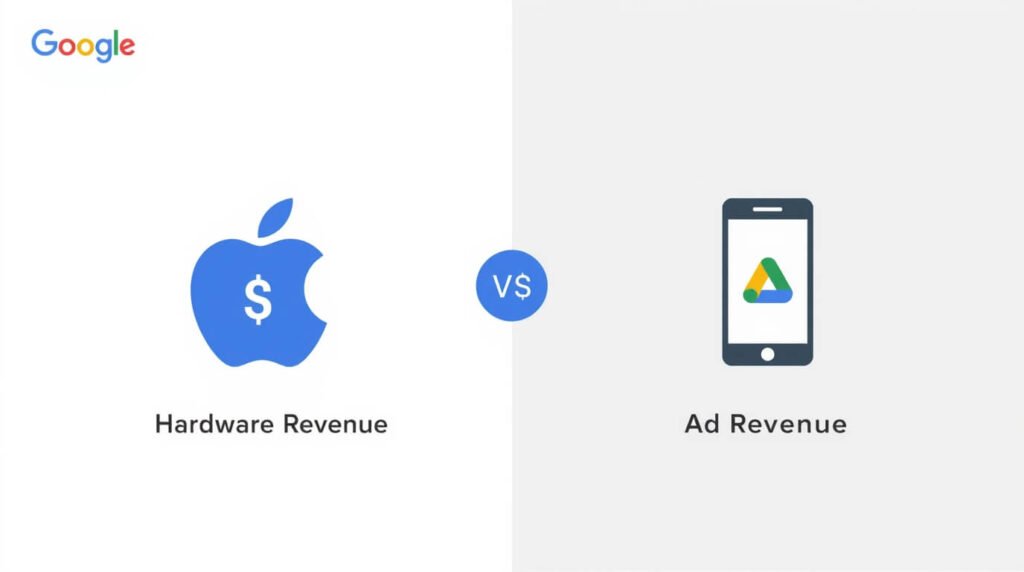
Apple makes money selling hardware. iPhones, MacBooks, AirPods — these are premium-priced products with high margins. Apple does not need to sell your data to survive. In fact, privacy has become a core part of Apple’s marketing identity. Their App Tracking Transparency (ATT) framework, launched in 2021 and significantly expanded since, fundamentally changed how advertisers can follow users across apps.
Google, on the other hand, generates the overwhelming majority of its revenue from advertising. According to Alphabet’s most recent annual report, advertising accounts for over 75% of total revenue. Google’s Android operating system is free for manufacturers to use — and that model depends, at least in part, on the data ecosystem Android enables.
This doesn’t mean Android is automatically unsafe. It does mean that Google’s financial incentives around data are structurally different from Apple’s. And that difference ripples through every privacy decision both companies make.
What “Privacy” Actually Means for Your Phone
Privacy on a smartphone has several distinct layers:
- Data collection — what your OS, apps, and services gather about you
- Data sharing — who that data is sent to (advertisers, governments, third parties)
- Security — how well the device protects against hackers and unauthorized access
- Transparency — whether you actually know what’s happening and can control it
A phone can be secure (hard to hack) but not private (quietly sending your location to ad networks). Both matter, but they are different problems. This guide addresses both.
Apple’s Privacy Approach in 2026: Strengths and Limits
Apple has built a strong reputation in mobile phone privacy, and for good reason. However, it is not a perfect shield.
App Tracking Transparency Still Leads the Industry
Introduced in iOS 14.5 and now deeply embedded in iOS 18, Apple’s App Tracking Transparency (ATT) requires every app to explicitly ask permission before tracking you across other apps and websites. Studies from researchers at the Oxford Internet Institute found that opt-in rates for tracking typically hover below 30%, which means the vast majority of iPhone users are not being tracked across apps by default.
This is a genuinely significant privacy win. Android has a similar framework called Privacy Sandbox, but implementation remains uneven and opt-in is not the default in the same way.
On-Device Processing: A Major Advantage
Apple increasingly processes sensitive data directly on your iPhone rather than sending it to the cloud. Face ID, Siri queries, photo analysis, and health data from Apple Watch are all processed locally through the Secure Enclave chip. This matters because data that never leaves your device cannot be intercepted, subpoenaed, or leaked from a server breach.
In 2026, Apple Intelligence — Apple’s suite of AI features — is designed around on-device processing first, with Private Cloud Compute as a fallback. Apple has published independent audits of this system, which is a meaningful transparency step.
Where Apple Falls Short
Apple is not without flaws. iCloud, while encrypted, uses a system where Apple holds encryption keys by default unless you enable Advanced Data Protection (a setting most users never enable). This means Apple — and therefore law enforcement with a valid warrant — can technically access your iCloud backups, messages backed up to iCloud, and more.
Additionally, Apple’s own apps collect substantial data. Siri interactions, App Store behavior, and Apple Maps all feed into Apple’s data systems, even if the company claims not to sell this data to advertisers.
The bottom line: Apple’s privacy protections are genuinely strong, but they are strongest when you actively configure them — not out of the box.
Android’s Privacy Features in 2026: Better Than You Think
Android has a reputation problem it doesn’t entirely deserve anymore. Google has invested heavily in privacy tooling over the past several years. The reality in 2026 is more nuanced than the “Android is a data vacuum” narrative that still circulates online.
Android’s Permission System Is Now Genuinely Granular
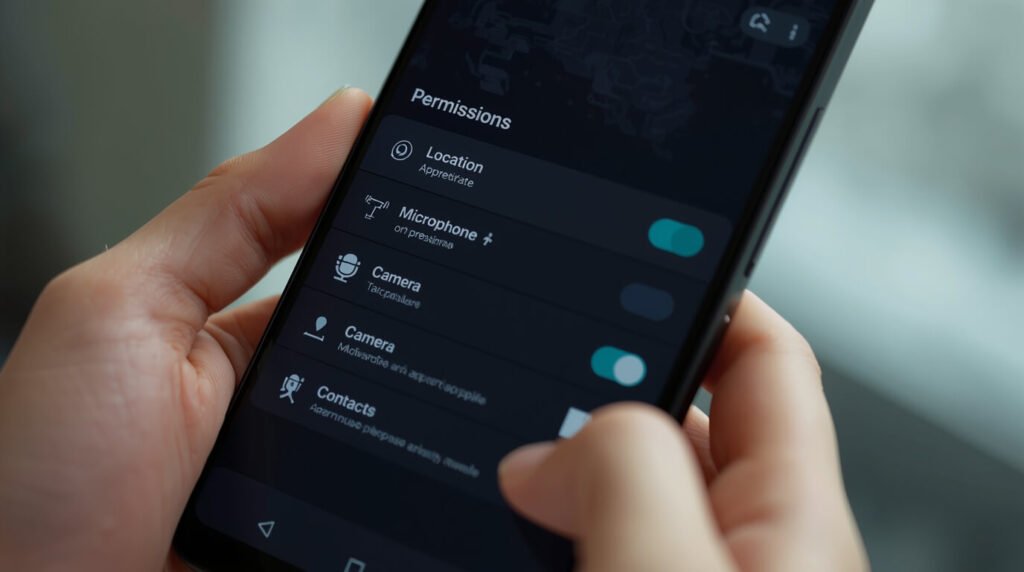
Modern Android — especially Android 15 and 16 — gives users fine-grained permission controls. You can grant an app access to your precise location or just your approximate location. You can give a photo app access to specific photos rather than your entire library. You can revoke permissions automatically for apps you haven’t used recently.
These controls match or rival what iOS offers. The problem has historically been that many Android users don’t know these settings exist, or default device configurations from manufacturers (Samsung, OnePlus, etc.) pre-install apps that use permissions aggressively.
Google Play Protect and Security Updates
Google Play Protect scans billions of apps daily and automatically removes malicious software. In 2026, it also includes real-time threat detection for device-level attacks, not just app-level threats.
However, Android’s fragmentation remains a genuine privacy concern. Google Pixel phones receive security updates promptly. Many other Android phones from smaller manufacturers receive updates slowly — or stop receiving them entirely after two to three years. If you’re using a budget Android phone that hasn’t received a security patch in six months, your privacy exposure is meaningfully higher than an iPhone user running the latest iOS.
The Google Data Collection Reality
Here is where the asymmetry is real. Google collects significant data through its services — Search, Maps, Chrome, Gmail, YouTube — and even when you use these on an iPhone, you’re feeding Google’s data systems. However, Google also offers a Google Account Privacy Dashboard that shows you exactly what data is stored and lets you delete it. Transparency here is actually quite strong.
The key distinction is this: Google collects data to improve its services and serve ads. Apple collects data primarily to improve its services. Both collect data. Google shares more of it with its advertising ecosystem.
iPhone vs Android Privacy: Head-to-Head Comparison
Use this comparison table to quickly see which platform leads in each category:
| Privacy Category | iPhone (iOS 18) | Android (Pixel / Android 16) | Winner |
| App Tracking Default | Opt-in required | Opt-out available | iPhone |
| Security Updates | Instant, 5+ years | Fast on Pixel; slow on others | iPhone (overall) |
| On-Device AI Processing | Strong (Apple Intelligence) | Improving (Gemini Nano) | Tie / iPhone edge |
| Biometric Data Storage | On-device Secure Enclave | On-device (Pixel Titan chip) | Tie |
| Encrypted Messaging | iMessage (partial), Signal support | Google Messages (RCS), Signal support | Tie |
| Cloud Backup Encryption | Optional end-to-end via ADP | Google One E2E optional | Tie |
| Ad Data Collection | Limited, on-device targeting | More extensive | iPhone |
| Open Source Transparency | Closed (audit-reliant) | Partially open (AOSP) | Android |
| Third-Party Browser Privacy | Limited (WebKit only) | Full engine choice | Android |
| Data Deletion Control | Limited | Google Dashboard, more control | Android |
Which Phone Is Better for Specific Privacy Needs?
For People Who Want the Simplest, Most Private Experience Out of the Box
iPhone wins. Apple’s defaults are more privacy-respecting than most Android manufacturers. App tracking requires explicit opt-in, iMessage encrypts messages between Apple users, and the ecosystem is more tightly controlled. You don’t have to configure much to get meaningful protection.
For Journalists, Activists, and High-Risk Users
Neither standard iPhone nor Android is the right answer. For the highest-risk users — activists in authoritarian countries, investigative journalists, whistleblowers — specialized tools like GrapheneOS (a privacy-hardened Android fork that runs on Pixel hardware) offer significantly stronger protections than either stock iOS or Android. GrapheneOS removes all Google services by default and gives users granular control that neither platform provides natively.
For People Already Embedded in the Google Ecosystem
Android with privacy settings configured. If you use Gmail, Google Drive, Google Docs, and Google Maps daily, using an iPhone doesn’t make you more private — you’re still feeding Google data through apps. In that case, a Pixel phone with Android’s privacy controls optimized may give you better visibility and control over the data you’re already sharing.
For Families and Parents
iPhone typically offers better parental privacy controls through Screen Time and Family Sharing, with clearer consent mechanisms when children use apps. However, Android’s Family Link has significantly improved and is a strong alternative, particularly for families already using Android devices.
The Biggest Privacy Mistakes Smartphone Users Make
No matter which platform you choose, these common mistakes undermine your smartphone privacy:
Using Google Chrome on iPhone. Chrome sends more browsing data to Google than Safari does. If you use an iPhone for privacy but browse in Chrome, you’re voluntarily undoing some of Apple’s protections.
Skipping software updates. The single most impactful privacy and security action you can take is keeping your operating system updated. Most major exploits target devices running outdated software.
Not enabling full-disk encryption. iPhones encrypt storage by default when you set a passcode. Android Pixel phones do too. However, older Android devices from other manufacturers may not. Check your settings.
Granting apps unnecessary permissions. Review your app permissions at least twice a year. An app you downloaded in 2023 to scan QR codes should not still have access to your microphone and contacts.
Backing up everything to unencrypted cloud storage. On iPhone, enable Advanced Data Protection under Settings → [Your Name] → iCloud → Advanced Data Protection. On Android, check whether your Google One backup uses end-to-end encryption.
Frequently Asked Questions About iPhone vs Android Privacy
Q: Is iPhone really more private than Android in 2026? For most everyday users, yes — iPhone offers stronger privacy defaults, stricter app tracking controls, and a less fragmented update ecosystem. However, the gap has narrowed, and a well-configured Android Pixel running the latest software is genuinely private. The platform matters less than how you configure and use it.
Q: Does Google spy on Android users? “Spy” is a strong word. Google collects significant data through its apps and services, and some of this data informs ad targeting. However, Google also provides clear dashboards where you can see and delete this data. It is more accurate to say Google is highly data-hungry than to say it secretly spies — the data collection is disclosed in the terms of service, even if few people read them.
Q: Which is more secure against hackers — iPhone or Android? iPhones tend to be more uniformly secure because Apple controls hardware and software together and delivers updates instantly to all users. However, Android Pixel phones are also extremely secure. The security risk on Android is highest on older, unsupported devices from manufacturers who’ve abandoned software updates.
Q: Can the government access my iPhone or Android phone? Governments can compel Apple and Google to hand over account data (iCloud, Google Account) with a valid legal order. Device data is harder to access if you use a strong passcode and full encryption. Apple has fought some government data requests, but it does comply with lawful orders. If this is a primary concern, look into GrapheneOS or other hardened alternatives.
Q: Is WhatsApp private enough for sensitive conversations? WhatsApp uses end-to-end encryption for messages, but Meta (which owns WhatsApp) collects significant metadata — who you talk to, when, and how often. For genuinely sensitive conversations, security researchers at organizations like the Electronic Frontier Foundation consistently recommend Signal as the most private mainstream messaging app, available on both iPhone and Android.
Conclusion: Choose the Phone That Matches Your Privacy Goals
The iPhone vs Android privacy debate doesn’t have a single correct answer. What it has is a clearer answer depending on your situation.
For the average person who wants solid, low-effort privacy protection, iPhone is the stronger default choice. Apple’s business model aligns with keeping your data private, and iOS 18’s defaults are genuinely consumer-friendly.
For technically savvy users who want maximum control and transparency, a Pixel phone running the latest Android — or better yet, GrapheneOS — gives you more levers to pull. Open-source components, granular permissions, and the Google Account dashboard offer visibility that Apple’s closed ecosystem doesn’t.
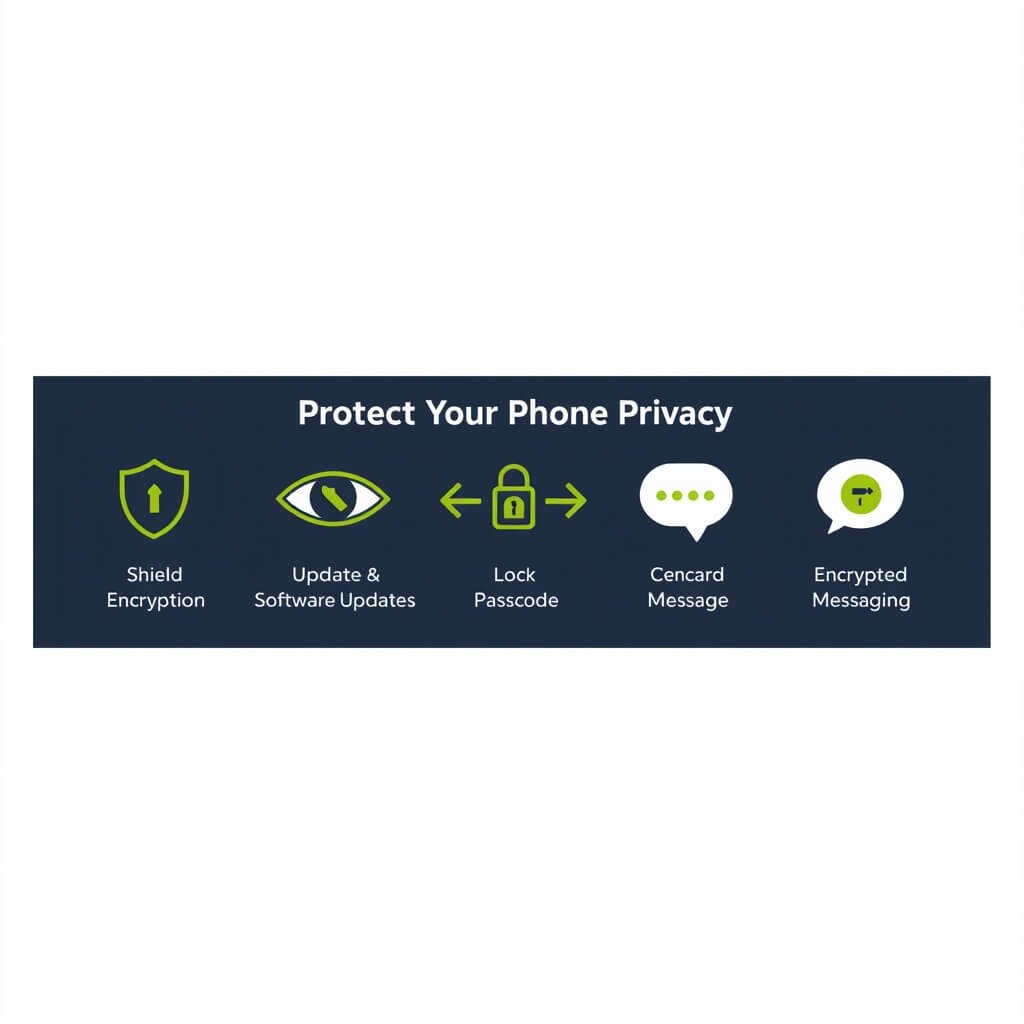
For everyone, regardless of platform: update your software, review your app permissions, use Signal for sensitive conversations, and enable the strongest encryption options available on your device. Privacy is not just about which phone you pick — it’s about what you do with it.
Want to go deeper? The Electronic Frontier Foundation’s Surveillance Self-Defense guide (ssd.eff.org) is an excellent free resource for both iPhone and Android users. The International Association of Privacy Professionals (iapp.org) also publishes accessible guides on mobile privacy rights by country.