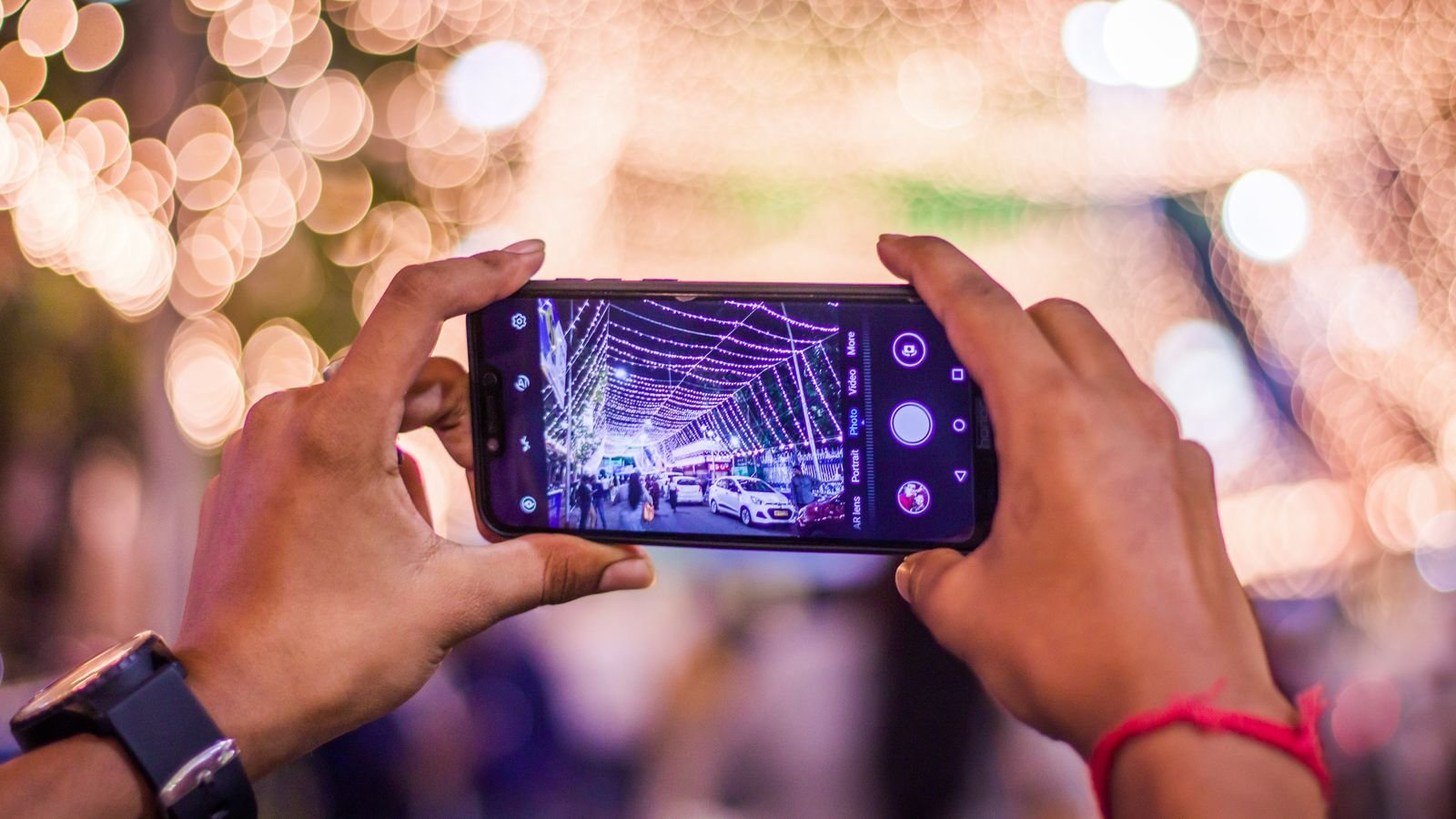
Most Diwali photos on phone cameras come out blurry, grainy or flat orange for one reason: the phone wasn’t still long enough. Night mode on iPhone, Pixel and Galaxy already handles the hard part, if you let it.
Below are nine tips that work on almost any recent phone, with exact settings for the big three brands. The one most people get wrong is tip 3, and it’s the first thing you probably reach for.
⚡ Key takeaways
- Night mode turns on by itself in low light on iPhone, Pixel and most new Galaxy phones. Hold still until it finishes.
- Turn the flash off. On Pixel, flash even stops automatic Night Sight from working.
- Rest the phone on a wall, railing or table for sharper diya shots.
- Tap on the brightest flame, then slide exposure down so diyas don’t blow out.
- Use Pro or manual mode for sparkler trails; use video or Live Photos for the moving fun.
Why Diwali Photos on Phone Cameras Look Bad
Diwali is hard for a phone camera. You have tiny bright flames, dark corners, fast-moving kids and lots of warm yellow light, all in one frame. The camera has to choose, and it often chooses wrong.
Modern phones fix this with night modes that take several frames and merge them. Samsung says its Night mode uses multi-frame processing that “combines 30 images into one shot”. Apple and Google work in a similar way.
That’s why the most common mistake is moving. If the phone shifts while those frames are captured, you get blur, smeared flames or ghost faces. Almost every tip below comes back to giving the phone a steady second or two.
What you need
- A phone from the last 4 to 5 years with a night mode
- A clean lens (wipe it with your kurta, seriously; festive snacks leave fingerprints)
- Something to rest the phone on, or a cheap tripod
Tip 1 and 2: Let Night Mode Work, and Hold Still
Tip 1: Find your night mode
| Phone | Where night mode is | What to know |
|---|---|---|
| iPhone (supported models) | Turns on automatically in low light; tap the Night mode icon to change it | Choose exposure options from the camera controls |
| Google Pixel | Night Sight in the Photo mode carousel; also turns on automatically | Doesn’t work with flash on |
| Samsung Galaxy (One UI 8.5 and later) | Moon icon at the bottom of Photo mode: Off, Auto or Max | Add a separate Night mode via Camera Assistant |
| Samsung Galaxy (older One UI) | Camera > More > Night | Merges up to 30 frames |
Sources: Apple’s iPhone guide, Google’s Pixel Camera help and Samsung support.
Tip 2: Hold still until it finishes
Apple says to “hold your iPhone still” after you tap the shutter. If crosshairs appear, line them up to reduce motion. Google’s Pixel help says the same: hold still for a few seconds while the photo is captured.
Breathe out, tuck your elbows into your body and don’t lower the phone the moment you tap. Wait for the capture to end.
💡 Pro tip
Use the 3-second timer. Your finger tapping the shutter is often what shakes the phone. With a timer, the phone settles before the shot starts.
 Also readOrionid Meteor Shower Peaks This Week: Shoot It on Your Phone
Tip 3: Turn Off the Flash
This is the mistake from the top. Flash feels like the obvious fix for a dark room, but it kills Diwali’s mood. It flattens faces, washes out the diya glow and turns the background black.
On Pixel phones it’s worse. Google’s help page says that when the flash is on, automatic Night Sight doesn’t work. So flash actually switches off the feature built for this exact moment.
When flash is OK
- Close-ups of food or gift hampers where you only care about detail
- Group photos in a very dark room with no lamps or diyas at all
For everything else, turn on a few room lights or bring people closer to the diyas. Warm light from a nearby lamp on faces looks far better than flash.
Tip 4 and 5: Fix Exposure and Steady the Phone
Tip 4: Tap the flame, then slide down
Phones often brighten the whole scene to see the dark corners. The diya flames then become white blobs. Tap on the brightest flame to focus, then drag the exposure slider (the sun icon on most phones) down a little until the flame has a shape again.
Your photo will look darker on screen. That’s fine; it often looks richer, and you can lift the shadows later in the gallery editor.
Tip 5: Rest the phone on something
Apple suggests a tripod for more detailed Night mode photos, and Google suggests propping the phone against a steady surface. At home that means:
- The edge of a wall or balcony railing
- A table, a stool or a stack of books
- Your knee, if you’re crouched down for rangoli shots
Some iPhones offer longer exposure options when they’re held very still on a tripod. A basic phone tripod costs a few hundred rupees online, and it’s handy for video calls the rest of the year too.
Tip 6 and 7: Rangoli, Diyas and People in Diwali Photos on Phone
Tip 6: Shoot rangoli from above, in good light
Rangoli looks best from directly above, phone held flat. Do it in the evening while there’s still some daylight, or under a bright lamp. Wait for dark and you’ll fight noise and shadows from your own body.
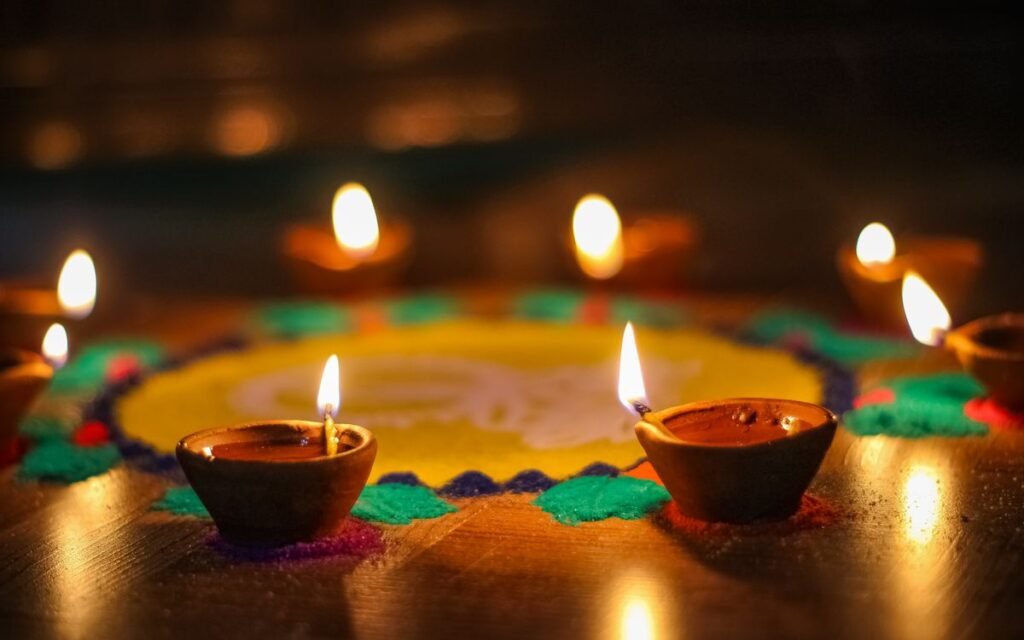
If diyas are placed around the rangoli, shoot a second photo after dark from a low angle, with the flames in the foreground and the pattern behind.
Tip 7: Light faces with diyas, not flash
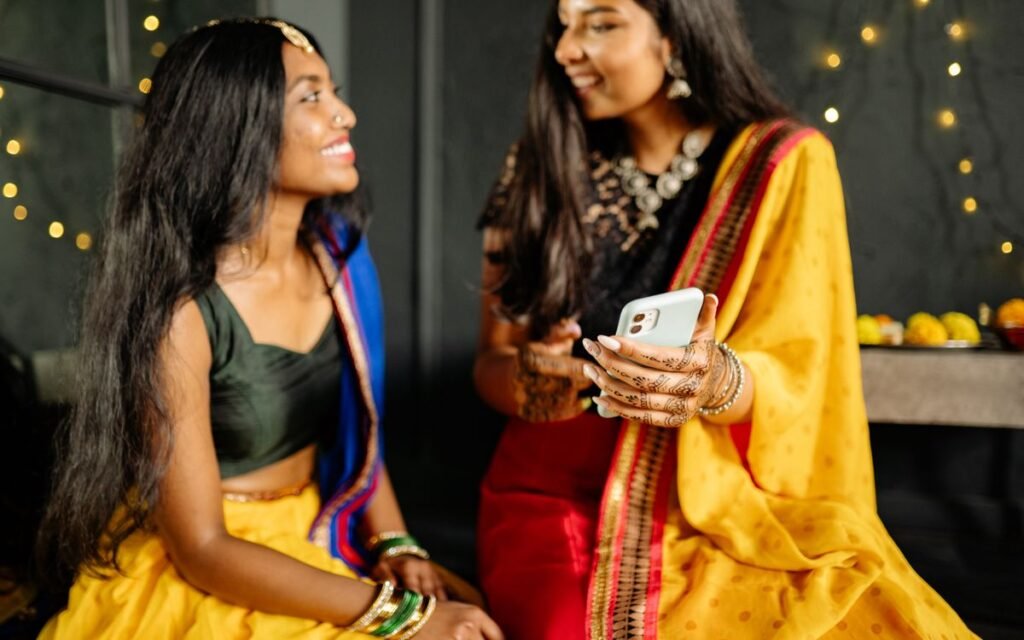
For portraits, have the person hold a diya at chest height or sit near a row of diyas. The warm light from below and the side looks lovely, and night mode can handle it.
Ask them to stay still for a second. Kids won’t, so take a burst or switch to video. Portrait mode works in night mode on supported iPhones, and Pixel’s Night Sight can kick in automatically in Portrait mode too.
⚠️ Watch out
Don’t hold your phone close to firecrackers or let kids film with the phone at arm’s length from a lit cracker. Sparks, heat and sudden blasts can injure hands and eyes. A ruined phone is the least of the risks.
 Also readCheck Your Phone’s Battery Health in 2 Minutes (Android, iPhone)
Tip 8 and 9: Sparklers, Lights and Video
Tip 8: Sparkler trails need a slow shutter
To draw shapes with a phuljhadi, the camera has to keep the shutter open for a second or more. Night mode sometimes does this, but results vary.
On Samsung phones, Pro mode lets you set shutter speed manually. Samsung’s own guide notes that a slower shutter lets in more light. Put the phone on something steady, set a shutter of around 1 to 2 seconds and keep ISO low. Then ask someone to move the sparkler slowly through the frame.
Tip 9: For movement, record video
Lights twinkling, kids running with phuljhadi, the whole family around the puja: these look better as short videos than blurry stills. Hold the phone with both hands and move slowly. On iPhone, Live Photos give you a few seconds of movement with each shot.
Edit lightly afterwards
Use your phone’s gallery editor. A small drop in highlights and a touch of warmth usually fixes the orange cast. Samsung’s guide mentions adjusting saturation, exposure and contrast in Gallery. Don’t overdo filters; the real glow is the point.
Our Verdict
✅ Our verdict
You don’t need a new phone for better Diwali photos on phone cameras. Turn the flash off, let night mode run, hold still or rest the phone, and tap the flame to stop it blowing out. Those four habits fix most bad festival photos.
Before you start clicking
Diwali night fills phones fast: hundreds of photos and videos in a few hours. Clear some space a day before, and make sure your battery is healthy enough to last the evening. A phone that dies at 9 pm takes no photos. Back up your best shots the next morning so a lost or broken phone doesn’t take them with it.
Frequently Asked Questions
How do I take good Diwali photos on my phone at night?
For good Diwali photos on phone, turn off flash, let night mode turn on, and hold the phone still until it finishes capturing. Tap on a diya flame and lower exposure slightly so the flames keep their shape.
Why are my Diwali photos blurry?
Usually because the phone or the subject moved while night mode was capturing several frames. Rest the phone on a surface, use a 3-second timer and ask people to stay still for a moment.
Should I use flash for Diwali photos?
Mostly no. Flash flattens faces and washes out the diya glow. On Pixel phones, Google says automatic Night Sight doesn’t work while flash is on.
Where is Night mode on Samsung phones?
On One UI 8.5 and later, tap the moon icon at the bottom of Photo mode and pick Off, Auto or Max. On older versions, go to Camera > More > Night.
How do I click sparkler photos on my phone?
Use Pro or manual mode if your phone has it, set a slow shutter of 1 to 2 seconds, keep the phone on a steady surface and move the sparkler slowly. Night mode or video are easier options if you don’t have manual controls.
The Bottom Line
Better Diwali photos on phone come from stillness, not from flash or a new phone. Practise with a few diyas this weekend so you’re ready on the big night. If your phone barely lasts an evening, run our battery health check first, and if you’re also thinking of the sky, our meteor shower phone guide covers night shots in more detail.
Keep reading
Read nextOrionid Meteor Shower Peaks This Week: Shoot It on Your PhoneRead nextCheck Your Phone’s Battery Health in 2 Minutes (Android, iPhone) Read nextOne UI 9 in India: Which Galaxy Phones Have It and What to Set Up
Sources
- Apple Support: Take Night mode photos with your iPhone camera
- Google Pixel Camera Help: Night Sight
- Samsung US Support: Night mode in One UI 8.5 and Camera Assistant
- Samsung UK Support: How to use Night mode (30-frame processing, Pro mode)