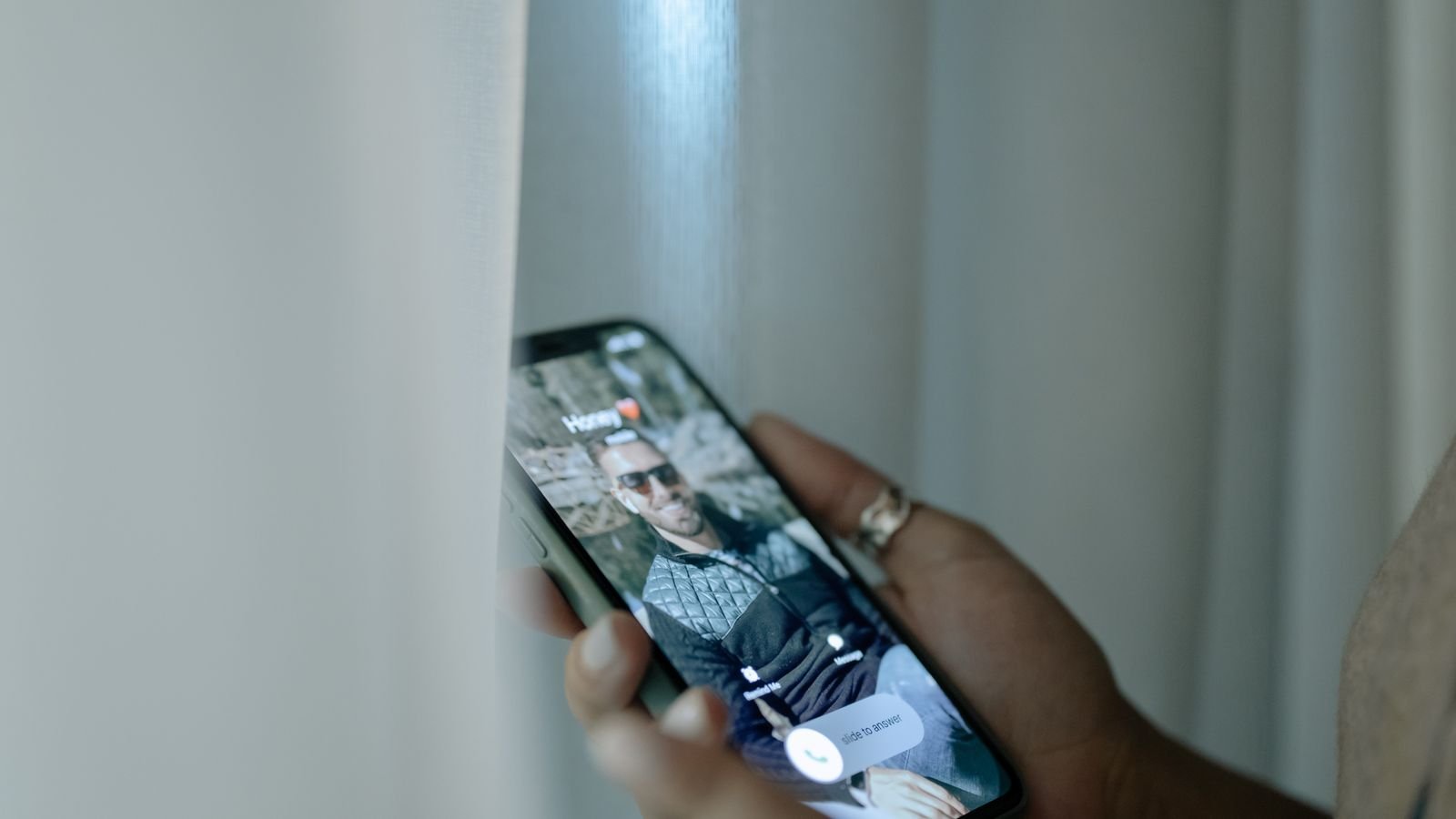
From 1 November 2026, the Department of Telecommunications (DoT) wants a name, not just a number, on your incoming call screen. Caller name display, officially called CNAP (Calling Name Presentation), shows the name the caller’s SIM is registered in, on 4G and 5G networks, and you don’t have to switch anything on.
That sounds like the end of “Unknown number” calls. It isn’t quite, and the reason matters most for scam calls. We get to that in section 4.
⚡ Key takeaways
- CNAP is caller name display run by your telecom operator, not an app. DoT’s circular of 13 October 2026 told operators to start from 1 November 2026.
- It covers 4G and newer networks first. 2G, 3G and landlines will be looked at separately.
- The name comes from the caller’s operator records (the KYC name used when the SIM was issued).
- Saved contacts still show your saved name. Unsaved international calls show “International Call”.
- A name on screen does not prove the call is genuine. Scammers often use SIMs registered in someone else’s name.
What Is CNAP Caller Name Display?
CNAP stands for Calling Name Presentation. When someone calls you, their operator looks up the name linked to their number in its subscriber database. Your operator then shows that name on your screen along with the number.
According to Outlook Money’s report on the DoT circular, the order is dated 13 October 2026. It asks operators to provide the service “without the requirement of any separate request” from users. So there’s no form, no app and no SMS to send.
The IANS report carried by The Sentinel says operators had already run trials on 4G and higher networks before the 1 November date. Jio, Airtel, Vi and BSNL are all covered by the order.

What Name Will You See on an Incoming Call?
This is where most of the confusion is. The caller name display follows a simple order, based on the DoT rules as reported.
If the number is saved in your phone
You see your saved contact name, exactly as today. CNAP doesn’t override “Mummy” or “Ramesh Plumber”.
If the number is not saved
You see the name from the caller’s operator records. Dainik Jagran’s explainer says this is the name registered when the SIM was issued, using Aadhaar or another approved KYC document.
That means you’ll see “Sunita Devi” even if her son actually uses the phone. Family SIMs are common in India, so expect a few surprising names.
If it’s an international call
Unsaved international numbers show “International Call” instead of a name. That’s a useful flag on its own, since many job and investment scams start from foreign numbers.
If it’s a business
According to Analytics Insight, businesses and bulk connections can show a preferred name. They need documents backing it, such as a registered trademark or GST trade name.
💡 Pro tip
Want to see what name others see when you call? Call a friend on another network who hasn’t saved your number and ask. If your own KYC name is wrong, contact your operator; reports say a KYC correction at a store with ID proof fixes it.
 Also readStop Spam Calls in India: DND, 1909 and the Settings That Work
CNAP vs Truecaller: What’s the Difference?
People will ask whether they can delete Truecaller now. Honestly, it depends on what you used it for.
| CNAP (operator) | Truecaller-style apps | |
|---|---|---|
| Where the name comes from | Operator’s KYC subscriber records | Crowdsourced: names other users saved, plus tags |
| Needs an app? | No, built into the network | Yes |
| Spam labels | No spam tags | Yes, from user reports |
| Works on 2G/3G and landlines | Not yet | Depends on internet |
| Stores your call data | Operators must not keep the name info after the call ends | Per the app’s privacy policy |
| Cost | Free | Free with ads, or paid |
Dainik Jagran points out that crowdsourced apps can show wrong names or unfair spam tags, while CNAP pulls from verified records. On the other hand, CNAP gives you no “spam” warning at all. If spam labels are why you keep Truecaller, CNAP doesn’t replace that yet.
One more thing: a reported quirk is that third-party caller ID overlays can hide the CNAP name. If you’re testing the feature, check your phone’s own dialer first.

The Catch: A Real Name Doesn’t Mean a Real Caller
Here’s the part to share with your parents.
⚠️ Watch out
CNAP shows whose name the SIM is registered in. It doesn’t show who is speaking. Fraudsters often use SIMs bought on someone else’s papers, so a “proper” Indian name on screen is not proof that the call is safe.
Think about the “digital arrest” and “your parcel is held by customs” calls. A scammer with a SIM registered as “Rajesh Kumar” will now look more trustworthy than an unknown number did last month. I find that part a little worrying.
So keep the old rules. Your bank, the police, CBI or customs will never ask for an OTP, a screen share or a “safe account” transfer on a call. Read our guide on how the digital arrest scam works if anyone in your family gets one of these calls.
There’s also a privacy angle. If you have Calling Line Identification Restriction (CLIR) active, the Outlook Money report says your name won’t be shown at all. Most people don’t have CLIR, so for them, CNAP means strangers they call will see their KYC name.
Why Is Caller Name Display Not Showing on My Phone?
The rollout is fresh, so expect gaps for a while. Common reasons a caller name display might not appear:
- The caller is on 2G or 3G, or calling from a landline. These are outside the 1 November rollout.
- You’ve saved the number. Your saved name always wins.
- The caller has CLIR on. Their name is deliberately hidden.
- It’s an international call. You’ll see “International Call” instead.
- A caller ID app is drawing over the screen. Try a test call with that app’s overlay turned off.
- The operator hasn’t finished rolling it out in your circle. Earlier pilots ran circle by circle; Dainik Jagran reported in December 2025 that Jio had it live in circles like Bihar, UP East, West Bengal, Kerala and Punjab.
If a name still never shows after a few weeks, raise it with your operator. The DoT circular, per Outlook Money, asks operators to run a time-bound complaint system for CNAP problems.
 Also readDigital Arrest Scam: How It Works and the 3 Steps That Stop It
What to Do About Spam Calls Now
CNAP helps you decide whether to pick up. It doesn’t stop the calls. For that, use the tools that already exist.
- Block commercial calls with DND through your operator app or the TRAI DND app. Our guide to stopping spam calls with DND and 1909 has the steps.
- Report fraud attempts (fake KYC, fake police, fake customs) on Sanchar Saathi’s Chakshu section.
- Money already gone? Call 1930 straight away and see our guide on what to do when money goes missing from your bank account.
- Silent calls where nobody speaks are often scammers testing whether your number is active. Dainik Jagran notes DoT’s advice: block them and report the number.
💡 Pro tip
Teach elders one sentence: “If they ask for an OTP, a screen share or money, it’s a scam, whatever name shows on the phone.”
Our Verdict
✅ Our verdict
Caller name display is a real improvement. It cuts down “who is this?” calls, and the name comes from verified KYC records instead of random users. But treat it as a hint, not a guarantee. Keep DND on, keep your caller ID app if you rely on spam tags, and never let a familiar-looking name rush you into sharing an OTP.
Frequently Asked Questions
Do I need to activate CNAP?
No. The DoT circular says operators must provide it without any separate request from the user. It works on 4G and 5G networks first.
Which name does CNAP show?
For unsaved numbers, it shows the name in the caller’s operator records, which is the KYC name used when the SIM was issued. Saved contacts still show the name you saved.
Can I stop my name from showing to others?
Callers with Calling Line Identification Restriction (CLIR) active won’t have their name displayed, according to the DoT rules as reported. Ask your operator about CLIR; it also hides your number.
Will CNAP work on 2G phones and landlines?
Not yet. The 1 November rollout covers 4G and higher networks. DoT says 2G, 3G and landline networks will be taken up separately.
Is a call safe if CNAP shows a name?
Not necessarily. The name belongs to whoever the SIM is registered to, and scammers often use SIMs issued on other people’s documents. Never share an OTP or move money because of a name on screen.
The Bottom Line
Caller name display through CNAP shows the caller’s KYC name on 4G and 5G calls from 1 November, with no setup needed. It’s a helpful first filter, but it’s not a scam detector. Pair it with DND, and share the “OTP, screen share, money = scam” rule with your family today.
Keep reading
Read nextStop Spam Calls in India: DND, 1909 and the Settings That Work Read nextBlock a Lost Phone on Sanchar Saathi: The First-Hour Checklist
 Read nextFake Delivery SMS: 5 Signs Your “Parcel” Text Is a Scam
Sources
- Outlook Money: caller name display from 1 November, DoT circular of 13 October 2026
- The Sentinel (IANS): DoT tells operators to roll out CNAP from 1 November 2026
- Analytics Insight: what India’s caller name rules mean, business names and international calls
- Dainik Jagran: Jio, Airtel and Vi CNAP pilots, KYC name source, CNAP vs crowdsourced apps (Dec 2025)