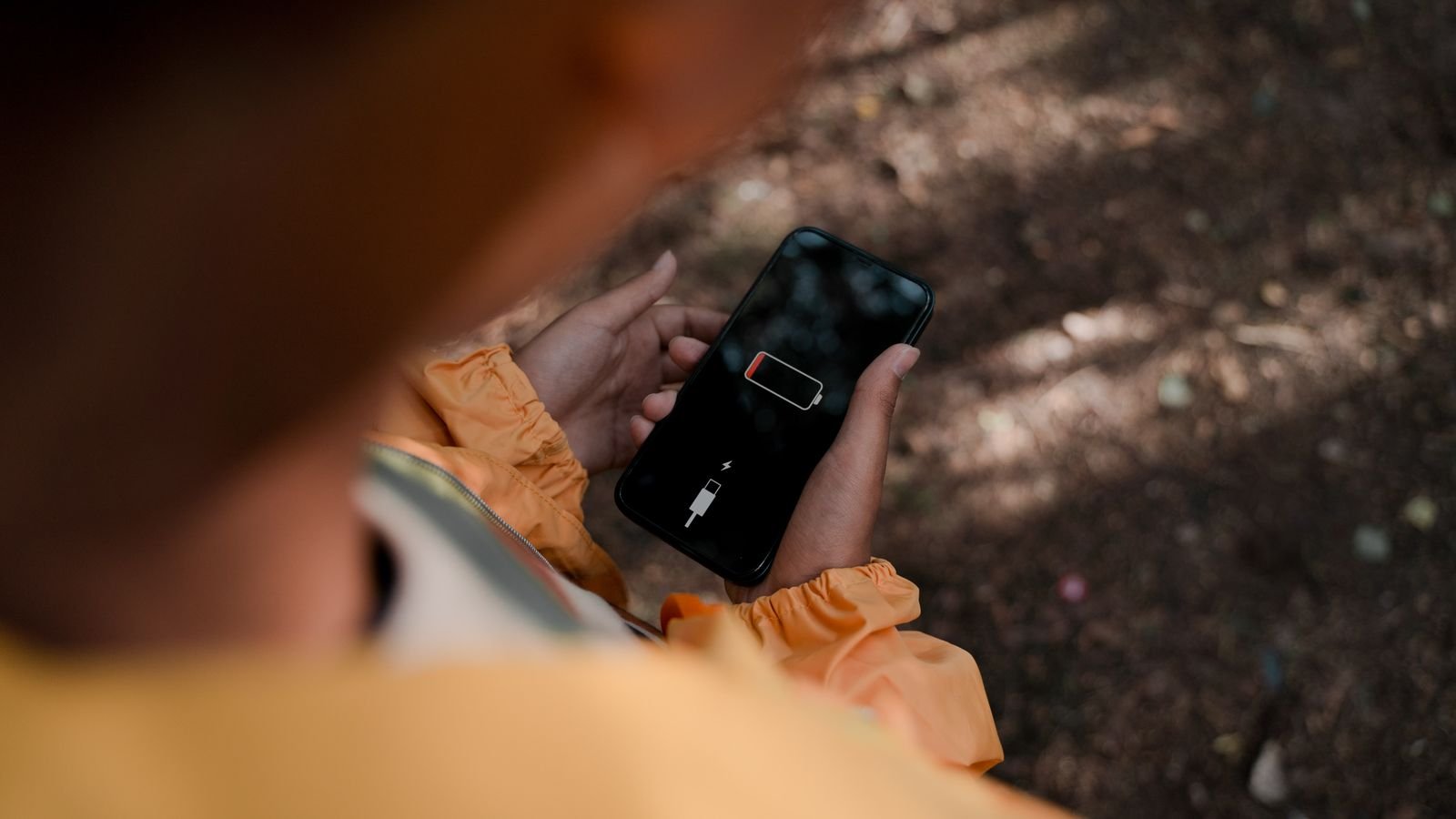
If your phone is dying by 4 PM when it used to last all day, the battery is probably worn, not broken. You can check its battery health in about two minutes on an iPhone, a Pixel and many Samsung phones, right from Settings.
The number you see tells you whether a battery swap fixes the problem or whether it’s really time for a new phone. The one number that decides it is in section 4.
⚡ Key takeaways
- iPhone: Settings > Battery > Battery Health shows maximum capacity.
- Pixel 8a and later: Settings > Battery > Battery health. Samsung: Settings > Battery > Battery information on supported models, or the Samsung Members diagnostic.
- 80% is the line most brands use. Below it, Apple and Google recommend a replacement.
- Recent phones are designed to keep 80% for about 1,000 charge cycles.
- Check battery health before buying any used phone this festive season.
Why Battery Health Matters More Than Charge Percentage
Your charge percentage tells you how full the battery is today. Battery health tells you how big the “tank” is compared with when the phone was new. A phone at 100% charge with 78% health holds less than a new phone at 80% charge.
All lithium-ion batteries wear with use. Apple says iPhone 14 models and earlier are designed to keep 80% of their original capacity at 500 complete charge cycles under ideal conditions, and iPhone 15 models at 1,000 cycles (Apple). Google rates Pixel 3 through Pixel 8 Pro at about 800 cycles and Pixel 8a and later at about 1,000 (Google).
What counts as one cycle
A cycle is a full 100% of discharge, but it doesn’t have to happen in one go. Google’s example: using 50% and charging back to full counts as half a cycle. So if you top up twice a day, you aren’t burning two cycles a day.
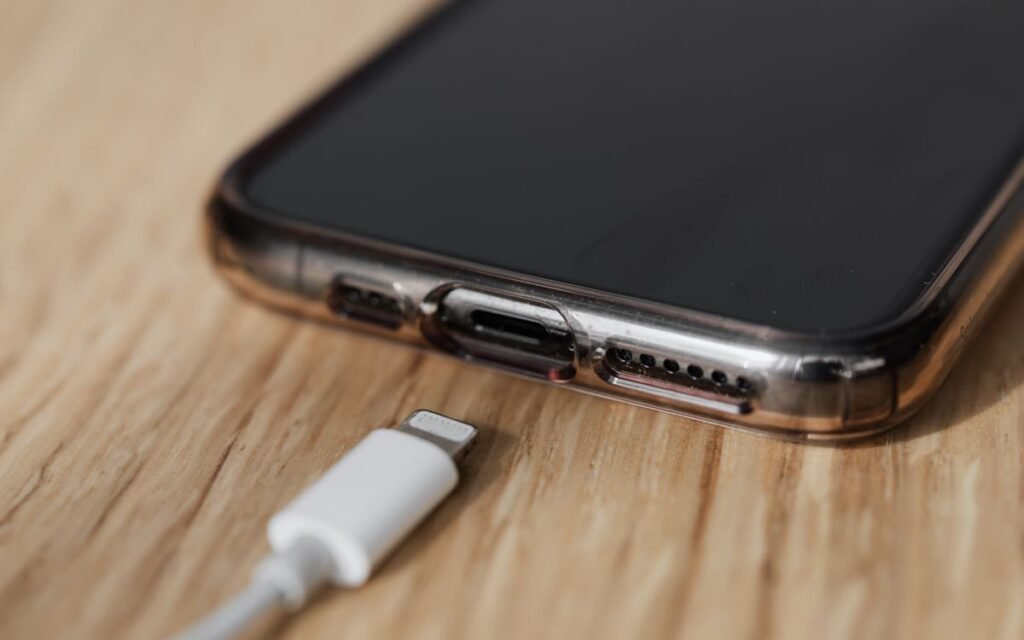
How to Check Battery Health on iPhone
This is the simplest of the lot.
- Open Settings.
- Tap Battery.
- Tap Battery Health (on some iOS versions, Battery Health & Charging).
You’ll see Maximum Capacity, a percentage compared with when the battery was new. Apple notes a new iPhone can show slightly under 100% if it sat for a while between manufacture and activation.
What the messages mean
- “Normal peak performance”: all good.
- “Performance management applied”: the phone shut down unexpectedly once, so iOS is limiting peaks to prevent repeats.
- “Battery health significantly degraded”: Apple recommends a replacement at an authorised service provider.
- “Unable to verify”: the battery may not be a genuine Apple part, so the number may be wrong.
Cycle count on iPhone 15 and newer
Go to Settings > General > About and scroll down to the battery section, Guiding Tech explains. Older iPhones don’t show the cycle count in Settings.
 Also readStop Wasting Battery Life! Do These 3 Things to Make Your Phone Last Longer
 How to Check Battery Health on Android
Android brands do this differently, and some still hide it. Here’s where to look on the most common phones in India.
| Phone | Where to look | What you’ll see |
|---|---|---|
| Google Pixel 8a and later | Settings > Battery > Battery health | “Normal” or “Reduced”, plus estimated capacity |
| Pixel cycle count (8a and later) | Settings > About phone > Battery information | Number of charge cycles |
| Samsung Galaxy (supported models) | Settings > Battery > Battery information | Health %, cycle count, manufacture date |
| Samsung Galaxy (any model) | Samsung Members app > Support > Phone diagnostics > Battery status | “Normal”, “Weak” or “Bad” |
| Other brands | Settings > Battery, or ask the service centre | Varies by brand and software |
The Samsung paths come from this Brick guide, which notes that the Battery information page shows up on One UI 6.1.1 and later, but only on some models and regions.
A catch with Samsung’s “Normal”
The Samsung Members test gives a verdict, not a number. Brick says “Normal” roughly means 80% capacity or more, so a battery at 81% and one at 99% both read “Normal”. If the phone feels weak but says Normal, look for the Battery information page or ask a Samsung service centre to run a full check.
Pixel’s battery health assistance
Google says Pixel 6a and later can gradually lower the battery’s maximum voltage from 200 cycles onwards to keep it stable as it ages. On Pixel 9a and later it’s always on. Expect slightly shorter runtimes over time; that’s by design, not a fault.
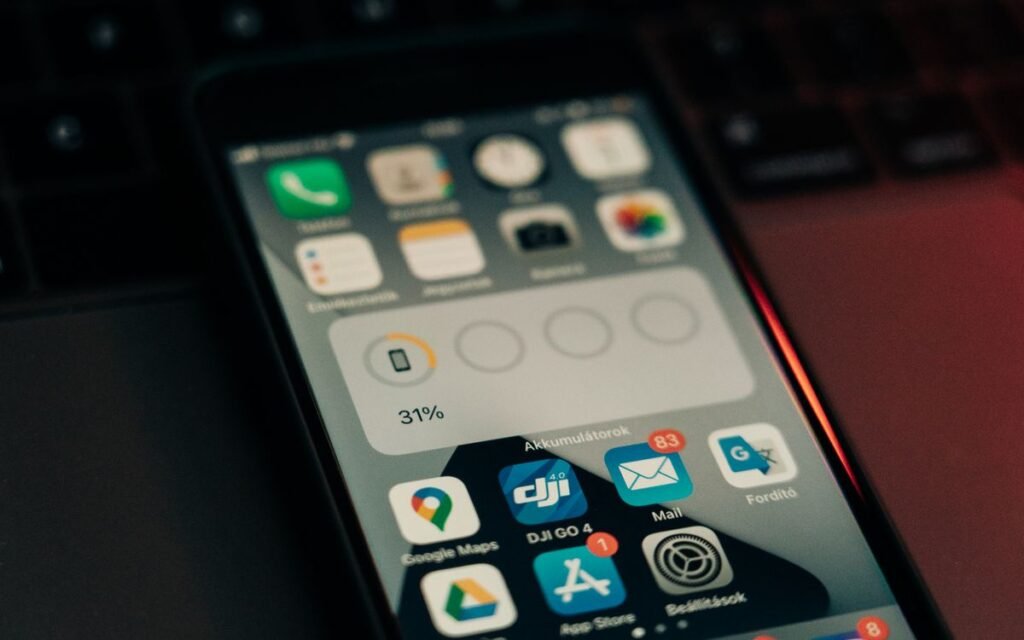
The 80% Rule: Repair or Replace?
Here’s the number we promised. Both Apple and Google use about 80% as the line. Google says to replace the battery when Pixel shows “Reduced” (below 80%). Apple’s AppleCare page says AppleCare plans replace the battery at no extra charge if capacity drops below 80%.
What a new battery costs
Out of warranty, Apple’s battery service is ₹12,900 for iPhone 16 Pro and 17 Pro models and ₹13,900 for the iPhone 18 Pro series, Cashify reports citing Apple’s support pricing. Non-Pro iPhones and most Android phones cost less, but prices vary by model, so get a quote from the brand’s own service centre.
⚠️ Watch out
Cheap roadside battery swaps can save money but often use non-genuine cells. On iPhones that can trigger the “Unable to verify” message, and a poor-quality battery is a real safety risk. Use the brand’s service centre or an authorised one.
A quick way to decide
- Health above 85% and the phone still feels slow? The battery isn’t your problem. Check apps and storage first.
- Health 80-85%? Live with it for now if you can charge midday.
- Below 80%, and you like the phone otherwise? Replace the battery. It’s usually far cheaper than a new phone.
- Below 80% on an old phone that no longer gets updates? Put that money towards a new phone instead.
Habits That Slow Battery Wear
You can’t stop wear, but you can slow it.
- Turn on your phone’s battery protection or optimised charging if it has one (names differ by brand, so look under Settings > Battery).
- Avoid heat. Don’t leave the phone on a car dashboard in the sun or charge it under a pillow.
- Don’t game while fast-charging for long periods. Heat plus charging is the worst combination.
- Use a good charger and cable. Certified accessories from known brands are worth the extra few hundred rupees.
- Keep the software updated, since battery management improves with updates.
Our guide on stopping battery drain covers the settings that eat charge day to day, which is a separate problem from wear.
 Also readHow to Speed Up Your Android Phone: 10 Proven Hacks for Lightning-Fast Performance
 Buying a Used Phone This Diwali? Check This First
The festive season is when lots of people sell their old phones and buy refurbished ones. Battery health is the first thing to check, because a worn battery is a hidden cost.
✅ Our verdict
Don’t buy a used iPhone without seeing Settings > Battery > Battery Health yourself, in person. For a Pixel 8a or later, check Battery health and the cycle count. For a Samsung, ask the seller to open Battery information or run the Samsung Members test in front of you. If health is under 80%, add the cost of a new battery to the price before you agree on a deal.
Quick used-phone checklist
- Battery health and cycle count, seen on the phone itself, not a screenshot
- No “Unable to verify” or “Unknown part” warnings on iPhone
- The phone stays cool while charging for 10 minutes
- The seller has the bill, so you know the phone’s real age
If you’re buying from a sale site instead, check that the deal is real with our guide to spotting fake discounts.
Frequently Asked Questions
What is good battery health for a phone?
Anything above 80% is considered healthy by Apple and Google. Below 80%, Google labels Pixel batteries “Reduced” and both brands recommend a replacement.
How do I check battery health on Android without an app?
On Pixel 8a and later, go to Settings > Battery > Battery health. On supported Samsung phones, go to Settings > Battery > Battery information, or run the battery test in the Samsung Members app. Other brands vary, so check Settings > Battery or ask the service centre.
How many charge cycles does a phone battery last?
Apple says iPhone 15 models are designed to keep 80% capacity for 1,000 cycles, and iPhone 14 and earlier for 500. Google rates Pixel 8a and later at about 1,000 cycles and older Pixels at about 800.
Does fast charging damage battery health?
Fast charging is a normal feature on modern phones. The bigger thing to watch is heat, so avoid charging in hot places or gaming heavily while charging.
Is it worth replacing a phone battery?
Usually yes, if the phone still gets software updates and you like it. A genuine battery from the service centre costs far less than a new phone and can make an old one feel new again.
The Bottom Line
Battery health takes two minutes to check and can save you from buying a phone you don’t need. Look for the 80% line: above it, the battery isn’t your problem; below it, a genuine replacement is often the smarter spend. Check yours tonight, and check every used phone before you hand over money.
Keep reading
 Read nextBest Power Banks Under 1500 Rupees 2026: Top Picks That Actually Deliver
 Read nextOne UI 9 in India: Which Galaxy Phones Have It and What to Set Up
Sources
- Apple Support: iPhone battery health and performance
- Apple Support: iPhone battery replacement and AppleCare coverage
- Google Pixel Help: Battery health, cycle count and battery health assistance
- Brick: How to check Samsung battery health and cycle count
- Guiding Tech: Check battery cycle count on iPhone
- Cashify: iPhone battery service prices in India (Sept 2026)