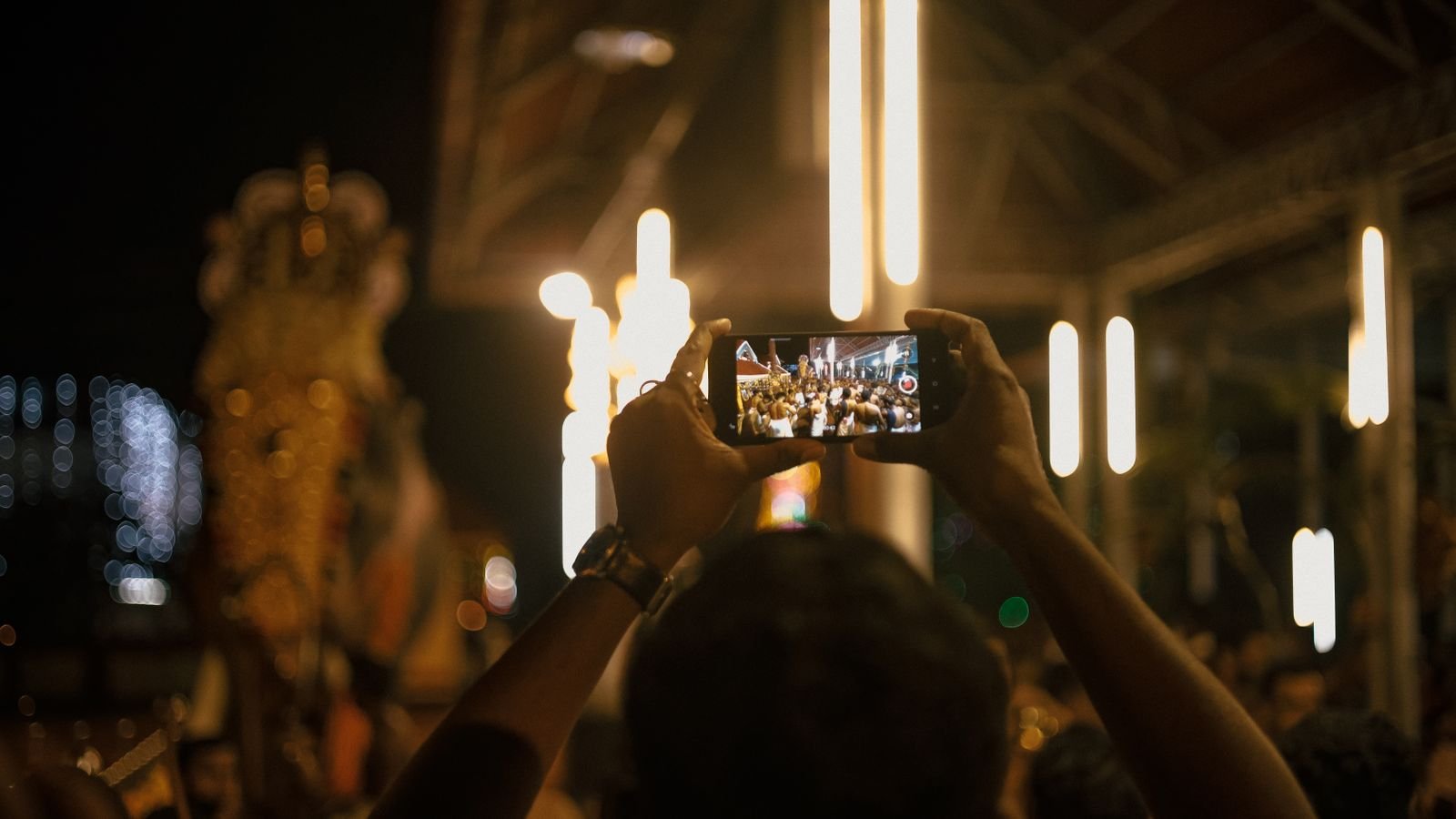
Wedding photos on phone cameras go wrong at night for two reasons: people are moving, and the light keeps changing. Fix those with a few settings (tap to focus, the right lens, burst for the dancing, 30 fps video) and the same phone that gave you blurry baraat shots last year will do far better this season.
The odd part? The feature built for low light, Night mode, is often what smears the dance floor. Tip 7 explains why, and what to use instead.
⚡ Key takeaways
- Still moments (pheras, family portraits): let Night mode run and hold the phone steady for a couple of seconds.
- Moving moments (baraat, sangeet dance): use burst, Live Photos or Top Shot, and shoot video. Night mode needs people to stay still.
- Zoom: tap the 2x/3x/5x lens button if your phone has one. Pinching past it is a crop and looks muddy at night.
- Video: 1080p or 4K at 30 fps is the safer choice in dim halls. 60 fps needs more light.
- Skip this guide if you’re the main photographer. Hire a pro; a phone is for your own memories.
Why Wedding Photos on Phone Look Blurry at Night
An Indian night wedding is about the hardest job you can give a phone camera. The baraat moves down a dark road with LED lights on poles. The sangeet stage has coloured spotlights that change every few seconds. The mandap has warm fairy lights, and the guests are lit by whatever is nearby.
Phones handle low light by taking several frames and merging them. Google described how this works in its Night Sight explainer (2018): the camera captures a burst of frames and combines them. When the phone or the scene moves a lot, it switches to shorter exposures to limit motion blur, and it collects less light. So the photo comes out noisier.
So here’s the tension. Dim light wants a long capture, and dancing chachas want a short one. Every tip below picks a side on purpose, depending on the moment.
Tip 1: Wipe the lens before every function
Sounds silly, but it’s the cheapest fix there is. Your phone has spent the evening in a hand with mehendi, haldi or snacks. Google’s Night Sight explainer warns that fingerprint oil on the lens causes blurry, soft photos, and at night it also turns every light into a hazy glow.
Apple’s cleaning guide suggests a soft, lint-free cloth such as a lens or microfibre cloth, and warns that abrasive materials can wear down the coating. Keep one in your pocket or clutch.
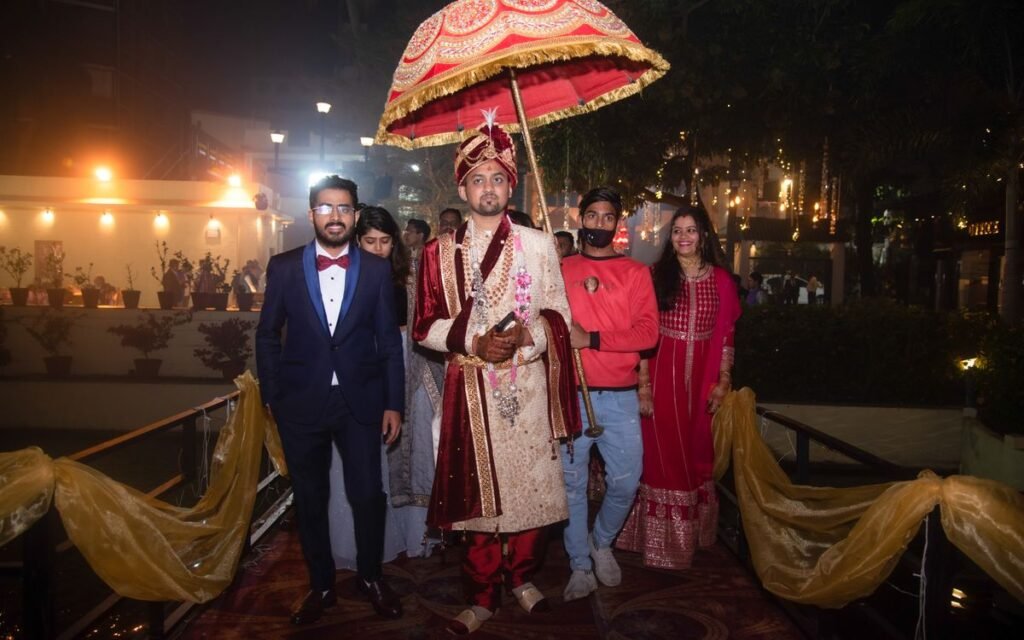
Photo Settings for Still Moments: Pheras, Varmala, Portraits
When people are standing still, a phone’s night mode is your friend. Here’s how to get the most from it.
Tip 2: Let Night mode run, and hold still
Night mode turns on by itself in low light on recent iPhones. Apple’s guide says to hold your iPhone still after you tap the shutter, and if crosshairs appear, line them up to reduce motion. Apple also suggests a tripod for more detail.
On Pixel, Google’s Night Sight help says to hold still for a few seconds. It also suggests a 3-second timer to cut shake. At a wedding, lean on a pillar or a chair back. For posed family portraits, ask everyone to freeze for a beat before and after the click, which Google’s explainer also recommends.
Tip 3: Tap the face, then pull brightness down
Stage lights and fairy lights fool the camera. It brightens the whole scene and the bride’s face turns into a white patch. Tap on the face you care about (Google suggests tapping your subject to help focus in very dark scenes), then drag the brightness slider down a little until skin looks natural.
Tip 4: Keep the flash off, mostly
Pixel’s help page says automatic Night Sight doesn’t work when the flash is on. Flash also flattens faces and kills the warm mandap glow. Use it only for a close group shot in a truly dark spot with nothing lit nearby.
We covered night mode for festival lights in detail in our Diwali photos on phone guide, and the same basics apply here.
The Stage Problem: Zoom and Portrait Mode at Night
At most weddings you’re stuck in the fifth row while the couple is on stage. That’s where most phone photos fall apart.
Tip 5: Use the lens button, not a long pinch
Many phones have a separate telephoto lens. When you tap the 2x, 3x or 5x button, the phone switches to it. Pinch beyond that and you’re mostly cropping and enlarging, which looks muddy in dim light. Google’s Pixel camera help also says to zoom into your subject first when shooting from far away, rather than cropping later.
No telephoto? Walk closer. A 1x photo from five steps nearer beats a 10x zoom from your seat, every time.
Tip 6: Portrait mode only for still people in decent light
Portrait mode blurs the background, and it looks lovely when it works. Samsung India’s camera modes page warns that the blur may not work well with moving subjects, thin or see-through subjects, or when the subject and background have similar colours. A bride in a net dupatta in front of a sequinned backdrop hits two of those at once.
Apple and Pixel both support Portrait mode in low light on some models, but keep it for posed shots near a lamp or the stage lights.
| Moment | Best mode | Lens | Flash |
|---|---|---|---|
| Pheras, mandap | Photo (Night mode on) | 1x or 2x | Off |
| Varmala on stage | Photo + burst | Telephoto button | Off |
| Baraat dancing | Video or burst | 0.5x or 1x | Off |
| Sangeet stage dance | Video, 30 fps | Telephoto button | Off |
| Family group, dark lawn | Photo (Night mode) | 1x | Only if nothing else works |
| Couple portrait | Portrait mode | 1x or 2x | Off |
Tip 7: Shoot the Dancing in Burst, Not Night Mode
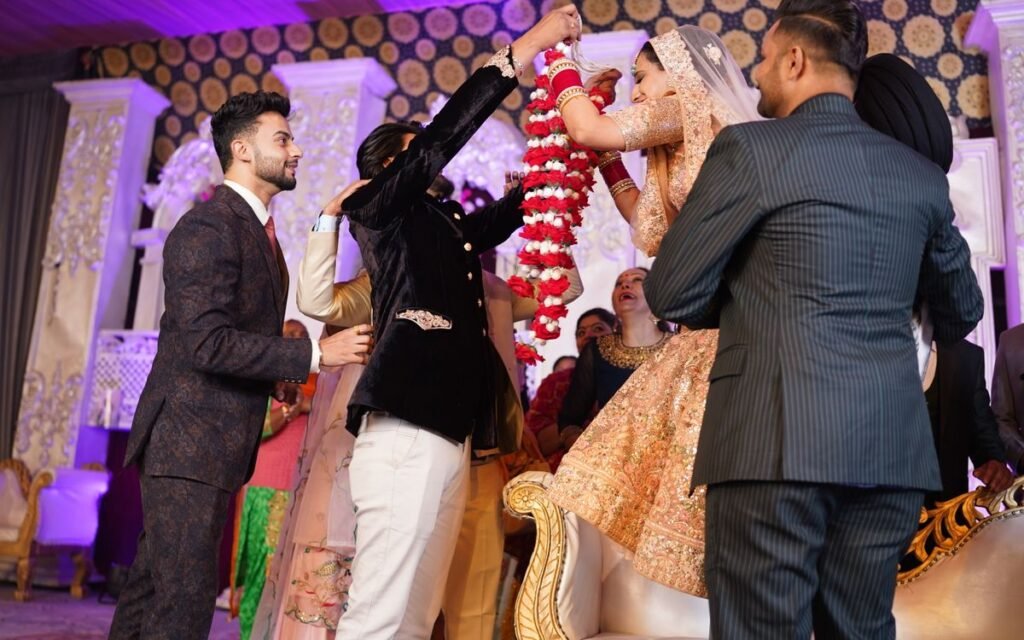
Here’s the catch from the top. Night mode works by gathering light over time. That’s fine for the pheras, but a sangeet dance moves too fast. Google’s explainer says Night Sight can cope with “a modest amount of motion”, and a bhangra circle is not modest.
⚠️ Watch out
Night mode on a moving dance floor often gives smeared hands, ghost faces or a grainy mess. For anything that moves, switch to burst, Live Photos or video.
Burst on iPhone
On iPhone XS, XR and later, Apple’s burst guide says to swipe the shutter button to the left. A counter shows the shots; lift your finger to stop. You can also turn on “Use Volume Up for Burst” in Settings > Camera. Later, open the burst, tap Select and keep only the best frames, so your storage doesn’t fill with 40 near-copies.
Live Photos and Top Shot
A Live Photo records 1.5 seconds before and after you tap. If the main frame is blurred, you can pick a sharper moment as the Key Photo later. On Pixel, Top Shot takes a burst and suggests the best shot, and you can choose a favourite frame from a motion photo. Many Android phones have a similar motion photo option in camera settings.
Wedding Video Settings on Phone: 4K, 30 fps or 60 fps
Most of what you’ll rewatch from a wedding is video. The settings matter more here than for photos.
Tip 8: 30 fps for dim halls, 60 fps only with good light
Each frame at 60 fps gets half the time of a 30 fps frame to collect light. That’s why phones lower the frame rate when it gets dark. Apple’s video settings guide says the iPhone can improve low-light video by automatically dropping to 24 fps (Auto FPS, or Auto Low Light FPS on some models). Leave that on for receptions and dark lawns.
On Pixel, Google’s video help puts resolution and frame rate under Video settings at the bottom left, and offers Standard, Locked and Active stabilisation. Locked suits a steady shot of the pheras; Active is meant for heavy movement, like walking with the baraat.
| Setting | Use it for | Watch out |
|---|---|---|
| 1080p, 30 fps | Long functions, WhatsApp sharing | Smallest files, about 65 MB a minute on iPhone (MacRumors) |
| 4K, 30 fps | Stage moments you’ll keep | Much larger files; check free space |
| 4K or 1080p, 60 fps | Bright baraat with lots of light | Can look darker or grainier in dim halls |
| Pixel Video Boost | Dark scenes on Pro Pixels | Uploads to Google Photos for processing |
Two iPhone toggles worth knowing
In Settings > Camera > Record Video, Apple lists Lock White Balance, which helps keep colours steady when the stage lights change, and Enhanced Stabilization, which zooms in slightly for steadier footage. Lock Camera stops the iPhone switching lenses mid-clip, which avoids sudden jumps in colour and sharpness.
Pixel Video Boost
Google’s Video Boost page lists support on Pixel 8 Pro and later Pro models. The phone saves a 1080p, 30 fps copy first, then uploads the clip to Google Photos for processing, which “can take a long time due to large file sizes”. In dark scenes it may suggest Night Sight Video. Clips are capped at 10 minutes, so set it to back up on Wi-Fi only if you’re short on data.
 Also readPhone Storage Full? Delete These 7 Things First (Android, iPhone)
Tip 9: Pro Mode and RAW, Worth It at a Wedding?
Only if you like editing and the moment can wait a second while you set things up.
Pro mode: shutter speed is the setting that matters
Samsung’s Pro mode guide says a slower shutter brightens the photo, a faster shutter freezes motion, and a higher ISO adds noise. Honestly, that one line is most of what Pro mode is about.
For dancers, a faster shutter keeps hands sharp. Fstoppers’ exposure guide suggests 1/500 or faster to freeze sports action, while something like 1/15 gives motion blur. On a dark lawn, a shutter that fast forces a high ISO, so expect grain. Try a few speeds between those two, keep ISO as low as the scene allows, and check the preview before the big moment.
RAW files: big and slow to share
On iPhone 12 Pro and later Pro models, Apple ProRAW keeps more detail for editing. Apple says a ProRAW photo is about 25 MB at 12MP and about 75 MB at 48MP, and 10 to 12 times larger than HEIF or JPEG. It also doesn’t work with Live Photos or Portrait mode.
💡 Pro tip
Shoot RAW for a handful of hero shots (the couple under the fairy lights, the mandap at night) and normal photos for everything else. A 64 GB phone fills up quickly at 75 MB a photo.
Before the Function: Battery, Storage and Backup Checklist
The best settings won’t help if the phone dies during the vidaai. A long night of 4K video eats battery and space fast, and winter evenings make it worse; see our guide on why a phone battery drains fast in the cold.
- Clear space the day before. Delete old forwards and duplicate videos. Our phone storage full guide shows what to remove first.
- Charge to full and carry a power bank. Keep the phone in an inner pocket on cold nights, not a cold clutch.
- Set the video format once. Decide 1080p or 4K at home, so you’re not fiddling in the dark.
- Turn on burst via volume key (iPhone) or check your Android camera’s shutter gesture.
- Pack a lens cloth. Wipe before the baraat, the varmala and the pheras.
- Back up the same night or next morning. Phones get lost at weddings. Our photo backup guide covers Google Photos and iCloud, and if the cloud fills up, see Google Photos storage full.
- Share in full quality. Send the best clips to family in WhatsApp HD, not the default compressed setting.
✅ Our verdict
You don’t need a new phone for better wedding photos on phone this season. Clean the lens, use Night mode only for still moments, switch to burst and 30 fps video when people move, and tap the lens button instead of pinching. Leave RAW and Pro mode for a few planned shots.
Frequently Asked Questions
How do I take good wedding photos on phone at night?
Clean the lens, tap on the face you want sharp, and lower brightness a little so lights don’t blow out. Use Night mode for still moments like the pheras, and burst or video for dancing.
Should I record wedding videos in 4K or 1080p?
1080p at 30 fps is enough for most functions and sharing on WhatsApp. Use 4K for key stage moments you’ll want to keep, and make sure you have the storage, because 4K files are much larger.
Is 60 fps better for wedding videos at night?
Usually not in dim light. Each frame gets less time to collect light, so 60 fps can look darker or grainier in a dark hall. Apple’s iPhones can drop to 24 fps automatically in low light to improve quality.
Why are my sangeet dance photos blurry?
Night mode needs people to stay still for a moment, and dancers don’t. Use burst, Live Photos or Top Shot, or shoot video and grab a frame later.
Should I shoot RAW at a wedding?
Only for a few planned shots. An iPhone ProRAW photo is about 25 to 75 MB, according to Apple, so shooting a whole wedding in RAW will fill your phone fast.
The Bottom Line
Better wedding photos on phone come from matching the setting to the moment: Night mode for still scenes, burst and 30 fps video for moving ones, and the real telephoto lens for the stage. Set your video format and clear storage before you leave home, and back everything up the next morning.
Keep reading
Read nextDiwali Photos on Phone: 9 Night Mode Tips for Diyas and Lights Read nextBack Up Diwali Photos Before Your Phone Runs Out of Space Tonight
 Read nextWhatsApp HD Photo Setting: Stop Blurry Diwali Pics in 1 Tap
Sources
- Apple Support: Take Night mode photos with your iPhone camera
- Apple Support: Change video recording settings (Auto FPS, Enhanced Stabilization, Lock White Balance)
- Apple Support: Capture action shots with Burst mode
- Apple Support: Take and edit Live Photos (1.5 seconds before and after)
- Apple Support: About Apple ProRAW (file sizes, limits)
- Apple Support: How to clean your iPhone
- Google Pixel Camera Help: Night Sight
- Google Pixel Camera Help: Record a video (resolution, stabilisation)
- Google Pixel Camera Help: Video Boost
- Google Pixel Camera Help: Top Shot and motion photos
- Google Pixel Camera Help: Get started with photos (zoom)
- Google Blog: See the light with Night Sight (Nov 2018)
- Samsung India: Camera modes in Galaxy smartphones (Portrait limits)
- Samsung: How to use Pro mode (ISO, shutter speed)
- Fstoppers: The exposure triangle explained
- MacRumors: Save storage space when recording video (1080p30 about 65 MB/min, Nov 2024)