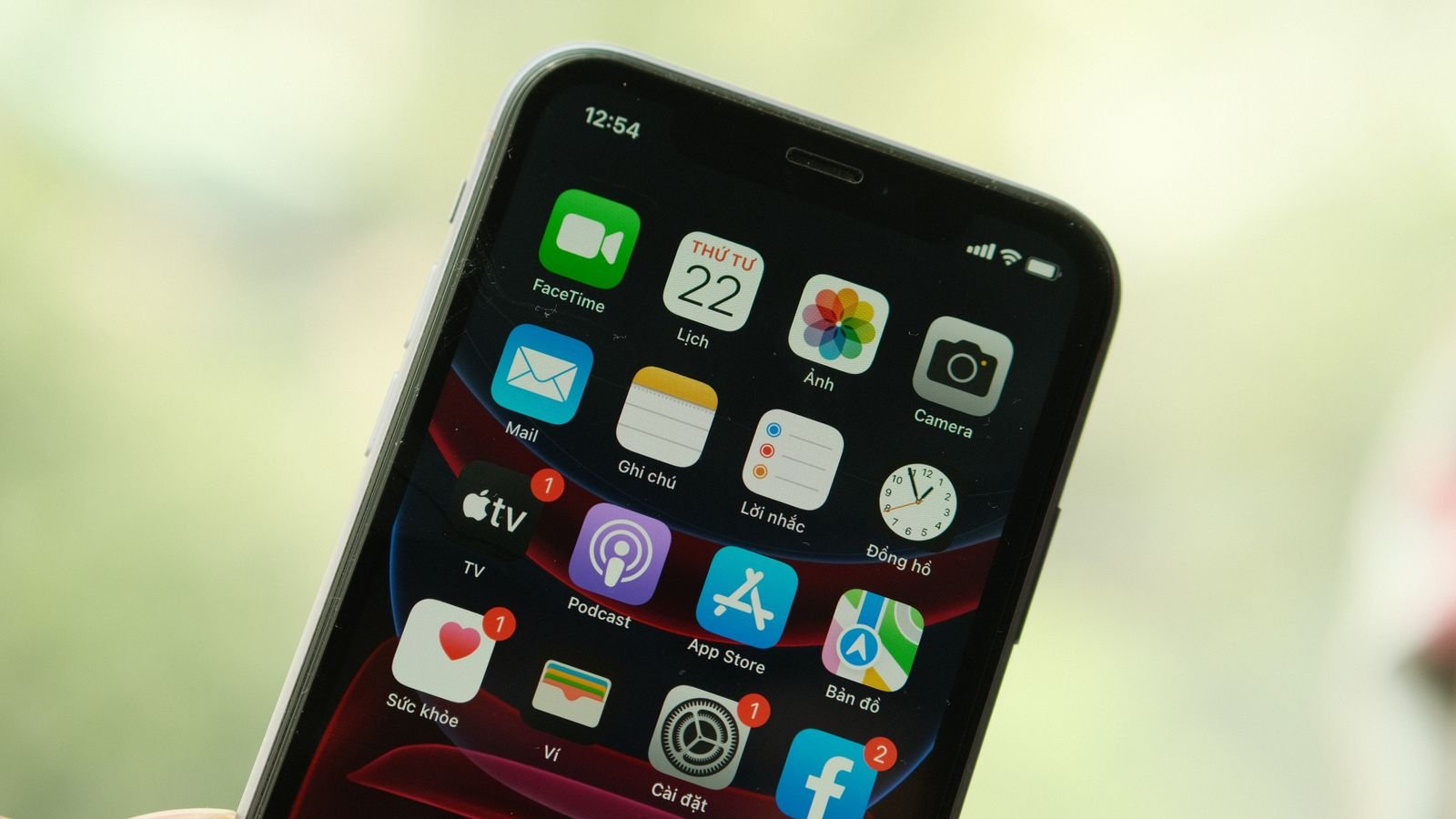
Apple released iOS 27.2 on 26 October, and it’s now showing up as a free update for every iPhone from the iPhone 11 onwards. Install it this week: it patches 163 security flaws, and it brings a smarter Siri AI, action suggestions in Messages and profiles in the Apple TV app.
But one feature many people were waiting for didn’t make it into this release. That’s in section 3, along with who should hold off for a day or two.
⚡ Key takeaways
- iOS 27.2 is available for iPhone 11 and newer, including the iPhone Duo. Go to Settings → General → Software Update.
- Apple’s security notes list 163 fixes (WebKit, kernel, images, Bluetooth and more). None are marked as actively exploited, but update anyway.
- Biggest changes: Siri AI remembers past chats and gets a single “Excluded Apps” setting; Messages suggests actions like adding a dinner plan to Calendar.
- The redesigned Health app was tested in beta but is not in this release.
- Siri AI needs an iPhone 15 Pro or newer. Apple’s new language list adds French, Japanese, Korean, Portuguese and Spanish, with no Indian languages yet.
What iOS 27.2 Is and Which iPhones Get It
iOS 27.2 is the first big feature update for iOS 27. Apple skipped a public 27.1, so this is the update that bundles the fixes and features from the past few weeks of beta testing.
According to Apple’s security release list, it is available for the iPhone 11 and later, released on 26 October 2026. If you have an iPhone XS, XS Max or XR, you can’t get iOS 27, but Apple released iOS 18.7.11 the same day with security fixes for those phones.
Staying on iOS 26 for now? Apple also pushed iOS 26.7.2 the same day. You’ll see it as a separate option under Software Update.

How to install it
- Plug your iPhone into a charger and connect to Wi-Fi. On Jio or Airtel 5G you can also download on mobile data, but home Wi-Fi saves your daily data pack.
- Back up first: Settings → your name → iCloud → iCloud Backup → Back Up Now.
- Go to Settings → General → Software Update and tap Update Now.
- Keep the phone on charge until it restarts.
The 163 Security Fixes: Why You Shouldn’t Wait
Apple’s security notes for this release list fixes across more than 70 parts of iOS. The biggest group is WebKit, the engine behind Safari and every in-app browser, with around 26 fixes. Several WebKit bugs could let a malicious website run code on your phone.
Other fixes cover the kernel, image processing (a booby-trapped photo or file is a common attack route), Bluetooth and Wi-Fi bugs that need someone nearby, and privacy holes that let apps read data they shouldn’t.
💡 Pro tip
Apple didn’t flag any of these as “may have been exploited”, so there’s no emergency. Still, festive season means more shopping links, fake delivery messages and sale pages opened on your phone. Patching the browser engine is the cheapest protection you’ll get this month. Do the same for Chrome: our guide on updating Chrome takes two minutes.

7 iOS 27.2 Changes You’ll Actually Notice
Apple’s release notes, as reported by 9to5Mac and MacRumors, list these changes.
| Change | What it does | Which iPhones |
|---|---|---|
| Siri AI memory | Recalls earlier chats (say, a restaurant it suggested last week) and uses more context like photos in Messages and voicemails | iPhone 15 Pro and newer |
| Excluded Apps | One setting to stop Siri, Search and suggestions from using chosen apps | iPhone 15 Pro and newer |
| Messages suggestions | Tappable actions like “add to Calendar” or “track package” based on the chat | All iOS 27 iPhones |
| Apple TV profiles | Separate profile and recommendations for each family member, with child profiles | All iOS 27 iPhones |
| Shared Albums | Edit captions and comments, avoid duplicate photos, get a reminder before an album expires | All iOS 27 iPhones |
| FaceTime Dual Capture | Front and rear camera together, now in group calls | iPhone 17 series, iPhone Air, 18 Pro, Duo |
| Home locks | Lock After Closing and Door Left Open alerts for compatible smart locks | All iOS 27 iPhones |

The one that matters most for families
Apple TV profiles sound minor until you live in a joint family. One account, one “Continue Watching” row, and a toddler’s cartoons mixed with your crime thrillers. With 27.2, each person gets their own profile, and child profiles default to PG content. Set it up under your account settings in the Apple TV app.
Smaller touches
- Apple Music’s icon is now black and white instead of red.
- Siri responses can be partly selected and copied.
- Images edited with Apple’s generative tools get a SynthID watermark, which can be checked with Google’s SynthID Detector.
- iPhone Duo now works with the Apple Pencil (USB-C).
What’s Missing: No Health App Redesign, No Indian Languages
Now the catch from the top of this post. The redesigned Health app appeared in the betas but was pulled before release. MacRumors reports Apple still expects to ship it later this year.
⚠️ Watch out
Siri AI’s new languages are French, Japanese, Korean, Portuguese and Spanish. Apple’s notes don’t mention Hindi or any other Indian language, and Siri AI still needs an iPhone 15 Pro or newer. If you use Siri in Hindi on an older iPhone, this update won’t change much for you.
The FaceTime Dual Capture upgrade also skips older phones. If you have an iPhone 15 or 16, you’ll get the security fixes and most app changes, but not that camera trick.
Before You Update: 5 Quick Checks
Most people can just tap Update. These checks avoid the usual problems:
- Storage: If your iPhone is nearly full, the update may stall. Clear a few gigabytes first; Settings → General → iPhone Storage shows what’s eating space.
- Battery: Keep it above 50% or on a charger. iOS won’t start the install on a low battery, and you don’t want it dying halfway.
- Backup: iCloud or a computer. If you’ve never backed up WhatsApp, do that too.
- Bank and UPI apps: Rarely, an app needs its own update after a new iOS. Update apps from the App Store the same evening.
- Battery drain for a day: After a big update, the iPhone re-indexes photos and files in the background. Some extra drain for a day or two is normal. If it lasts longer, check battery health.
 Also readCheck Your Phone’s Battery Health in 2 Minutes (Android, iPhone)
Should You Install iOS 27.2 Now?
✅ Our verdict
Yes, for almost everyone. The 163 security fixes alone make it worth it, and nothing in Apple’s notes suggests a risky change. If your iPhone is your only phone for work or banking and you can’t afford a bad day, wait 2 or 3 days and watch for complaints, then update. Don’t stay on an old version for weeks.
Thinking about a new iPhone instead? Apple’s “Pro and tell” event is tonight at 22:30 IST. Our Apple October 28 event guide covers what’s expected and current India prices. If you’re eyeing the iPhone Duo, our iPhone Duo price in India post has the real cost after offers.
Frequently Asked Questions
Which iPhones can install iOS 27.2?
Apple lists the iPhone 11 and later. iPhone XS, XS Max and XR users got iOS 18.7.11 the same day instead.
Is iOS 27.2 safe to install?
Yes. It fixes 163 security flaws, according to Apple’s security notes, and Apple hasn’t flagged any known problems. Back up first, as with any update.
Did iOS 27.2 bring the new Health app?
No. The redesigned Health app was tested in beta but removed before release. Reports say Apple plans to ship it later this year.
Does Siri AI work in Hindi with iOS 27.2?
Apple’s notes for this update add French, Japanese, Korean, Portuguese and Spanish. Hindi and other Indian languages aren’t mentioned.
Why is my iPhone battery draining after the update?
After a major update, iOS re-indexes photos and data in the background. It usually settles within a day or two. If it doesn’t, check Settings → Battery for the app using the most power.
The Bottom Line
iOS 27.2 is a solid, safe update: a smarter Siri for newer iPhones, handy Messages suggestions and Apple TV profiles for everyone, and 163 security patches. The Health app redesign and Indian-language Siri will have to wait. Back up tonight, plug in, and update.
Keep reading
 Read nextApple October 28 Event: What’s Coming and Should You Wait?
 Read nextiPhone Duo Price in India: Real Cost After Offers and AppleCare+Read nextUpdate Chrome Now: Version 156 Fixes 353 Security Flaws
Sources
- Apple: Security releases (iOS 27.2 released 26 Oct 2026, iPhone 11 and later)
- Apple: About the security content of iOS 27.2 and iPadOS 27.2
- 9to5Mac: Apple releases iOS 27.2, here’s what’s new
- MacRumors: iOS 27.2 features, everything new