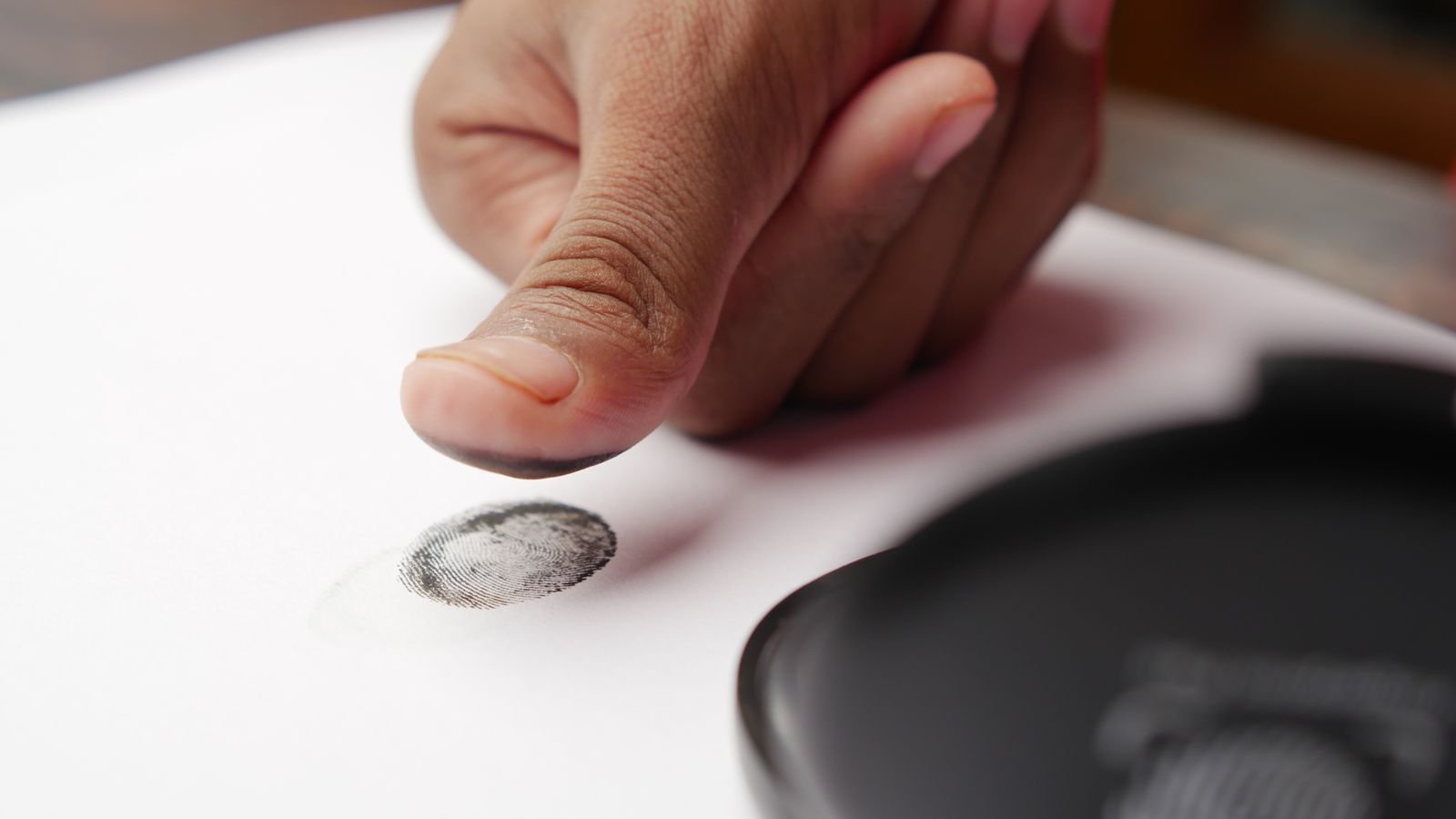
A family in Faridabad sold some land. The money went into the mother’s bank account. Soon after, her passbook showed zero.
Her son says she had never shared her details with anyone. According to a Scroll investigation, the bank said the account was emptied using her Aadhaar number and her fingerprints.
That’s the uncomfortable truth about withdrawing money through Aadhaar. It’s a lifeline for millions of people in villages and small towns. But if someone gets hold of your fingerprint, they may not need anything else. The fix takes about two minutes: the Aadhaar biometric lock.
⚡ Key takeaways
- Aadhaar-enabled withdrawals (AePS) use your Aadhaar number, your bank and your fingerprint. No PIN, no OTP.
- Police reports describe fraudsters copying thumbprints from property documents and making silicone fingerprints.
- The Aadhaar biometric lock on UIDAI’s myAadhaar portal blocks fingerprint and iris use until you unlock it.
- You need the mobile number linked to your Aadhaar for the OTP.
- Lost money? Call 1930 and inform your bank the same day.
How Withdrawing Money Through Aadhaar Works
The Aadhaar Enabled Payment System (AePS) lets you withdraw cash, check your balance or transfer money at a local banking agent (often called a bank mitra or business correspondent) using a small fingerprint device. You give three things:
- Your Aadhaar number
- The name of your bank
- Your fingerprint
That’s it. For elderly people, farmers and workers in places without a nearby ATM or branch, it’s genuinely useful. You don’t have to remember a PIN or carry a card.
But notice what’s missing: a second check. If your fingerprint can be copied, the system has no PIN or OTP to stop a stranger.

How Fingerprint Fraud Actually Happens
Scroll’s reporting, along with police statements from Haryana, describes a pattern:
- Fraudsters find thumbprints on property sale deeds and land documents, some of which are available online.
- They copy the print and make a fake fingerprint, often from silicone.
- Using an AePS device, they enter the victim’s Aadhaar number and bank, press the fake finger, and withdraw the money.
The victim usually finds out only when the passbook is updated or a big payment bounces. That’s why land sellers, pensioners and anyone who has signed property papers with a thumbprint should pay extra attention.
 Also read15 Smartphone Privacy Settings You Probably Never Changed
Aadhaar Biometric Lock: How to Turn It On (Step by Step)
UIDAI lists Lock/Unlock Biometrics among the services on its My Aadhaar page, and it requires an OTP on your registered mobile. Here’s how to use the Aadhaar biometric lock:
- Go to the myAadhaar portal on your phone or computer.
- Log in with your Aadhaar number and the OTP sent to your registered mobile.
- Open Lock/Unlock Biometrics.
- Read the note on screen, tick the box and choose to lock.
- Confirm. Your fingerprint and iris data are now locked for authentication.
You can do the same from UIDAI’s official Aadhaar app. Download it only from the Play Store or App Store, never from a link someone sends you.
💡 Pro tip
Doing this for a parent or grandparent? Sit with them and do it on their phone, since the OTP goes to their registered number. Ten minutes on a Sunday could protect their life savings.
What If You Need Your Fingerprint Later?
Locking doesn’t cancel anything. When you genuinely need fingerprint verification, for example an AePS withdrawal, a bank KYC or a ration shop, log in to myAadhaar again and choose unlock. Check the screen for how long the unlock lasts, finish your work, and make sure the lock is back on afterwards.
If you use AePS every week, locking and unlocking each time can feel tedious. In that case, follow the safety habits in the next section very strictly.
Safe Habits Every Time You Withdraw Through Aadhaar
- Use a known agent: stick to your bank’s branch or a regular, trusted bank mitra.
- One thumb, one transaction: if the agent asks you to press your finger again and again because it “failed”, stop and ask for a receipt for each attempt.
- Always take the receipt and check the amount before you leave.
- Keep SMS alerts on: make sure your bank has your current mobile number so every withdrawal sends you a message.
- Share masked Aadhaar: for photocopies and paperwork, download the masked Aadhaar from the same UIDAI page. It shows only the last 4 digits of your number.
⚠️ Watch out
Never let anyone take an extra thumbprint “for records” on blank paper or a second device. That’s exactly how prints get copied.
What to Do If Money Is Withdrawn Without Your Consent
Act fast. The first few hours matter most.
- Call 1930, the national cybercrime helpline, or file a complaint at cybercrime.gov.in.
- Call your bank and report the unauthorised withdrawal. Follow up in writing at the branch and keep a copy.
- Lock your biometrics on myAadhaar right away so it can’t happen again.
- Collect evidence: passbook entries, SMS alerts and the dates of the withdrawals.
Reporting quickly gives your bank the best chance to trace the money and helps the police connect your case with others.
 Also read3 Essential Cybersecurity Tips to Keep Your Personal Data Safe
Frequently Asked Questions
Can someone withdraw money with just my Aadhaar number?
They’d also need a fingerprint that matches yours, which is why copied fingerprints are the real risk. Locking your biometrics stops fingerprint authentication even if someone has both your number and a copy of your print.
Does locking biometrics stop OTP-based Aadhaar services?
The biometric lock covers fingerprint and iris authentication. OTP-based services, which use your registered mobile, are a separate method.
Is the Aadhaar biometric lock permanent?
No. It stays on until you unlock it, and you can unlock it anytime through myAadhaar with an OTP when you need your fingerprint.
What if my mobile number isn’t linked to Aadhaar?
You’ll need to link it first, because the lock needs an OTP. Check the current options for updating your mobile number on UIDAI’s My Aadhaar page, or visit an Aadhaar enrolment centre.
How do I know if someone used my Aadhaar?
Watch your bank SMS alerts and passbook entries closely. If you see a withdrawal you didn’t make, report it to 1930 and your bank immediately.
The Bottom Line
Withdrawing money through Aadhaar is convenient, and for millions of Indians it’s the only practical option. But a fingerprint can be copied, and that’s a risk no PIN can fix. Lock your Aadhaar biometrics today, unlock them only when you need to, and help one older person in your family do the same.
Keep reading
 Read nextCheck PF Balance in 2 Minutes: 4 Official Ways (and 1 Scam to Avoid)
 Read nextAirtel Voice-Only Plan at ₹185 Isn’t the Cheapest. Here’s the Math
 Read nextHow to Save Money Effortlessly: Genius Tricks You Wish You Knew Sooner
Sources
- UIDAI My Aadhaar: Lock/Unlock Biometrics and Masked Aadhaar services
- myAadhaar portal (UIDAI)
- Scroll: Stolen fingerprints, empty bank accounts, how AePS fraud works
- National Cyber Crime Reporting Portal (helpline 1930)