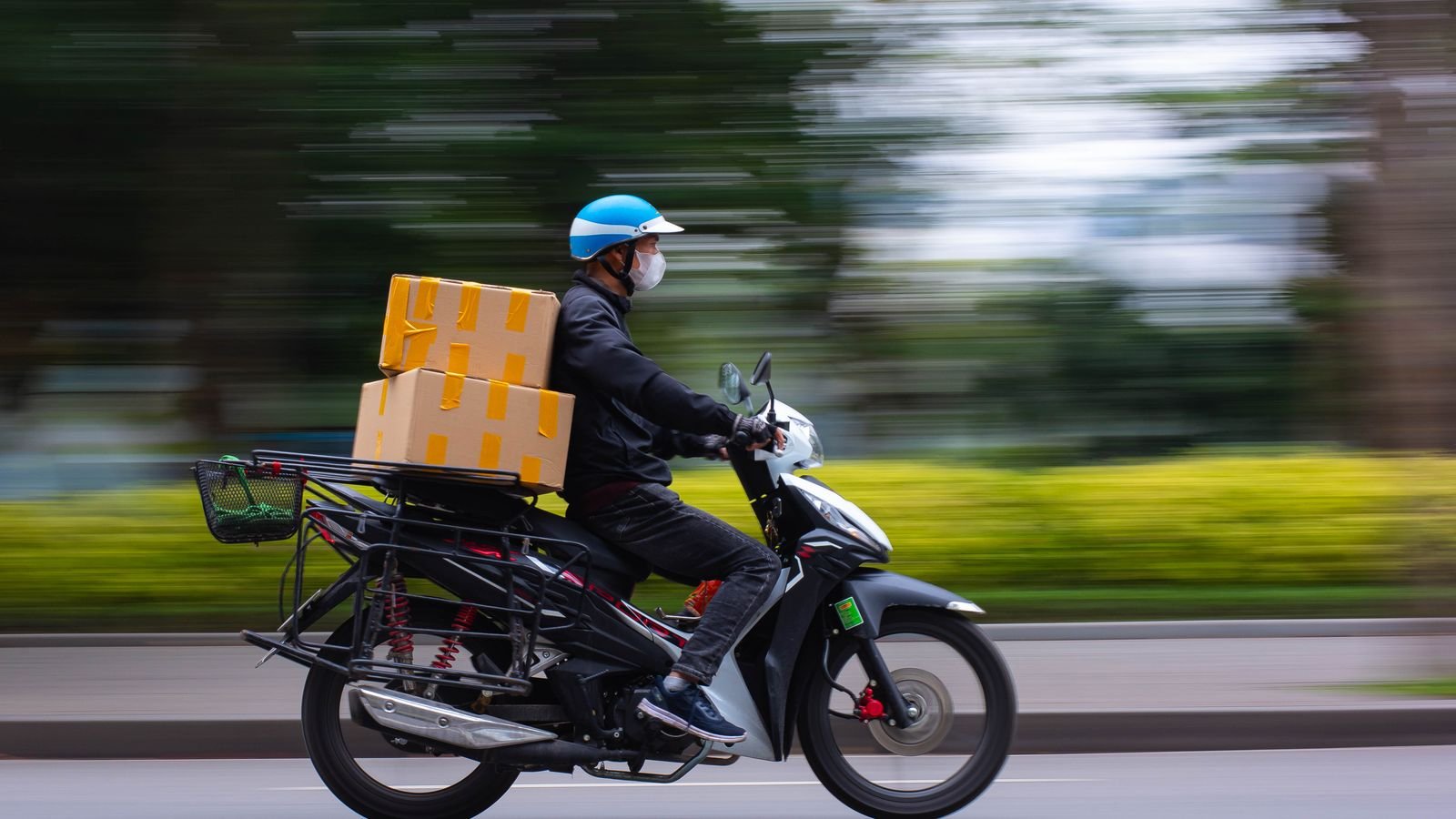
Buying a phone on Blinkit, Zepto or Swiggy Instamart is safe if the seller is an authorised one, the invoice carries your name and the phone’s IMEI, and you know the return rule before you open the box. The 10-minute delivery is real. What it doesn’t come with is the bank-card discount you might get elsewhere, so compare the final price, not the MRP.
On 23 October, Apple’s ₹2,99,900 foldable sold out on Blinkit in Delhi NCR in five minutes, according to its founder. More people will try quick apps for gadgets this Diwali. Here are the seven checks, and the one that protects your warranty is check 3.
⚡ Key takeaways
- Open the product page and look for “Sold by”. That’s the business responsible for your warranty and returns, not the delivery app.
- Insist on a GST invoice with the seller’s name and the phone’s IMEI or serial number. Warranty starts from the invoice date.
- Compare the final price with Amazon, Flipkart and the brand store after bank offers. Quick apps often match MRP but may not match card discounts.
- Record a short unboxing video and check the phone before the rider leaves, if the app allows.
- From 1 January 2027, new e-commerce rules force platforms to show a “was” price based on the lowest price in the last 30 days.
Why People Are Buying Phones on Quick-Commerce Apps
Speed is the whole pitch. Instead of waiting two days, a phone reaches you in minutes, often on launch day. ThePrint reported that Apple’s foldable iPhone went live on Blinkit at 8:15 am on 23 October, only in Delhi NCR, and that founder Albinder Dhindsa said all units sold out in five minutes. Blinkit didn’t say how many units there were.
It isn’t new. Blinkit has delivered iPhones since the iPhone 14 in 2022 through Apple reseller Unicorn, as DT Next reported at the time. Zepto and Instamart have since added phones, earbuds and chargers.
None of this is a problem. A quick app is just another shop window. The rules you’d follow on Amazon or Flipkart apply here too, and a few matter more because the whole thing happens so fast.

Check 1 and 2: Who Is Actually Selling It, and at What Price
Find “Sold by”
Quick-commerce apps are mostly marketplaces: a separate seller lists the product, and the app delivers. Under India’s Consumer Protection (E-Commerce) Rules, 2020, marketplaces must show seller details along with return, refund, warranty and grievance information.
So scroll down on the product page and look for seller or “Sold by” details. For Apple products, you want an Apple authorised reseller. For Samsung, OnePlus or Redmi, a brand store or a big retail chain is a good sign. An unknown seller name on a premium phone is a reason to pause.
Compare the real final price
Phones on quick apps are usually sold at or near MRP. That’s fine, but during Diwali sales, Amazon, Flipkart and brand stores often add instant bank discounts or exchange offers. A ₹5,000 card offer elsewhere beats a 10-minute delivery for most people.
💡 Pro tip
Open three tabs: the quick app, one big marketplace and the brand’s own store. Note the final price after the card you actually own. Our fake discount check shows how to see whether a “sale price” is really lower than last month.
 Also readFake Discount or Real Deal? Check Any Sale Price in 2 Minutes
 Check 3: The Invoice Decides Your Warranty
This is the one most people skip. Your phone’s warranty is tied to the invoice. Brand service centres usually ask for it when you claim, and the purchase date on it is what they count from.
Before you pay, or right after delivery, check that the invoice:
| On the invoice | Why it matters |
|---|---|
| Seller’s legal name and GSTIN | Proves who sold it; needed for any complaint |
| Your name | Some service centres ask for proof the phone is yours |
| Model, colour and storage | Should match what’s in the box |
| IMEI or serial number | Links this exact phone to the bill |
| Date | Warranty starts here |
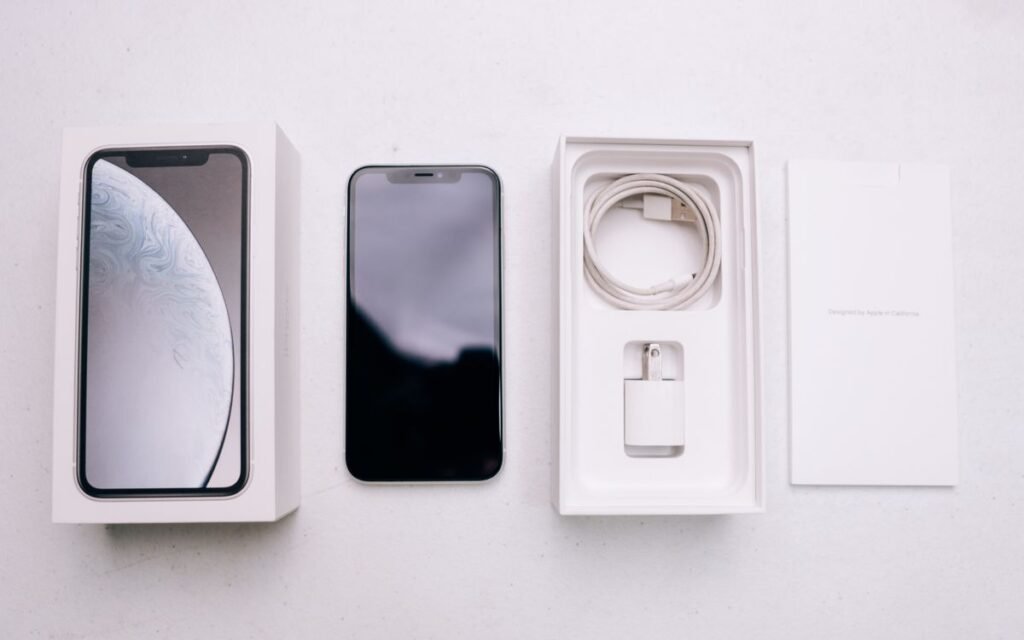
For iPhones, you can enter the serial number on Apple’s check coverage page after you set up the phone. It should show the phone as covered with a sensible start date. For other brands, the support site or app can usually confirm warranty from the IMEI.
The new E-Commerce (Amendment) Rules, 2026 also say invoices must show the seller’s name in the same font size as the platform’s name. That starts on 1 January 2027.
Check 4 and 5: Unbox on Camera and Read the Return Rule
Record the unboxing
Quick deliveries are handed over in seconds. If the phone has a damaged screen, a missing charger cable or, worse, the wrong model, you need proof. Start a video before you cut the seal and keep filming until the phone powers on. Show the box label and the IMEI on screen (dial \*#06#).
Know the return rule before you open it
Return windows for phones are often short and replacement-only. Croma’s cancellation and return policy, for example, offers replacement within the return window for defective or damaged products, and says damage on home delivery must be reported before the product is activated or used.
⚠️ Watch out
The catch: on many phone listings, once you activate the phone or sign in, a “change of mind” return is gone. Check for damage and the right model first, then set it up. Every quick app shows its return terms on the product page or in Help; read them before you tap Pay.
Check 6: Pay in a Way That Leaves a Trail
For an expensive phone, how you pay matters as much as where you buy.
- Use a credit card or UPI from your own account. Both leave a clear record linked to the order ID.
- Avoid cash on delivery for high-value items, if the app offers it. A digital record is easier to follow up.
- Don’t pay anyone outside the app. No “pay the rider on UPI for faster delivery” or links on WhatsApp. That’s a scam pattern we covered in Diwali sale scams.
- Screenshot the order page with price, seller and delivery time before the app moves it to history.
If a seller or app ignores a problem, you can complain to the National Consumer Helpline: call 1915 (8 am to 8 pm) or WhatsApp +91 8800001915, per the NCH website. The 2020 rules require a grievance officer to acknowledge your complaint within 48 hours and resolve it within a month.
 Also readDiwali Sale Scams: 7 Fake Offers to Spot Before You Pay
 Check 7: Is Buying a Phone on Blinkit Worth Losing an Offer?
Here’s an honest way to decide. Quick commerce wins when you need the phone today: your old phone died, it’s a gift for tonight, or a launch model is out of stock everywhere else. It loses when a bank offer or exchange deal elsewhere saves you thousands.
| Situation | Quick app | Big marketplace or brand store |
|---|---|---|
| Phone broke, need one today | Best choice | Too slow |
| Launch-day iPhone or foldable | Good, if an authorised seller | Often pre-booked out |
| You have an old phone to exchange | Usually no exchange | Better |
| You have a card with a sale offer | Check; may not apply | Usually better |
| Small accessory (cable, charger) | Convenient | Check genuine brand listing |
What changes in 2027
From 1 January 2027, the E-Commerce (Amendment) Rules, 2026 require any announced price cut to show the “prior price”, defined as the lowest price in the 30 days before the discount, according to SCC Online’s summary. Platforms will also have to give fuller seller details, including address and customer care contact. That will make fake “was ₹1,49,999” tags much harder.
✅ Our verdict
Buy a phone on Blinkit, Zepto or Instamart when speed matters and the seller is authorised. Before paying, check the seller, compare the final price with card offers elsewhere and read the return rule. After delivery, film the unboxing and match the IMEI with the invoice. If any of that can’t be done, buy it somewhere slower.
Frequently Asked Questions
Is it safe to buy a phone on Blinkit?
Yes, if it’s sold by an authorised seller and you get a proper GST invoice with the IMEI. Check the “Sold by” details on the product page and record the unboxing.
Do phones from quick-commerce apps have a brand warranty?
They should, if bought from an authorised seller with a valid invoice. Warranty generally starts from the invoice date, so keep the invoice safe. For iPhones, confirm on Apple’s check coverage page.
Can I return a phone bought on Zepto or Instamart?
It depends on the seller’s policy shown on the product page. Phones are often replacement-only for damaged or defective units, and returns may be refused after activation, so inspect it first.
Are phones cheaper on quick-commerce apps?
Usually not. They’re often sold near MRP, while big marketplaces and brand stores may add bank or exchange offers during sales. Compare the final price after offers.
Where do I complain if a quick app refuses a fair return?
Raise it with the app’s grievance officer first, then the National Consumer Helpline on 1915 or WhatsApp +91 8800001915.
The Bottom Line
Buying a phone on Blinkit or another quick app is fine when you check the seller, the invoice and the return rule before the box is open. Speed is worth paying for only when you need the phone today.
Picking up a second-hand phone instead? Our used phone checklist covers the IMEI SMS check and the locks that brick phones.
Keep reading
Read nextFake Discount or Real Deal? Check Any Sale Price in 2 MinutesRead nextDiwali Sale Scams: 7 Fake Offers to Spot Before You Pay Read nextBuying a Used Phone? 7 Checks Before You Pay in India
Sources
- ThePrint: Apple’s ₹3 lakh foldable iPhone sells out on Blinkit in 5 minutes (23 Oct 2026)
- DT Next: iPhone 14 via Blinkit with Unicorn (2022)
- Khaitan & Co: Consumer Protection (E-Commerce) Rules, 2020 explained
- SCC Online: E-Commerce (Amendment) Rules, 2026 explained
- Croma: cancellation and return policy
- Apple: check device coverage
- National Consumer Helpline (Govt of India)