
Every festive season, the same WhatsApp forwards come back: “Free Diwali gift from a big brand, click to claim!” or “iPhone at 80% off, today only!” Diwali sale scams work because they arrive exactly when we’re already hunting for deals and gifts.
The good news: almost every one of these scams breaks one of a few simple rules. Learn them once, share them with your parents, and you’ll spot most fakes in seconds. And if money does go, there’s a deadline that decides whether you get it back. It’s in section 6.
⚡ Key takeaways
- CERT-In has warned about festival-themed “free gift” links on WhatsApp, Telegram and Instagram that steal bank details and OTPs.
- The golden UPI rule from NPCI: you enter your UPI PIN only to send money, never to receive it.
- Never install apps from links in messages. Fake shopping sites have pushed Android malware this way.
- Lost money? Call 1930 or report on cybercrime.gov.in, and tell your bank within 3 working days.
Why Diwali Sale Scams Spike Every Year
Big sales mean big traffic, and scammers know it. During the 2023 festive season, cybersecurity firm CloudSEK found around 828 unique phishing domains being promoted through Facebook ads, many with “Diwali” or “pooja” in the name, as Moneylife reported.
The government’s cyber watchdog has flagged the pattern too. In an advisory covered by MediaNama, CERT-In warned that festival-themed messages promising gifts and prizes were leading people to fake pages built to steal banking and login details. Many links used .cn, .top or .xyz web addresses.
These numbers are from earlier years, but the playbook hasn’t changed.
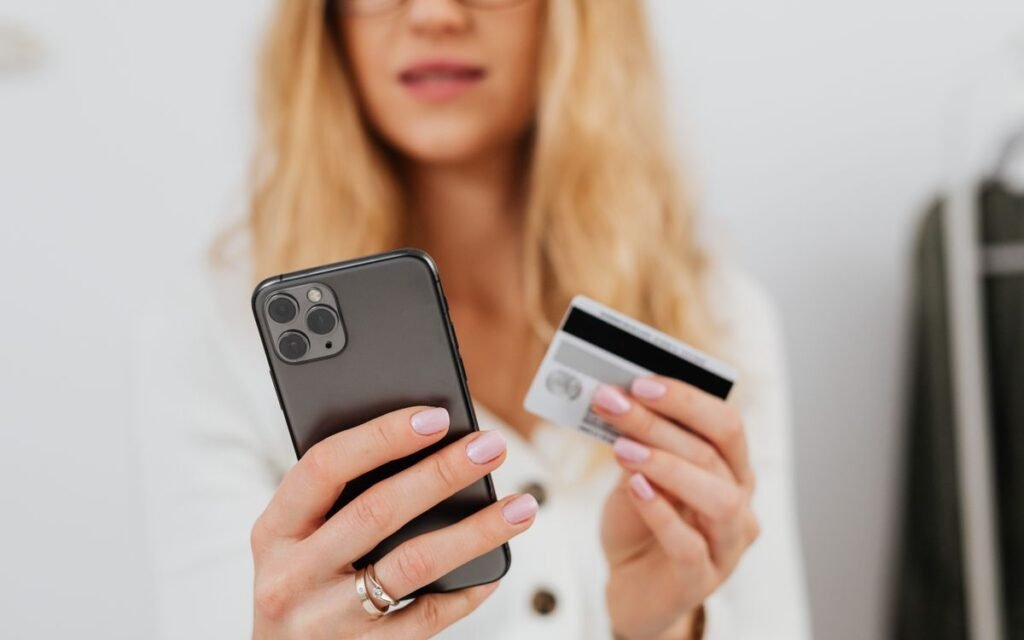
7 Diwali Sale Scams to Spot Right Now
Here are the common patterns, drawn from CERT-In’s advisory, Moneylife’s investigation and the Department of Telecommunications’ fraud-reporting categories.
| Scam | What it looks like | The giveaway |
|---|---|---|
| 1. Free gift link | “Big brand Diwali gift, answer 4 questions” | Asks you to forward it to 5 groups to “claim” |
| 2. Lookalike sale site | Website that copies Flipkart or Amazon | Odd spelling in the web address, prices too low |
| 3. Fake shopping app | “Download our app for an extra 50% off” | Link to an APK file, not the Play Store |
| 4. Too-good-to-be-true deal | Half-price TV, free 1:1 phone exchange | No real brand would sell at that loss |
| 5. Fake customer care | “Your order failed, call this number for refund” | They ask for OTP, PIN or screen sharing |
| 6. Fake KYC or bank alert | “Your account will be blocked, update KYC” | Sent from a mobile number, not a bank sender ID |
| 7. UPI “receive money” trick | “Scan this QR to receive your cashback” | Any request for your UPI PIN to receive money |
The “share with 5 friends” tell
CERT-In noted that the free gift scam asks victims to share the link with friends and family to claim the prize. That’s how it spreads so fast through family groups. If a message tells you to forward it before you can get anything, close it.
Short links hide the real address
Moneylife warns against short URLs because they hide the destination. If you’re curious where one goes, it suggests a link-expanding tool like checkshorturl.com, but the safer move is not to tap it at all.
 Also read15 Smartphone Privacy Settings You Probably Never Changed
 The One UPI Rule That Stops Most Fraud
If you remember only one thing from this post, make it this. NPCI’s UPI Safety Shield says to enter your UPI PIN only to deduct money from your account. Your PIN is not required to receive money.
So the moment anyone says, “Enter your PIN to get your refund” or “Scan this QR code to receive your cashback”, you know it’s a scam. Every time. No exceptions.
NPCI also suggests two more habits:
- Check the receiver’s name shown on the UPI ID before you pay
- Scan a QR code only when you’re paying, not to receive money
💡 Pro tip
Teach your parents this exact sentence: “PIN means money goes out.” Older relatives often get the most fake “cashback” requests, and this one line protects them better than a long lecture.
Want to lock things down further? Our guide to the Aadhaar biometric lock closes another door that fraudsters use.
How to Check If a Sale Offer Is Real
Before you tap “Buy” on anything that looks amazing, run this quick check. It takes under a minute.
- Open the app yourself. Don’t tap the link. Open the Flipkart, Amazon or brand app directly and search for the offer. If it isn’t there, it isn’t real.
- Read the web address slowly. Lookalike sites swap letters or add words. Moneylife recommends visiting the company’s official website directly instead of using the link provided.
- Check who sent it. CERT-In says to be suspicious of messages from phone numbers rather than a bank’s official sender ID.
- Download apps only from official stores. CERT-In’s advisory says the same. Never install an APK sent on WhatsApp.
- Never share OTPs, PINs or card details. CERT-In is clear: legitimate organisations won’t ask for login details or card details over email or SMS.
- Pause if it feels urgent. “Only 10 minutes left!” is a pressure tactic. Real sales last days.
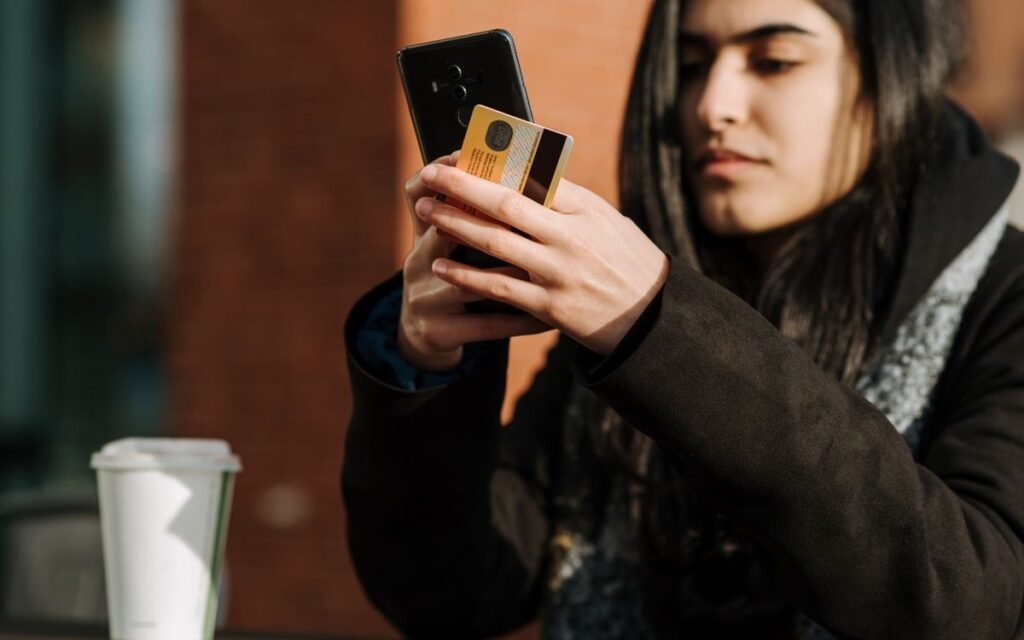
Set limits before the sale starts
CERT-In also suggests setting transaction limits on your cards and UPI. Many banking apps let you lower your daily UPI or card limit in a few taps. If a scammer does get through, a lower limit caps the damage.
Mistakes That Turn a Scam Into a Real Loss
Most people don’t lose money by clicking a link. They lose it in the next step. Here’s where it usually goes wrong.
⚠️ Watch out
Calling a “customer care” number from Google or a message. Moneylife warns that scammers impersonate customer representatives and then push people into financial fraud. Use only the help section inside the official app.
- Installing a screen-sharing app because “support” asked you to. Once they can see your screen, they can see your OTPs.
- Filling in a “survey” for a gift. Those questions often collect your name, number and bank details.
- Forwarding the link “just in case it’s real”. You’re now spreading the scam to your own family.
- Waiting a day to report it. As the next section shows, speed matters a lot for getting money back.
 Also read3 Essential Cybersecurity Tips to Keep Your Personal Data Safe
 Lost Money? Do These Steps in the First Hour
This is the deadline I mentioned at the start. Act fast, because RBI rules reward people who report quickly.
- Call 1930 or report on cybercrime.gov.in. The government’s Sanchar Saathi portal points anyone who has already lost money to the 1930 helpline and cybercrime.gov.in.
- Call your bank and block the card or UPI. Use the number on the back of your card or inside your bank’s app.
- Report the message on Chakshu. The Sanchar Saathi portal’s Chakshu facility takes reports of fraud calls, SMS and WhatsApp messages. Reports made within 30 days are considered for action.
- Keep screenshots. Save the message, the UPI transaction ID and the time.
Why 3 working days matters
Under the RBI’s customer protection rules, if an unauthorised electronic transaction happens because of a breach elsewhere in the system (not your fault), you have zero liability if you tell your bank within 3 working days. Between 4 and 7 working days, your liability is capped, for example at ₹10,000 for most savings accounts.
There’s a catch. If the loss happened because you shared your PIN or OTP, the RBI says you bear the loss until you report it. That’s exactly why reporting within minutes, not days, matters. The bank also has to credit the disputed amount within 10 working days of your report, while it investigates.
Frequently Asked Questions
How do I know if a Diwali offer message is fake?
Open the official app yourself and look for the offer. If it isn’t there, it’s fake. Messages that ask you to forward them, use short links or come from a random mobile number are common warning signs.
Do I need to enter my UPI PIN to receive money?
No. NPCI says the UPI PIN is only for sending money. Anyone asking for your PIN to receive cashback or a refund is trying to scam you.
What is the cyber fraud helpline number in India?
Call 1930 or file a complaint at cybercrime.gov.in. You can also report fraud messages on the Chakshu section of the Sanchar Saathi portal.
Will my bank refund money lost in an online scam?
It depends. RBI rules give zero liability for third-party breaches reported within 3 working days. If you shared your PIN or OTP, you may bear the loss until you report it, so report as fast as possible.
Are festive “free gift” links on WhatsApp real?
Treat them as fake. CERT-In has warned that such links lead to pages that steal personal and banking details, and they often ask you to forward the message to friends.
The Bottom Line
Diwali sale scams rely on speed and excitement. Slow down, open the shopping app yourself, and remember that your UPI PIN only ever sends money out. Save 1930 in your phone today and share this post with the family WhatsApp group before the next fake gift link lands there.
Keep reading
Read next15 Smartphone Privacy Settings You Probably Never Changed
 Read nextHow to Save Money Effortlessly: Genius Tricks You Wish You Knew Sooner
Sources
- NPCI: UPI Safety Shield, PIN only to send money
- RBI: Customer protection, limiting liability in unauthorised electronic banking transactions
- Sanchar Saathi (DoT): Chakshu fraud reporting
- MediaNama: CERT-In advisory on festival-themed scams
- Moneylife: Diwali “free” gift scams and CloudSEK findings