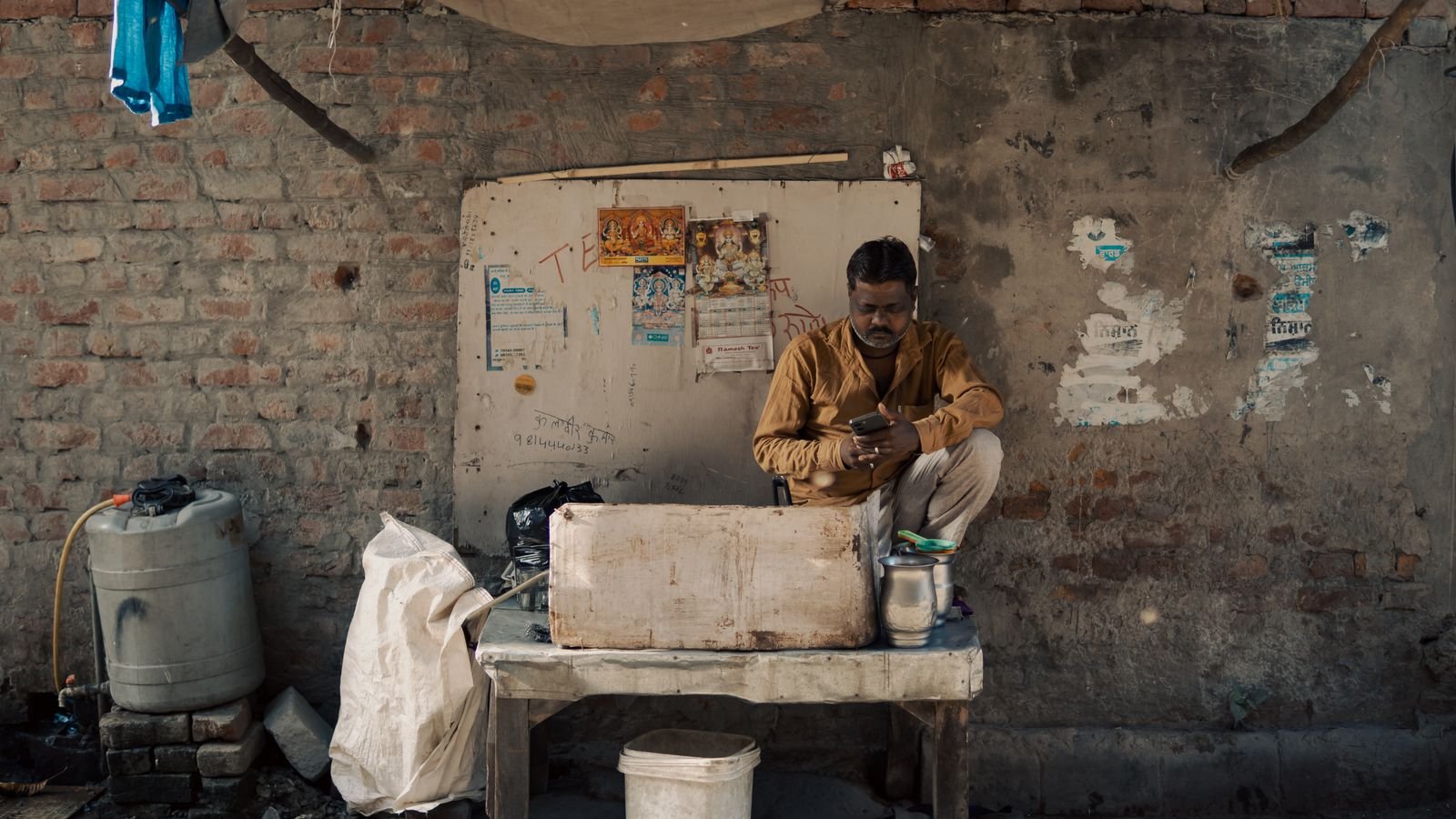
A customer shows you a green tick that says “Payment Successful”, picks up the bag and leaves. Hours later, the money isn’t in your account. Fake UPI payment screenshots and spoof apps are behind this, and the fix is simple: never accept the customer’s screen as proof; check your own app, SMS or soundbox before handing anything over.
There’s one detail that catches even careful shopkeepers, because some fake apps now copy the payment sound as well. Section 4 explains which check still works.
⚡ Key takeaways
- A screenshot or the customer’s phone screen is not proof of payment. Only your own bank app, UPI app, bank SMS or a certified soundbox is.
- Spoof apps copy GPay and PhonePe screens, transaction IDs and even the “payment received” sound. The money never moves.
- Six giveaway signs: wrong “paid to” name, odd timestamp, no UTR, blurry logo, a hurried buyer, and no SMS on your side.
- Cheated? Call 1930 quickly, report on cybercrime.gov.in, file an FIR and save CCTV footage.
- For buyers: you only ever enter your UPI PIN to pay, never to receive money.
How the Fake UPI Payment Scam Works
The trick is old, but it’s busier in festive weeks, when counters are crowded and staff are rushing. A buyer picks items, “pays” by UPI, flashes a phone screen with a success message, and walks out.
In one case reported by Onmanorama on 1 September 2026, a well-dressed man at a silver jewellery showroom in Muvattupuzha, Kerala, showed what looked like a completed Google Pay transfer. Staff handed over ornaments worth ₹16,000. The shop found out days later during a routine account check: nothing had been credited.
In the Andaman and Nicobar Islands, police arrested seven people in 2025 who used a counterfeit PhonePe app, Nicobar Times reported. The fake app showed transaction IDs and green ticks even though no money moved.

The Three Versions You’ll Meet
Not every fake looks the same. Here’s what shopkeepers and small sellers in India run into.
1. The edited screenshot
An old real payment, or a template from a “payment screenshot generator”, edited with your shop’s name and today’s amount. It’s a picture, not a payment.
2. The spoof app
A cloned app that looks like GPay or PhonePe. Razorpay’s guide notes these apps copy the interface, fonts and sometimes the payment sounds and animations, then show a fake transaction ID. The transaction never reaches the banking network.
3. The fake bank SMS
Some scammers spoof SMS sender names that look like bank IDs, such as “HDFCBK” or “ICICIB”, per Razorpay. So an SMS on the buyer’s phone proves nothing either.
💡 Pro tip
A real UPI payment always shows up in your own account. If it isn’t in your app’s transaction history or your bank’s balance, it hasn’t happened, whatever any screen says.
 Also readFake Delivery SMS: 5 Signs Your “Parcel” Text Is a Scam
Six Signs of a Fake UPI Payment
Train every person at your counter to spot these. Most come straight from Razorpay’s checklist for merchants.
| Sign | What to look for |
|---|---|
| Wrong “paid to” name | The name on their screen doesn’t match your shop or your registered name |
| Odd time | The timestamp doesn’t match when they say they paid |
| No UTR | No UPI reference (UTR) number, or one you can’t find on your side |
| Blurry logo | Bank or app logo looks stretched or low quality |
| Hurry and pressure | The buyer insists you’ll “get it in a minute” and edges towards the door |
| Nothing on your side | No app notification, no bank SMS, no soundbox announcement |
The last one is the only sign that really matters. The others just tell you to slow down.

The Catch: Some Fake Apps Copy the Sound Too
Many shops trust the soundbox, and they should, but only a real, certified one linked to your account. A spoof app playing a “payment received” chime from the customer’s own phone proves nothing.
⚠️ Watch out
Listen for where the sound comes from. Your soundbox, sitting on your counter and linked to your QR code, is the one that counts. A sound from the buyer’s phone, or a soundbox you didn’t get from your bank or payment provider, is not proof.
The A&N police advice, quoted by Nicobar Times, is plain: “Don’t rely on screenshots!” They tell merchants to confirm through their own bank or UPI app, turn on instant SMS or email alerts, and use certified soundboxes that announce only after a payment completes.
A 30-Second Checklist for Your Counter
Print this and stick it near the billing desk.
- Use your own QR code, printed or on the soundbox. Never let a buyer “send to number” you don’t recognise.
- Wait for your soundbox or the notification on your own phone.
- Open your UPI or bank app for big amounts and check the latest transaction: amount, time and UTR.
- Match the UTR on their screen with the one on yours, if they show one.
- Don’t hand over goods until step 2 or 3 is done. Polite but firm.
- Put up a sign: “Payment confirmed on our side only. No screenshots.”
For high-value buys like jewellery this Dhanteras, note that NPCI raised UPI limits for jewellery to ₹2 lakh per transaction and ₹6 lakh a day from 15 September 2025, per Digit. Bigger tickets make a fake worth more to a scammer, so slow down.
 Also readMoney Missing From Bank Account? RBI’s 3-Day Rule Can Save You
What to Do If You’ve Been Cheated
Speed helps. Do these the same day.
- Call 1930, the national cybercrime helpline, and report the time, amount and any phone number or UPI ID the buyer used.
- File online at cybercrime.gov.in and keep the acknowledgement number.
- File an FIR at your local police station, with the fake screenshot if you have it.
- Save CCTV footage before it’s overwritten. In the Kerala case, the shop gave police footage and clear images of the suspect.
- Warn nearby shops and your market association. These scammers often hit several shops on one street.
✅ Our verdict
Honestly, the only rule you need: money is real when it’s in your account, not on their screen. Everything else on this page just makes that rule easier to follow on a busy day.
If you’re the buyer, remember the reverse trick: scammers sometimes send a “collect request” and say you’ll receive money. You only enter your UPI PIN to pay. Our guide to scam SMS and delivery messages covers more tricks that peak around Diwali.
Frequently Asked Questions
How can I check if a UPI payment is real?
Open your own UPI app or bank app and look for the transaction with the same amount, time and UTR number. A bank SMS to your phone or an announcement on your own soundbox also confirms it.
Can a soundbox be fooled by a fake UPI payment?
A certified soundbox linked to your account announces only real payments. A sound played from the customer’s phone, or from a device you didn’t get from your bank or provider, can be faked.
What is a UTR number in UPI?
The Unique Transaction Reference is the reference number attached to a UPI payment. A real one appears in your own transaction history too, so you can match it.
Can I get my money back after a fake payment?
No money moved, so there’s nothing to reverse. Report it on 1930 and cybercrime.gov.in and file an FIR; police may be able to trace the person using CCTV and phone details.
Where do I report a fake UPI payment?
Call 1930 or file at cybercrime.gov.in, then file an FIR at the nearest police station.
The Bottom Line
A fake UPI payment only works when we trust someone else’s screen. Check your own app or soundbox every time, especially on busy festive days, and report quickly if it happens. If you also want to stay safe as a buyer, read our guide to money missing from a bank account.
Keep reading
 Read nextUPI Lite Explained: Pay Up to ₹1,000 Without a PIN, Safely
 Read nextDigital Arrest Scam: How It Works and the 3 Steps That Stop It

Sources
- Onmanorama: fake Google Pay screenshot used to take ₹16,000 in jewellery, Muvattupuzha (1 Sep 2026)
- Nicobar Times: 7 arrested over fake PhonePe app, A&N Police advisory (5 Jun 2025)
- Razorpay: fake payment screenshot scam, signs and merchant checks
- Digit: UPI limit changes from 15 September 2025 by category
- National Cyber Crime Reporting Portal (MHA)