
Most phones that feel hacked aren’t. A phone hacked by a real attacker is rarer than a phone that’s simply slow. Battery drain, heat and pop-ups usually come from a bad app, an old update or a full phone. But real attacks in India often look different from what people expect: a sideloaded “bank KYC” app with Accessibility access, or a code you dialled on a stranger’s advice that quietly forwarded your calls.
These nine checks cover both. They take about 10 minutes, and check number 5 is the one almost nobody thinks of.
⚡ Key takeaways
- Run Google Play Protect (Android) or Safety Check (iPhone) first. Both are built in and free.
- On Android, the biggest red flag is an unknown app with Accessibility, device admin or SMS access.
- Never dial *401# or any code a “telecom executive” gives you. DoT says operators never ask for it; it can forward your calls to a scammer.
- Check WhatsApp and Google or Apple account devices for logins you don’t recognise.
- If money has moved, call 1930 or report on cybercrime.gov.in right away, then change passwords from a different, clean device.
Is Your Phone Hacked, or Just Acting Up?
Before you panic, separate normal annoyances from real warning signs. Here’s how they usually differ.
| What you notice | Usually means | Worth worrying when |
|---|---|---|
| Battery drains faster | An app running in the background, or an ageing battery | It started right after you installed an unknown app |
| Phone runs hot | Gaming, charging, 5G in a weak signal area | It’s hot while idle, with nothing open |
| Pop-up ads everywhere | An adware app or a browser site permission | Ads appear on the home screen, outside any app |
| Unknown app on the phone | Pre-installed app or one a family member added | You never saw it before and can’t uninstall it |
| OTPs you didn’t ask for | Someone typed your number by mistake, or is trying to log in | They come with “login successful” alerts or money leaving |
| Calls not reaching you | Network issue | Friends say your phone rings but you get nothing |
The last three rows are the ones that need action today. Battery and heat alone are rarely proof of a phone hacked by anyone. For a phone that’s just slow, our guide to speed up an Android phone fixes most of that.
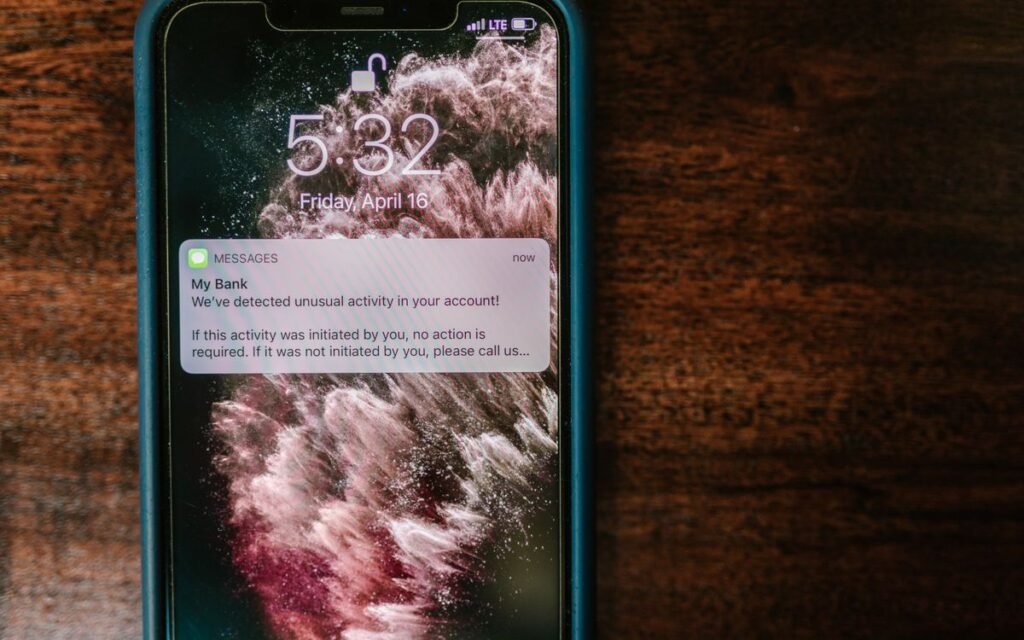
Check 1: Run Google Play Protect (Android)
Google Play Protect scans apps on your phone, including ones installed from outside the Play Store, and can warn about, disable or remove harmful apps. Google’s Play Protect help page says it’s on by default and recommends you keep it on.
- Open the Play Store and tap your profile picture.
- Tap Play Protect, then Scan.
- Tap the settings gear and make sure “Scan apps with Play Protect” is on.
Anything it flags, uninstall straight away. While you’re in the Play Store, check Settings → About to confirm your phone is “Play Protect certified”. Uncertified phones, usually cheap unbranded ones, don’t get the same protection.
Check 2: Run Safety Check (iPhone)
On iPhone, the equivalent is Safety Check. It needs iOS 16 or later and a signed-in Apple Account with two-factor authentication, according to Apple’s Safety Check guide.
- Go to Settings → Privacy & Security → Safety Check.
- Choose Manage Sharing & Access to review, person by person and app by app, who can see your location, photos and more.
- Review the devices signed in to your Apple Account and remove any you don’t own.
Worried that someone you know has access, like an ex-partner? Apple’s Emergency Reset option stops all sharing in one go and lets you change your Apple Account password.
💡 Pro tip
Also open Settings → General → VPN & Device Management. On a personal iPhone, you shouldn’t see any profile you didn’t install yourself. A work phone may have your company’s profile; anything else, remove it.
 Also readPhone Safety for Parents: 9 Settings to Fix on Your Diwali Visit
 Checks 3 and 4: Risky Permissions and Unknown Apps
On Android, banking fraud apps rarely “hack” in the movie sense. They get you to install them and then ask for powerful permissions.
Check 3: Accessibility, device admin and SMS access
- Settings → Accessibility → Installed apps (or Downloaded apps). Only trusted apps like your launcher, a password manager or a screen reader should be here. An app called “KYC Update”, “Customer Support” or a random APK name is a red flag.
- Settings → Security → Device admin apps (the path varies by brand; search Settings for “device admin”). Find My Device and work apps are normal. Anything else, switch it off and uninstall.
- Settings → Apps → Special app access → SMS permission. An app you don’t recognise that reads SMS can read your OTPs.
Google’s help page notes that Play Protect may block apps from risky sources asking for exactly these permissions: reading SMS, reading notifications, or controlling the device through Accessibility. That tells you where the danger is.
Check 4: Apps installed from outside the Play Store
Go to Settings → Apps → Special app access → Install unknown apps. If WhatsApp, Chrome or your file manager is allowed, switch it off. Watch for APK files on WhatsApp that pretend to be a wedding card, a bill or a bank form. Our guide on phone safety settings for parents walks through this setting for older family members.
Check 5: Call Forwarding, the Check Nobody Does
Here’s the one we promised in the opening. In January 2024, the Department of Telecommunications warned people about calls asking them to dial *401# followed by an unknown number, as Communications Today reported. That code switches on unconditional call forwarding. From then on, your calls, including bank verification calls and OTP calls, ring on the scammer’s phone instead of yours.
⚠️ Watch out
DoT’s advisory is clear: telecom companies never ask customers to dial *401#. The caller usually poses as Jio, Airtel, Vi or BSNL support and claims there’s a SIM or network problem. Hang up.
To check your phone right now:
- Android: open the Phone app → three dots → Settings → Calls or Supplementary services → Call forwarding. All options should say “Disabled” unless you set them.
- iPhone: Settings → Apps → Phone → Call Forwarding should be off.
- If forwarding is on and you didn’t set it, turn it off and call your operator from the official number on its app or website.
Checks 6 to 8: Accounts, Not Just the Phone
Many “hacks” are really account takeovers. The phone is fine; someone has your WhatsApp or email.
- WhatsApp: Settings → Linked devices. Log out of any computer or browser you don’t recognise, and switch on two-step verification under Settings → Account.
- Google account: visit myaccount.google.com → Security → Your devices. Sign out any device you don’t own, then change your password.
- Bank and UPI: look at your last few statements and UPI history in the app. Any debit you don’t recognise, however small, deserves a call to your bank.
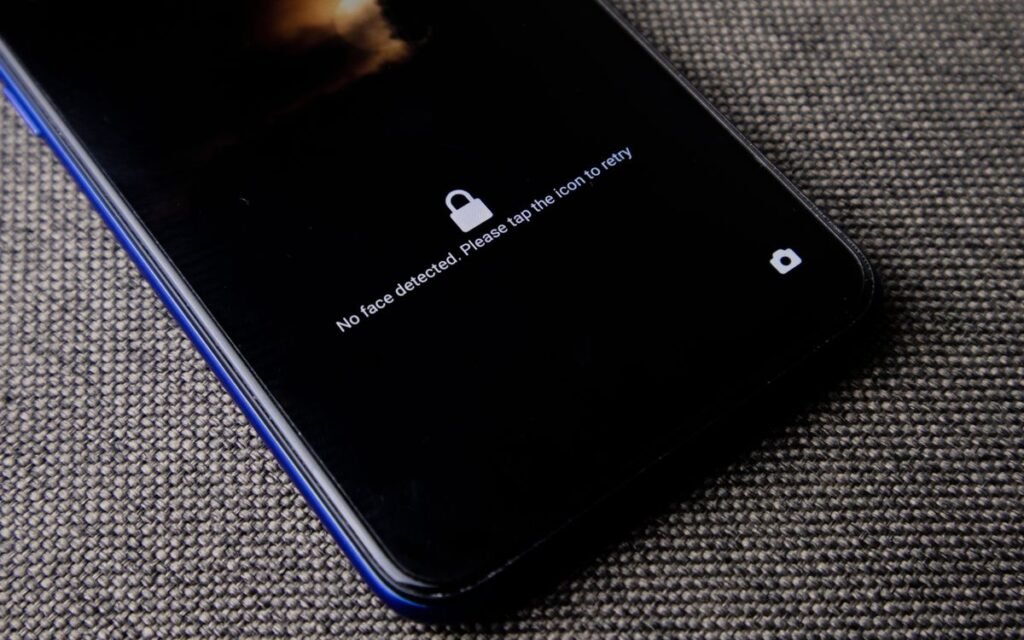
Has your bank had a data scare recently? Our post on what to do after a bank data breach claim lists the steps that matter, like card controls and checking your credit report.
 Also readSBI Data Breach Claim: 8 Steps to Protect Your Account Now
 Check 9: Updates, Then a Fresh Start if Needed
Old software is how real exploits get in. Update your phone (Settings → System → Software update on Android, or Settings → General → Software Update on iPhone), then update all apps. On iPhone, the new iOS 27.2 update alone patches 163 security flaws. Update Chrome too; our Chrome update guide shows how.
If checks 1 to 8 find something you can’t remove, or the phone keeps acting strangely after removing it:
- Back up photos and contacts only. Don’t restore apps from a backup made after the trouble started.
- Factory reset the phone.
- Set it up fresh and reinstall apps only from the Play Store or App Store.
What to Do if Your Phone Was Actually Hacked
✅ Our verdict
If money has left your account, call 1930 (the national cyber fraud helpline) or file a complaint on cybercrime.gov.in immediately; speed matters for freezing funds. Then call your bank to block cards and UPI. Change your email, WhatsApp and banking passwords from a different phone or computer, not the one you suspect. If nothing has been stolen yet, run the nine checks, remove the bad app, and switch on two-step verification everywhere.
Keep screenshots of the suspicious app, SMS and transactions. Your bank and the police will ask for them.
Frequently Asked Questions
How do I know if my phone is hacked?
Look for strong signs: unknown apps with Accessibility or SMS access, call forwarding you didn’t set, logins on WhatsApp or Google from devices you don’t own, and money or OTPs you didn’t expect. Battery drain on its own is usually not hacking.
Can someone hack my phone with a phone call?
Just answering a call rarely does anything. The danger is what the caller asks you to do: dial a code like *401#, install an app, or share an OTP. DoT says operators never ask you to dial *401#.
Does a factory reset remove hackers?
A factory reset removes apps and settings on the phone, including most malicious apps. It doesn’t fix a hacked email or WhatsApp account, so change those passwords and turn on two-step verification as well.
Is my iPhone safe from hacking?
iPhones are harder to infect with malware, but accounts can still be taken over and sharing can be misused. Run Safety Check, keep iOS updated, and use two-factor authentication on your Apple Account.
Who do I contact if my phone is hacked in India?
For money lost to fraud, call 1930 or report at cybercrime.gov.in. Call your bank’s official helpline to block cards and UPI, and your telecom operator if your SIM or calls are affected.
The Bottom Line
A phone hacked by someone is less common than a phone that’s just slow, but the real attacks are easy to miss because they hide in settings you never open. Run Play Protect or Safety Check, check Accessibility and call forwarding, and review your WhatsApp and Google devices tonight. It takes 10 minutes and closes the doors scammers use most.
Keep reading
Read nextPhone Safety for Parents: 9 Settings to Fix on Your Diwali VisitRead nextSBI Data Breach Claim: 8 Steps to Protect Your Account Now Read nextUpdate Chrome Now: Version 156 Fixes 353 Security Flaws
Sources
- Google Play Help: Use Google Play Protect to help keep your apps safe
- Apple: How Safety Check works on iPhone
- Communications Today: DoT warns citizens against dialling *401# (call forwarding fraud)
- Apple: About the security content of iOS 27.2