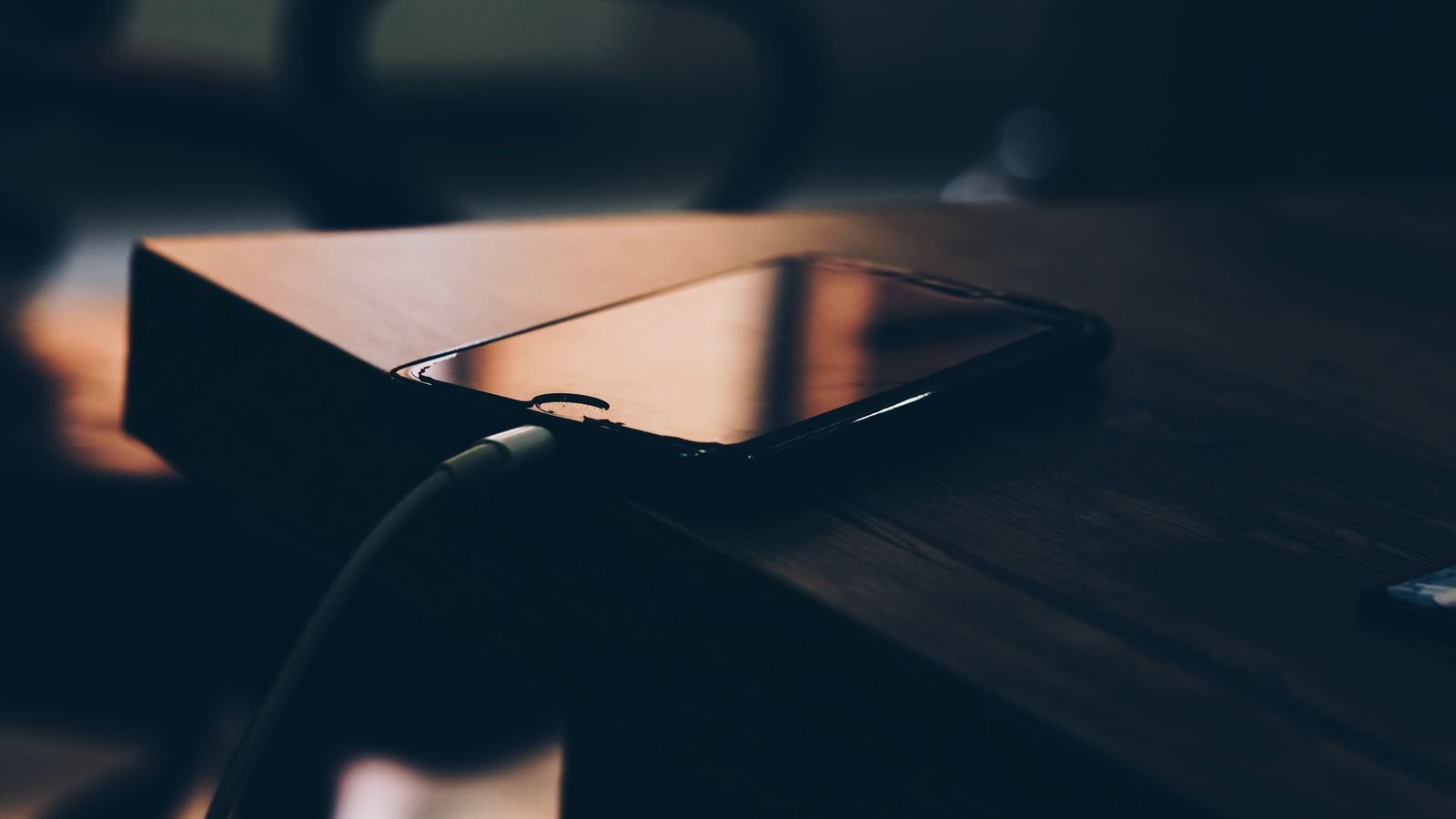
Phone charging slowly? The cause is usually one of three things: a charger or cable that can’t deliver fast charging, a setting that deliberately slows charging to protect the battery, or heat. Most of these cost nothing to fix.
And the most common “problem” isn’t a problem at all. Apple and Google build in a pause near 80% on purpose, and Samsung’s Battery protection can cap charging too. That’s why your phone flies to 80 and then crawls. That’s section 2, and it’s worth reading before you blame your charger.
⚡ Key takeaways
- Stuck near 80%? Probably charging optimisation (Optimised Battery Charging on iPhone, Adaptive Charging on Pixel, Battery protection on Samsung). It’s normal.
- Slow from 0%? Check the adapter and cable first. Pixel says a USB-A brick charges slower than USB-C; Samsung says 45W charging needs a 5A cable.
- Free fixes: turn on Fast charging (Samsung), clean lint out of the port with a non-metal tool, take the case off, stop gaming while it charges.
- Heat matters: Apple says iPhone software may limit charging above 80% when the battery is too warm.
- Skip buying a new charger until you’ve ruled out the settings in section 2 and the port in section 4.
Phone Charging Slowly? Do This 2-Minute Check First
Before you change anything, figure out when the slowdown happens. The timing tells you the cause.
Plug the phone in at around 20% and watch it for a few minutes. Then note what happens past 80%.
When it moves quickly to 80% and then slows to a crawl, the phone is almost certainly doing it on purpose. Slow right from the start? Then the charger, cable, port or temperature is the likely culprit.
Also look at the lock screen. On Android phones, a fast charging connection usually shows “Fast charging” or “Super fast charging” under the battery level.
If it just says “Charging”, your phone has fallen back to slow charging, and the fixes in sections 3 and 4 are for you. On iPhone, a lock-screen notification with a “fully charged by” time means Optimised Battery Charging is active.
💡 Pro tip
On a Samsung Galaxy, the Samsung Members app can test the charging cable for you. Samsung’s support page says: open Samsung Members, tap Support, start the phone diagnostics, then choose Cable charging.
The 80% Pause: Your Phone Is Protecting Its Battery
Causes 1 to 3 live here. Between them, they explain most “my phone charges so slowly at night” complaints.
Cause 1: Charging optimisation is on
Apple says Optimised Battery Charging is on by default on every iPhone. It learns your daily routine and delays charging past 80% when it predicts you’ll stay plugged in for a long time, then finishes just before you usually unplug. It needs at least 14 days to learn your habits.
Google’s Pixel help page describes the same idea for Adaptive Charging: on a long or overnight charge it may plan to reach 100% about an hour before you unplug. Samsung’s support page says that if Battery protection is on, charging may stop early or the maximum level may be limited.
Fix: if you need a full battery right now on an iPhone, touch and hold the lock-screen notification and tap Charge Now. On a Pixel, go to Settings > Battery > Battery health > Charging optimisation. On a Galaxy, go to Settings > Battery > Battery protection and pick a different option.
Cause 2: You (or someone) set a charge limit
On iPhone 15 and later, Apple lets you pick a charge limit between 80% and 100% in 5% steps (Settings > Battery > Charging). Pixel 6a and later have a “Limit to 80%” option.
Did a family member set this up? Then the phone will stop near that number and look “stuck”.
Cause 3: Automatic battery protection kicked in
Google says Pixels automatically limit charging to about 70 to 80% when the phone has been charging for hours in high temperatures, or continuously for several days. You’ll see a “Protecting your battery” notification. Tap “Charge to full” in Settings > Battery, or restart the phone.
📝 Note
Honestly, our advice is to leave these features on. Apple notes that turning off charging optimisations can increase battery wear. A phone that sits at 80% overnight is not broken; it’s ageing more slowly.
 Also readPhone Overheating? 7 Real Causes and the Fixes That Work
Your Charger or Cable Can’t Keep Up
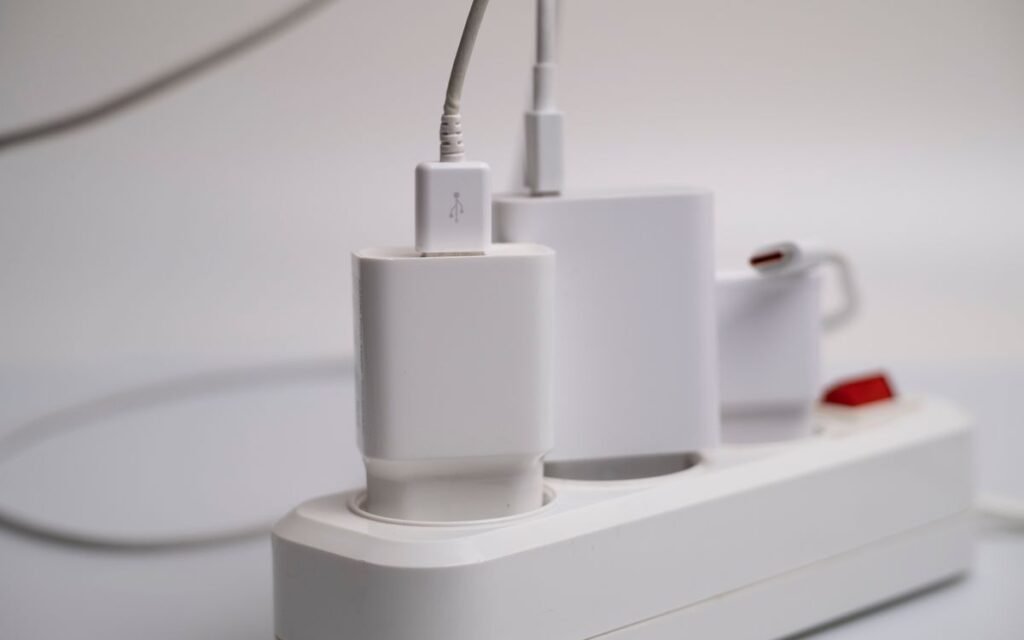
Is your phone charging slowly from 0%? Look at what’s plugged into it. Causes 4 and 5 live here, and they’re very common in Indian homes where three or four old chargers share one extension board.
Cause 4: The adapter doesn’t support your phone’s fast charging
Fast charging only works when the adapter and phone agree on a standard. Apple needs a USB Power Delivery (USB-PD) adapter.
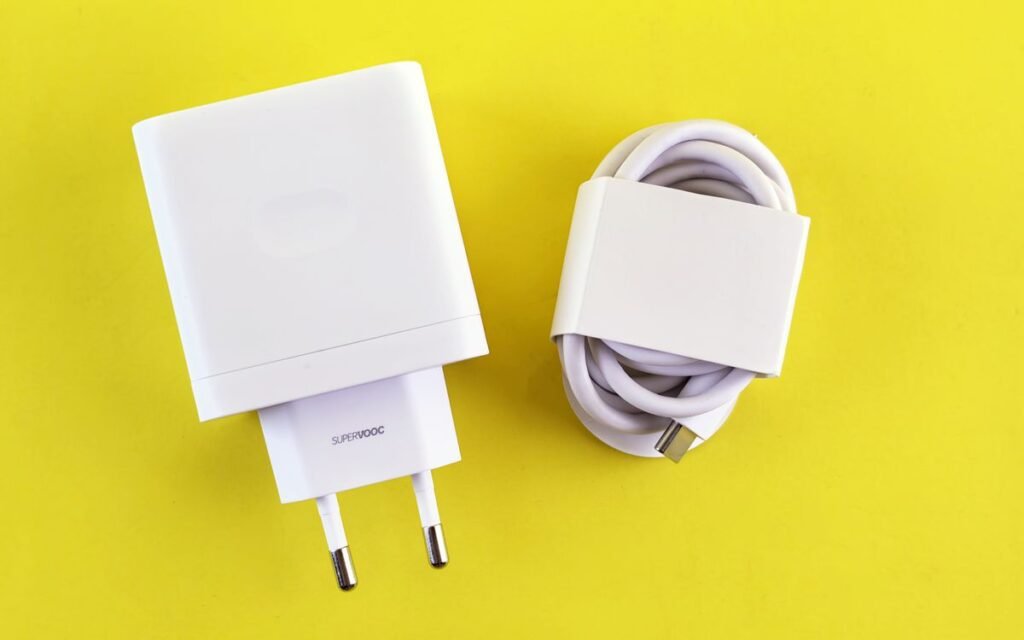
Google’s Pixel page lists a Programmable Power Supply (PPS) adapter rated 30W or more, or another USB-PD adapter of 15W or more, and warns that a USB-A adapter with a USB-A to USB-C cable charges slower than USB-C. Samsung’s US support page says you can’t fast charge with a regular charger.
That old square brick from a phone you bought years ago may still charge, just slowly.
Cause 5: The cable is the bottleneck
Samsung is unusually specific here. For its 25W Super Fast Charging, a 3A cable “might work but could limit the speed”, and for 45W to 60W charging, a 5A USB-C cable is needed because “a 3A cable won’t work well”.
A thin cable from a roadside shop often can’t carry that current. A damaged or counterfeit one can also be unsafe, so read our guide to spotting a fake charger with the BIS Care app before you buy a cheap replacement.
| Phone | What fast charging needs (official) | What the brand says you get |
|---|---|---|
| iPhone 15 and later (most models) | USB-C cable + Apple 18W or higher, or a third-party USB-PD adapter | Fast charge (exact speed depends on model) |
| iPhone 17, 17 Pro, 17 Pro Max | 40W or higher adapter | Up to 50% in around 20 minutes |
| iPhone 17e, iPhone Air | 20W or higher adapter | Up to 50% in around 30 minutes |
| Google Pixel | Google 30W/45W/67W charger, any PPS adapter 30W+, or USB-PD 15W+ | USB-A setups charge slower |
| Samsung Galaxy, 15W “Fast charging” | 15W adapter, 3A cable is enough | Standard fast charging |
| Samsung Galaxy, 25W | 25W USB-C adapter, 5A cable for best results | Super Fast Charging |
| Samsung Galaxy, 45W to 60W | 45W or 60W USB-C adapter + 5A cable | Super Fast Charging 2.0 |
The Free Fixes: One Setting and One Dirty Port
Causes 6 and 7 cost ₹0 to fix and take two minutes, so try them before you spend anything.
Cause 6: Fast charging is switched off (Samsung)
Samsung’s India support page says Galaxy phones have Fast charging and Fast wireless charging toggles under Settings > Battery > Charging settings. Fast charging is for wired adaptive chargers of 15W or more; fast wireless needs a 9W or higher pad. From the Galaxy S23 series onward, Fast and Super fast charging are combined into one toggle.
One catch Samsung mentions: you can’t turn these on or off while the phone is charging. Unplug first.
Cause 7: Lint in the charging port
Samsung calls dust and debris in the port “one of the most common causes of charging issues”. Pocket lint gets packed in so the cable doesn’t sit fully, and the phone may charge slowly, cut in and out, or only work when the cable is held at an angle.
- Switch the phone off.
- Shine a torch into the port.
- See fluff? Ease it out gently with a wooden toothpick or a soft brush.
- Don’t use pins, needles or liquids. Samsung specifically says no metal objects or liquids.
Does the cable now click in firmly? Then lint was the reason your phone was charging slowly.
Heat, Cold and Gaming While Charging
Cause 8 is temperature, and in India we get both extremes: 40°C summers and, right now, cold mornings up north.
Apple says iPhones work best at 16°C to 22°C ambient, and to avoid charging in ambient temperatures above 35°C because it can permanently reduce battery lifespan. It also says software may limit charging above 80% when the battery runs too warm, and that iPhone gradually reduces charging current as the battery nears full.
Samsung says that if the phone gets too hot, charging may stop or slow down until it cools. Apple’s fast charging page adds that fast charging may not work when it’s too cold or too hot.
What makes a charging phone hot? Using it. Gaming, video calls, GPS navigation and hotspot sharing all add heat on top of charging heat. Google’s advice for Pixel is simple: keep the phone somewhere cool while it charges.
⚠️ Watch out
Don’t put a charging phone under a pillow, on a mattress, or on the car dashboard in the sun. Already hot? Unplug it, take off the case and let it cool before charging again. Our phone overheating guide covers what to do step by step.
Cold matters too. A phone left in a bike’s storage box on a winter morning may charge slowly until it warms up. We explained why in why your phone battery drains in the cold.
Wireless Pads, Laptop Ports and Moisture Warnings
Cause 9 is really three small things. None of them looks like a charging problem, which is why people miss them.
Wireless charging with a thick case
Samsung’s India support page notes that wireless charging can take longer with thicker cases, and the phone has to sit right on the coil. Wireless is slower than a good wired charger in general, so use a cable when you’re in a hurry.
Charging from a laptop or TV USB port
Samsung says fast charging may not work when connected to a PC or a standard USB device. That USB port on your laptop or smart TV is fine for an overnight top-up, not for a quick 30-minute boost before you leave for work.
A moisture warning
Galaxy phones stop charging if they detect moisture in the port, even water-resistant models. Samsung’s advice is to shake the phone gently, wipe it, and dry it in a well-ventilated spot with cool air.
Don’t use a hair dryer on high heat. Did your phone actually take a dip? Follow our steps for a phone that fell in water.
 Also readCheck Your Phone’s Battery Health in 2 Minutes (Android, iPhone)
Still Slow? When It’s the Battery or the Port Itself
Tried every fix above, with the right charger and cable, a clean port, settings checked and the phone cool? If it’s still slow, the hardware may be the problem.
Google says a Pixel’s battery performance can decline over time because of how you use it, temperature and age, and that some Pixels automatically adjust charging to manage battery temperature, which can mean slower charging. Apple describes all rechargeable batteries as consumable parts that hold less charge as they chemically age. So a three- or four-year-old phone may never charge like it did on day one.
Check your battery’s health first. We’ve explained how to check phone battery health on Android and iPhone.
If the battery reads as heavily worn, or the port feels loose even when clean, visit an authorised service centre. Samsung and Google both tell users to contact support or a service centre when charging problems don’t go away.
✅ Our verdict
A phone charging slowly is rarely broken. Check the 80% settings first, then the adapter and cable, then clean the port and keep the phone cool. Only after that is it worth paying for a new charger, a new battery or a port repair.
Frequently Asked Questions
Why does my phone charge fast up to 80% and then slow down?
That’s deliberate. Apple and Google slow charging near the top to reduce battery wear, and Apple says iPhone reduces charging current as the battery approaches full. Charging optimisation can also hold the phone at 80% overnight and finish just before you usually unplug.
Can a wrong charger damage my phone?
Google says other power adapters and chargers can charge slowly or not at all, and can also damage your phone or battery. Samsung warns that incompatible accessories may damage the device. Buy from the phone brand or a reputable brand, and check the BIS mark.
Does using the phone while charging slow it down?
Yes, it can. Heavy use adds heat, and Apple and Samsung both say charging slows or pauses when the phone gets too warm. Light use like replying to a message is fine; long gaming sessions while charging are what slow things down.
Is it safe to charge my phone overnight?
Apple says it’s safe to keep an iPhone connected overnight because it stops charging when full, and charging resumes if the level drops below 95%. Keep the phone on a hard surface, not under a pillow, so heat can escape.
Why is my Samsung not showing “Fast charging”?
Check that Fast charging is turned on in Settings > Battery > Charging settings (unplug first), that you’re using an adapter of 15W or more, and that the port is clean. Samsung also says fast charging may not work from a PC’s USB port.
The Bottom Line
A phone charging slowly usually has a boring explanation: a battery-saving setting, an old adapter, a weak cable, a dusty port or too much heat. Start with the free checks in sections 2 and 4 today. If you do need a new charger, match it to your phone’s standard (USB-PD, PPS or Samsung’s 25W/45W) rather than buying the biggest wattage on the shelf.
Keep reading
 Read nextFake Charger or Original? Check It in 2 Minutes With BIS Care
 Read nextPhone Battery Drains in Cold? Why It Happens and What to Do
 Read nextPower Bank on Flight in India: The 2026 Rules Before You Pack
Sources
- Apple Support: About Charge Limit and Optimised Battery Charging on iPhone
- Apple Support: Charge and maintain your iPhone battery (temperature, overnight charging)
- Apple Support: Fast charge your iPhone (adapter wattage by model)
- Pixel Phone Help: Charge your Pixel phone (cables, PPS/USB-PD adapters, slower charging)
- Pixel Phone Help: Get the most life from your Pixel battery (Adaptive Charging, Limit to 80%, battery protection)
- Samsung India: How to set up fast charging on your Galaxy device
- Samsung US Support: Galaxy device is not fast charging (cables, port debris, battery protection, moisture)