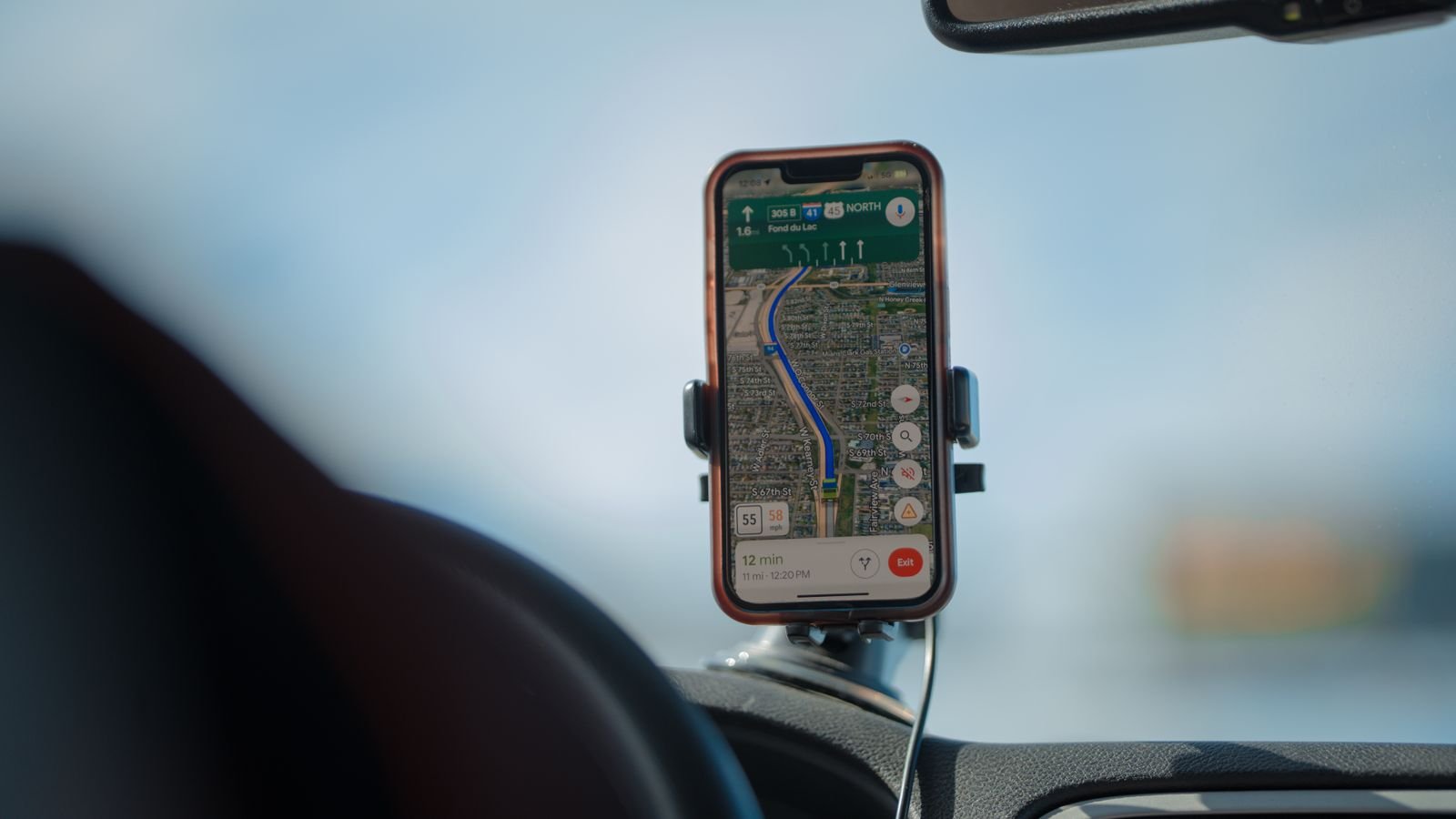
To share live location safely, pick a time limit, share it only with people you’d trust with your house keys, and switch it off when you arrive. WhatsApp, Google Maps and the iPhone’s Check In all do this in under a minute.
That last step, switching it off, is the one most of us skip. A share set to “until you turn this off” keeps running long after the trip, and section 4 shows you how to find any you’ve forgotten.
⚡ Key takeaways
- WhatsApp: chat > attach > Location > Share live location. Pick 15 minutes, 1 hour or 8 hours.
- Google Maps: profile picture > Location sharing > Share location. Choose a time, then a contact or a link.
- iPhone: Messages > Check In tells family when you arrive, and alerts them if you don’t.
- The rule: always pick a time limit. Avoid “until you turn this off” unless it’s a parent or partner.
- For a real emergency, call 112. The 112 India app adds an SOS button in the states where it’s live.
Why Share Live Location on a Diwali Trip
This is the busiest travel week of the year. People head home for Diwali, sisters travel for Bhai Dooj on 11 November, and highways and stations are packed late into the night.
When you share live location, the people at home stop calling every 20 minutes to ask “kahan pahunche?”. They can see the cab moving on the map, and they’ll know quickly if something looks wrong, like a long stop on an empty road.
It’s not only for daughters and elderly parents. A friend driving back alone after a late Diwali party, or a parent taking a night bus, gets the same peace of mind. The trick is doing it in a way that doesn’t leave your location open to the wrong people for weeks afterwards.

How to Share Live Location on WhatsApp
WhatsApp is the easiest choice, because everyone in the family already has it. Live location is end-to-end encrypted, like your messages, according to BGR’s report on the feature.
- Open the chat with the person, or with the family group.
- Tap the attach icon (the pin on Android, the + on iPhone).
- Tap Location > Share live location.
- Choose 15 minutes, 1 hour or 8 hours.
- Add a note like “Leaving Pune now” and send.
To end it early, open the chat and tap Stop sharing. It also stops on its own when the time runs out.
💡 Pro tip
Share in a one-to-one chat rather than a big family group when you can. Fewer people see where you are, and you won’t wake up 40 relatives with location updates.
 Also readPhone Safety for Parents: 9 Settings to Fix on Your Diwali Visit
Share Live Location on Google Maps or iPhone
Google Maps (Android and iPhone)
Maps is better for long trips, because the person you share with sees your position on a proper map, plus your battery level, per Google’s Location Sharing help.
- Open Google Maps and tap your profile picture.
- Tap Location sharing, then Share location.
- Pick a time limit.
- Choose a contact, or create a link and send it on WhatsApp, as My Mobile India’s guide describes.
Google says the people you share with can see your name, photo, real-time location, battery status and recent whereabouts.
iPhone: Check In instead of watching the map
Apple’s Check In feature in Messages is smarter than plain sharing. You set a destination or a timer, and your contact gets an alert when you arrive.
If you don’t arrive, get badly delayed and don’t respond, or don’t answer when the timer ends, your contact is automatically sent a link to your shared information. Both phones need iOS 17 or later.
| Tool | Best for | Time limit | Works for |
|---|---|---|---|
| WhatsApp live location | Quick shares with family | 15 min, 1 h or 8 h | Android and iPhone |
| Google Maps sharing | Long drives and train trips | Your choice, or until you turn it off | Android and iPhone |
| iPhone Check In | “Tell them when I reach” | Ends on arrival or timer | iPhone to iPhone (iOS 17+) |
| 112 India app | Emergencies | Sends location with an SOS | States where it’s live |
The One Rule: Don’t Leave It On
⚠️ Watch out
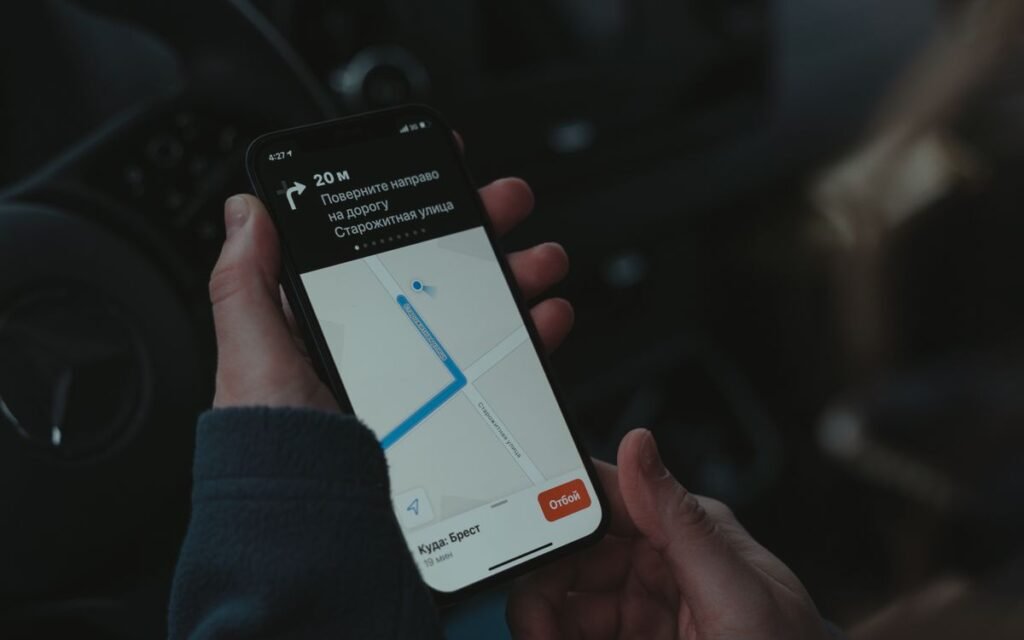
Anyone with a Google Maps location link can see where you are while it’s active. And a share set to “until you turn this off” keeps running, even if you’ve forgotten about it. Always choose a time limit for trips.
Here’s how to find old shares you forgot about:
- Android: Settings > Location > Location services > Google Location Sharing. Google’s help page says you can see everyone you share with and tap Stop next to any name, or turn off Use Location Sharing to pause all of it.
- Any computer: myaccount.google.com > People & sharing > Location Sharing > Manage.
- WhatsApp: Settings > Privacy > Live location lists every chat where you’re sharing right now.
One more thing from Google’s help page. Turning off location permission for the Maps app doesn’t stop Location Sharing. You have to stop it from the Location Sharing settings. And the setting is per device, so check your old phone and tablet too.
If you find a share you never set up, take it seriously. Our guide on how to tell if your phone is hacked covers what to check next.
For Emergencies: 112, Not Just a Map Pin
Location sharing is for peace of mind. It isn’t an emergency service, and your family can’t send help just by watching a dot on a map.
In an emergency, call 112. The government’s 112 India app, built by C-DAC under the Home Ministry’s Emergency Response Support System, can do more. According to its App Store listing, the SOS sends your name, emergency contacts and location to the state emergency control room and your contacts, and calls 112.
The catch is coverage. The listing says it’s currently live only in a set of states, including Maharashtra, Kerala, Punjab and Uttar Pradesh, with others coming. Install it before you travel, sign in once, and check whether your state is on the list. Don’t wait until you need it.
 Also readBlock a Lost Phone on Sanchar Saathi: The First-Hour Checklist
Before You Leave: A 2-Minute Travel Checklist
Run through this list before you leave for the station or airport.
- Charge the phone fully, and pack a power bank. Live location uses more battery, especially on Maps.
- Start a WhatsApp or Maps share with one person, with a time limit that covers the journey.
- On iPhone, start a Check In with your destination instead.
- Send the cab or bus number in the same chat.
- Save 112 as a favourite. Install the 112 India app if your state has it.
- When you arrive, stop sharing. Then message “pahunch gaye” anyway, because your mother will want it.
If your phone goes missing on the way, block it first through Sanchar Saathi, then deal with the SIM.
Which One Should You Use?
✅ Our verdict
For most trips, WhatsApp live location for 8 hours with one family member is enough. If you’re on an iPhone and so is your family, Check In is better, because it only bothers them if something goes wrong. Use Google Maps “until you turn this off” only with a partner or parent, and review that list every few months.
Honestly, the app matters less than the habit. Time limit on, one trusted person, switch it off on arrival.
Frequently Asked Questions
How long can I share live location on WhatsApp?
WhatsApp gives three options: 15 minutes, 1 hour or 8 hours. You can stop earlier by tapping Stop sharing in the chat.
Is WhatsApp live location safe?
It’s end-to-end encrypted, so only people in that chat can see it. The bigger risk is sharing in a large group, or with someone you don’t fully trust.
Can the other person see my battery on Google Maps?
Yes. Google says people you share with can see your name, photo, real-time location and battery status, along with recent whereabouts.
How do I stop sharing my location on Android?
Go to Settings > Location > Location services > Google Location Sharing, then tap Stop next to the person. Turning off Use Location Sharing pauses all shares.
Does iPhone Check In work with Android phones?
No. Apple says both the sender and the recipient need an iPhone on iOS 17 or later. For mixed families, use WhatsApp or Google Maps.
The Bottom Line
You can share live location in under a minute on WhatsApp, Google Maps or an iPhone. Pick a time limit, share with one trusted person, and stop when you arrive. Before your Diwali trip, check Google Location Sharing for any old shares you’ve forgotten about.
Keep reading
Read nextPhone Safety for Parents: 9 Settings to Fix on Your Diwali Visit Read nextIs My Phone Hacked? 9 Checks for Android and iPhone Users
Sources
- Google Account Help: Manage your Location Sharing settings
- Apple Support: Use Check In for Messages on iPhone
- BGR: WhatsApp’s encrypted live location sharing
- My Mobile India: How to share live location on Google Maps
- App Store: 112 India (C-DAC, Ministry of Home Affairs)