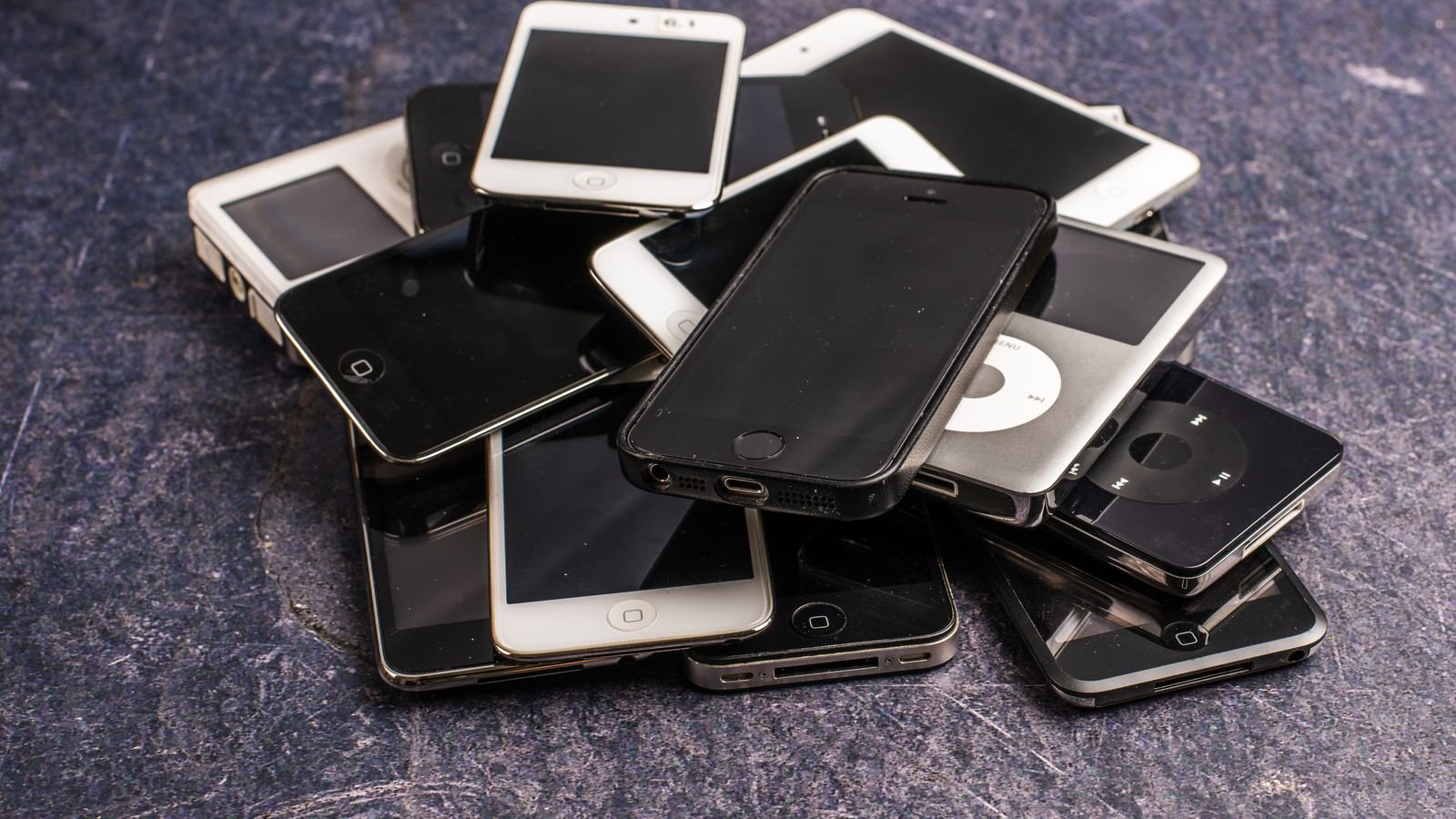
Just upgraded in the Diwali sale? Before your old phone goes into the drawer with three dead chargers, give it a job. You can reuse an old phone as a free home security camera, a supervised phone for your child, a bedside music player or a Wi-Fi-only video-call phone for grandparents.
There’s one thing an old phone should not do anymore, though, and most people keep doing it. That’s in section 6.
⚡ Key takeaways
- First check its security updates: Settings > About phone > Android version shows the last security patch date.
- Best reuse: a free home camera with an app like AlfredCamera, which pairs two phones by QR code.
- For kids, Google Family Link supervises Android 6.0 and newer phones with screen-time limits and app approvals.
- Don’t keep UPI or banking apps on a phone that no longer gets security updates.
- If it’s truly dead, give it to an authorised e-waste recycler, not the kabadiwala.
First: Check If Your Old Phone Still Gets Updates
Before you choose a job, find out how “safe” the phone still is. This decides what it should and shouldn’t do.
On Android, Google’s help page shows where to look: open Settings > About phone > Android version. You’ll see the Android version, the Android security update date and the Google Play system update date. If the security update is more than a year old, assume the phone no longer gets patches.
Support periods vary a lot. SamMobile reported in September 2026 that Samsung flagships from 2023 onward get 7 years of updates, recent Galaxy A models get 5 years of security patches, and older budget and mid-range models got roughly 2 to 4 years. A phone from 2020 is very likely out of support.
Job 1: Turn Your Old Phone Into a Home Security Camera
It’s the most useful way to reuse an old phone, and it costs nothing to start.
AlfredCamera is one popular app that turns old phones into security cameras. You install it on two phones: your old phone becomes the camera, and your new phone becomes the viewer. You pair them with a QR code. The app lists live view, motion detection alerts, two-way audio and a low-light filter.
Its site says old phones work as long as they can still connect to Wi-Fi.
Good places to use it
- Watching the main door while you’re at office
- Keeping an eye on a pet, or a newborn’s room from the kitchen
- Checking on an elderly parent who lives alone (with their consent)
- Watching the house while you travel home for Diwali
💡 Pro tip
Keep the camera phone plugged in permanently, but use the original or a certified charger and keep it in a ventilated spot. A phone charging 24×7 in a hot corner can swell its battery. Our fake charger check shows how to verify a charger’s BIS registration.

Job 2: A Supervised First Phone for Your Child
Instead of handing a child your new phone to play on, give them the old one with supervision.
Google’s Family Link works on child devices running Android 6.0 or newer. The parent’s phone can be Android 6.0 or newer, or an iPhone on iOS 16 or newer. With it you can:
- Set a daily screen-time limit for each day of the week
- Block or allow individual apps
- Approve Play Store downloads and purchases
- See the device’s location
Note that iPhones can’t be supervised through Family Link. Apple’s Screen Time does that job on iPhones.
Remove your own Google account, WhatsApp, photos and saved passwords before handing it over. A factory reset is the cleanest way.
Six Ways to Reuse an Old Phone, Compared
| Job | What you need | Cost | Our take |
|---|---|---|---|
| Home security camera | Camera app, Wi-Fi, charger | Free to start | Most useful for most homes |
| Child’s supervised phone | Family Link, factory reset | Free | Great if it’s Android 6.0+ |
| Bedside music player / alarm | Wi-Fi, speaker | Free | Keeps your main phone out of the bedroom |
| Wi-Fi video-call phone for grandparents | Wi-Fi, WhatsApp | Free | Big font, few apps, simple |
| Backup phone for travel | Spare SIM or Wi-Fi | Free | Handy if your main phone is lost |
| Exchange or sell | Good battery and screen | You earn money | Best if the phone is still recent |
Jobs 3 to 5: Music, Video Calls and a Travel Backup
A bedside music player and alarm
Load your playlists or a podcast app, connect it to a speaker, and use it as your alarm. This keeps your main phone, with its endless notifications, out of the bedroom. Turn off mobile data and keep only Wi-Fi.
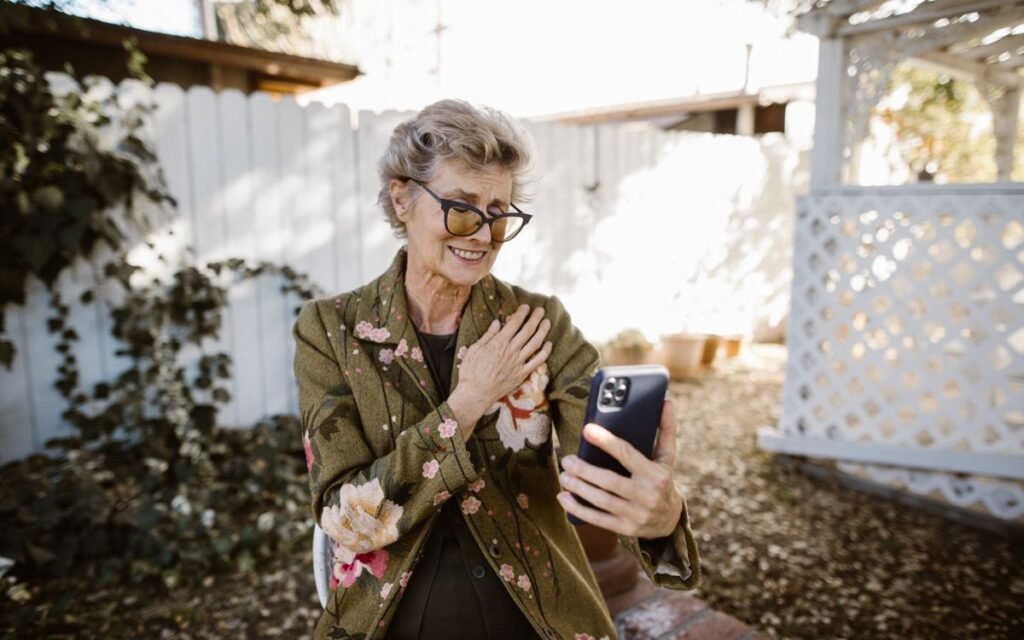
A simple video-call phone for grandparents
Many older parents find new phones confusing. Set up the old phone with WhatsApp on Wi-Fi, increase the font size, remove extra apps and pin family contacts to the home screen. Our phone safety settings for parents guide has the scam-proof settings to turn on first.
A travel backup
Keep it charged in your bag with emergency numbers saved. If your main phone is lost or stolen on a trip, you still have a way to call, use maps over Wi-Fi and log in to block your SIM.
 Also readTransfer WhatsApp Chats to a New Phone: All 4 Ways Explained
 The Catch: Never Use an Old Phone for UPI or Banking
⚠️ Watch out
A phone that no longer gets security updates keeps working, but known security holes stay open. SamMobile notes that the risk grows over time, especially for banking and shopping apps, and some apps may stop working on older Android versions. Don’t keep UPI, net banking, your email or your password manager on an unsupported phone, even as a backup.
Before you repurpose the phone, do this:
- Log out of UPI apps (GPay, PhonePe, Paytm, BHIM) and bank apps.
- Remove the phone from your Google account and WhatsApp linked devices.
- If it will be a camera or a child’s phone, factory reset it and set it up fresh.
- Install only the apps that job needs, from the Play Store.
If you’re worried something is already wrong with a phone, run through our is my phone hacked checklist.
Selling or Recycling: When the Old Phone Has No Job
If the phone is recent and in good shape, it’s worth more sold or exchanged than sitting in a drawer. Our guide on exchange offer vs selling your old phone helps you get the better price.
If it’s truly dead, recycle it properly. Vivo’s India e-waste page, for example, lists its recycling partners with toll-free numbers, including Karo Sambhav on 1800-2121-434. Its advice:
- Use only authorised channels and CPCB-authorised recyclers.
- Don’t dismantle phones at home or sell them to scrap dealers.
- Don’t throw batteries in the dustbin.
Most brands have a similar e-waste page with their own partners; check yours.
Our Verdict: The Best Way to Reuse an Old Phone
✅ Our verdict
If it still connects to Wi-Fi, turn your old phone into a home camera or a supervised phone for your child; both are free and genuinely useful. Whatever you choose, take UPI and banking apps off it first. If it’s recent, sell it; if it’s dead, recycle it through an authorised partner.
A phone in a drawer only loses value. One evening of setup can give it another two or three years of work.
Frequently Asked Questions
How can I reuse my old phone at home?
The most useful option is a home security camera using an app like AlfredCamera. Other good uses are a supervised phone for your child, a bedside music player or a simple Wi-Fi video-call phone for grandparents.
Is it safe to use an old phone without updates?
For low-risk jobs like a camera, music or a child’s supervised phone on Wi-Fi, it’s reasonable. Don’t use it for UPI, banking, email or passwords, because unpatched security flaws remain open.
How do I check if my phone still gets security updates?
Go to Settings > About phone > Android version and look at the Android security update date. If it’s more than a year old, the phone has probably stopped getting patches.
Where should I dispose of an old phone in India?
Give it to the brand’s take-back programme or a CPCB-authorised e-waste recycler. Don’t sell dead phones to scrap dealers or throw them in household garbage.
The Bottom Line
Reuse your old phone as a home camera, a child’s phone or a music player, but strip it of UPI and banking first. Check its security patch date tonight, pick one job, and set it up this weekend.
Keep reading
 Read nextNew Phone Setup: 9 Things to Do Before You Use ItRead nextTransfer WhatsApp Chats to a New Phone: All 4 Ways Explained
 Read nextPhone Exchange Offer or Sell It Yourself? Do the Maths First
Sources
- Google Android Help: check your Android version and security update
- SamMobile: Is my Android phone too old to update? (23 Sept 2026)
- AlfredCamera: turn old phones into security cameras
- Google Family Link Help: supervise your child’s device
- vivo India: e-waste management and recycling partners