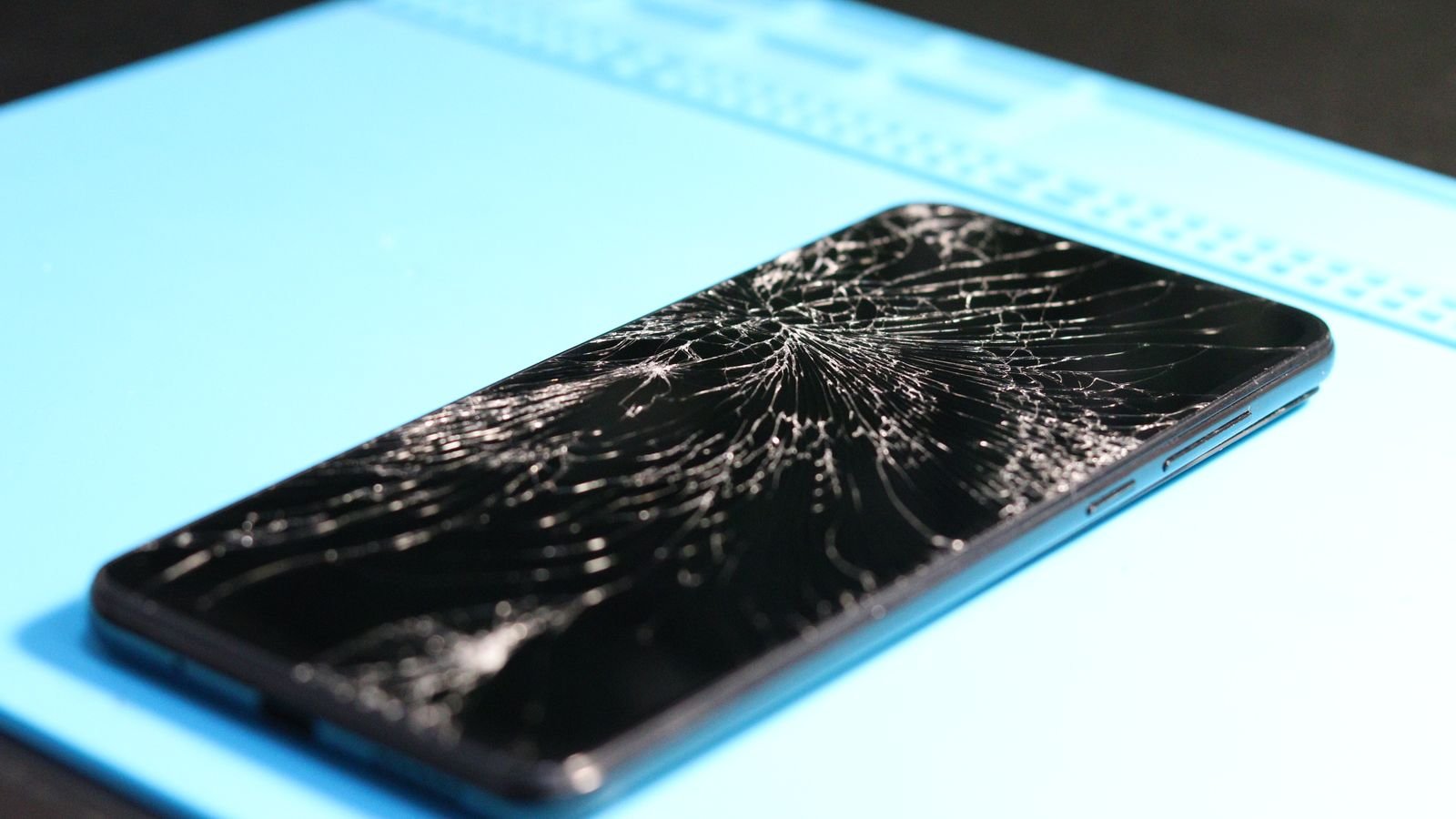
A phone exchange offer is worth it when you want zero hassle and your old phone is in clean, working condition. If the phone has a crack, a weak battery or a missing box, selling it yourself usually gets you more, as long as you’re careful about how you get paid.
The number on the product page is only the start. The real exchange value is decided at your door, and section 3 lists the things that cut it.
⚡ Key takeaways
- Exchange quotes are “up to” figures. On Flipkart’s sell-back, the pickup executive checks the phone and can lower the offer, and you can accept or decline.
- Cracks, a swollen battery, missing parts, or a missing box or charger lower the value. A screen lock or iCloud lock still on gets the phone rejected.
- Selling yourself takes more effort but often pays more for a phone with small flaws.
- NPCI says scanning a QR code and entering your UPI PIN is only for paying, never for receiving. A buyer who asks you to do that is running a scam.
- This guide fits anyone upgrading during Diwali sales on Flipkart, Amazon or a brand store.
How a Phone Exchange Offer Actually Works
During Diwali sales, almost every phone listing shows an exchange option: pick your old model, answer a few questions, and the price of the new phone drops. It feels like a simple discount.
It isn’t fixed, though. The amount you see at checkout is a quote based on what you declared. Someone still has to check the phone, and that happens at pickup.
There are two common setups. Some brands, like OnePlus, describe an Instant Exchange, where the checkout price is final if the phone passes basic checks, and a Flexi Exchange, where the OnePlus exchange terms say the final price is set at your door after a physical and functional check. Flipkart’s sell-back works like the second kind.

What Gets Checked at Your Door
Flipkart’s sell-back FAQ says the pickup executive runs a diagnostics app on your phone, then makes a final offer. You can see a condition-based price drop chart under “View checks” in My Orders before the pickup.
Things that lower the value
- Screen cracks, touch problems, lines, spots or dead pixels.
- Cracks, bends or a bulge in the body.
- Missing buttons, camera or SIM tray.
- A swollen battery.
- A missing charger or original box. Flipkart says if either one is missing, the other isn’t accepted either.
Things that cancel the pickup
- The phone doesn’t switch on.
- The brand or model doesn’t match what you declared.
- A screen lock or iCloud lock is still active.
- The IMEI from \*#06# doesn’t match the one you entered.
OnePlus’s terms add that the phone must stay on for at least 30 seconds without the charger, and must not be network, finance or iCloud locked.
💡 Pro tip
Look at the “View checks” chart before pickup day. If your phone has a scratch or a weak battery, you’ll know the likely drop in advance and won’t be surprised at the door.

The Catch: Your Value Is Decided in 5 Minutes at the Door
This is where most people lose money. You bought the new phone because the exchange made it affordable. Then the agent spots a hairline crack near the charging port and offers less.
On Flipkart’s sell-back, you can reject the revised price and keep your phone. Accepting needs your consent through an SMS link. With OnePlus’s Flexi Exchange, rejecting the requote cancels the pickup and you lose the device value and bonus.
⚠️ Watch out
Read the exchange terms before you check out, because programmes handle a failed check differently. In OnePlus’s Instant Exchange, a failed check cancels the buyback and refunds what you paid towards it. In its Flexi Exchange, rejecting the new quote cancels the pickup and you lose the device value and bonus.
Payment matters too. Flipkart says the default sell-back payout is a Flipkart gift card, paid within 24 hours. You can switch to a bank account, but if the bank verification fails, the money lands as gift card credit instead.
Exchange vs Selling Yourself: Side by Side
Here’s how the main options compare. The value column is a general pattern, not a promise for every model.
| Option | Value you get | Effort | Risk | Best for |
|---|---|---|---|---|
| Exchange at checkout | Quoted “up to” value, checked at door | Very low | Doorstep deductions | Clean, working phones |
| Flipkart-style sell-back | Final offer after diagnostics | Low | Gift card payout by default | People who shop there anyway |
| Sell to a friend or relative | Usually the highest | Medium | Low | Phones with small flaws |
| Sell on a classifieds app | Often higher than exchange | High | Payment scams, no-shows | People with time to meet buyers |
| Local shop | Lower | Low | Low | When you need cash today |
A quick way to do the maths
Take the new phone’s sale price without exchange. Subtract the exchange quote you’d realistically get after checks. Now compare that with selling the old phone yourself.
If the gap is small, take the exchange and skip the hassle. If it’s ₹3,000 or more, selling yourself is often worth a weekend.
Our fake discount check helps you confirm the sale price itself is real before you count the exchange.
Selling Your Old Phone Yourself, Safely
If you sell directly, the money is usually better, but you take on the risk. Two things go wrong most often: payment scams and phones still linked to your accounts.
Don’t fall for the “scan to receive” trick
A common scam goes like this. A “buyer” agrees to your price, then sends a QR code or payment request so you can “receive” the money. NPCI’s fraud awareness page is clear: scanning a QR code and entering a UPI PIN is only meant for making payments, not receiving them. If anyone asks for your PIN to send you money, stop the deal.
Wipe the phone properly
- Back up and move your data to the new phone first.
- On iPhone, Apple’s checklist says to unpair your Apple Watch, sign out of your Apple Account, then erase all content and settings. For an eSIM, choose to erase the eSIM too.
- On Android, remove your Google account (and Samsung account on Galaxy phones), then factory reset.
- Take out the SIM and memory card.
Skipping the sign-out leaves the phone locked to you, which the buyer will spot. Our used phone buying checklist shows exactly what a careful buyer checks.
 Also readUPI Lite Explained: Pay Up to ₹1,000 Without a PIN, Safely
Getting the Best Phone Exchange Offer
If you go the exchange route, a little prep protects your value.
- Answer condition questions honestly. A mismatch at the door costs more than a lower quote now.
- Find the box and charger. On Flipkart they count together.
- Clean the phone and remove the case before pickup so scratches aren’t a surprise.
- Remove screen lock and accounts right before pickup, after your data is safe. Flipkart warns that if a reset stops the agent from running lock or IMEI checks, the pickup won’t go through, so follow the app’s instructions on timing.
- Keep the battery above 50%, as Flipkart asks.
- Keep your ID handy. OnePlus says pickup staff may ask for government ID, an indemnity bond and an NOC, and the check takes 20 to 30 minutes.
✅ Our verdict
Take the phone exchange offer if your phone is clean, complete with box and charger, and you value convenience. Sell it yourself if it has small flaws or the exchange gap is ₹3,000 or more, and only accept money that arrives in your bank account without you entering a PIN. Either way, check the real sale price first.
Frequently Asked Questions
Is a phone exchange offer worth it?
It’s worth it for phones in good condition when you want a quick, safe handover. For phones with cracks, battery issues or missing accessories, doorstep deductions can make selling yourself the better deal.
Why did my exchange value drop at pickup?
The checkout figure is usually a quote. At pickup, an agent checks the screen, body, battery, buttons and accessories, and can lower the offer for flaws. On Flipkart you can accept or reject the revised price.
Do I need the original box for exchange?
For Flipkart sell-back, a missing charger or original box leads to a deduction, and if one is missing the other isn’t accepted. Other programmes may differ, so check the terms.
Do I need to enter my UPI PIN to receive money for my phone?
No. NPCI says scanning a QR code and entering your UPI PIN is only for making payments. Anyone asking you to do this to “receive” money is trying to take money from you.
The Bottom Line
A phone exchange offer trades value for convenience, and the final value is decided at your door. Check the condition chart, gather the box and charger, and decide your walk-away number before pickup. Then make sure the new phone’s own price is genuine.
Keep reading
 Read nextFake Discount or Real Deal? Check Any Sale Price in 2 Minutes
 Read nextDiwali Sale Scams: 7 Fake Offers to Spot Before You PayRead nextBuying a Used Phone? 7 Checks Before You Pay in India
Sources
- Flipkart: Sell back FAQ (pickup checks, deductions, payout)
- OnePlus India: Exchange programme terms and conditions
- NPCI: Fraud awareness (QR codes and UPI PIN)
- Apple Support (India): What to do before you sell, give away or trade in your iPhone