
Most smart TVs can identify what’s on your screen and send that data to the TV maker for ads. The feature is called ACR (automatic content recognition), and smart TV tracking through it usually starts the day you tap “I agree” during setup. You can switch it off in a few minutes, and nothing you watch stops working.
What surprises most people is how far it reaches. It isn’t only Netflix or YouTube. Section 2 explains why your Tata Play or Airtel set-top box viewing can be included too.
⚡ Key takeaways
- ACR identifies what’s playing on the screen and uses it to build an ad profile.
- In December 2025, Texas sued Samsung, LG, Sony, Hisense and TCL over ACR collection without proper consent.
- Samsung calls it Viewing Information Services; LG calls it Live Plus; Sony Google TVs use Samba Interactive TV; Roku TVs use “Use info from TV inputs”.
- Turning ACR off doesn’t stop every bit of data collection, but it stops the “what are you watching” part.
- Takes about 5 minutes. Do it on day one if you’re buying a TV this Diwali.
What Is ACR and Why Does Your TV Have It?
ACR stands for automatic content recognition. The TV takes small samples of what’s on screen (or the audio), matches them against a database and works out exactly which show, ad or match you’re watching.
Why bother? Ads. Viewing data helps TV makers and their partners sort viewers into groups like “cricket fans” or “shoppers” and target ads at them, on the TV and on other devices. That’s a big part of why smart TVs can be sold so cheaply.
Consumer Reports, in its guide to turning off smart TV snooping, puts it plainly: the only way to stop all data collection is to keep the TV offline. But you can switch off ACR itself, and that’s the part most people object to.
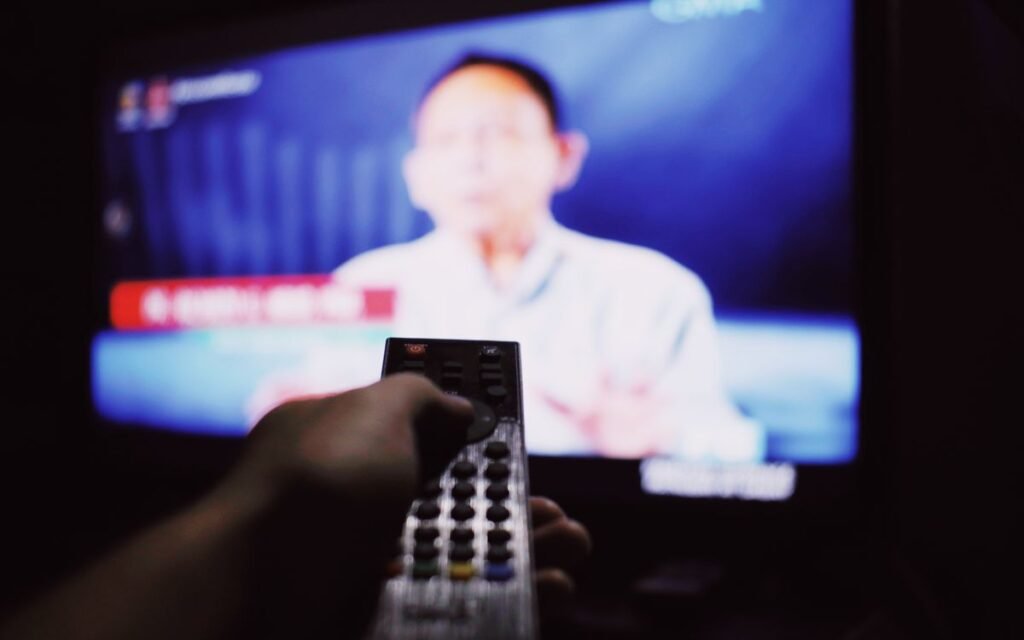
How Smart TV Tracking Reaches Your Set-Top Box
This is the part that surprised me. ACR looks at the screen, not the app. So it can also recognise what comes in through HDMI.
In December 2025, the Texas Attorney General sued five TV makers: Sony, Samsung, LG, Hisense and TCL. According to CyberInsider’s report on the lawsuits, the complaints allege:
- ACR captured still frames or audio “up to every 500 milliseconds in some cases”.
- It also picked up content from HDMI-connected devices like game consoles, cable boxes and laptops.
- ACR was often on by default with vague disclosures.
- The data was packaged and sold to advertisers for targeted marketing.
These are allegations in a US lawsuit, not court findings. But in March 2026, Malwarebytes reported that Samsung settled with Texas and agreed to stop collecting ACR data from Texans without explicit, informed consent. That settlement covers Texas, not India.
So for an Indian home, the plain reading is this: if you agreed to the viewing-data screens during setup, your TV may be recognising your DTH channels, your PS5 games and your laptop screen too.
💡 Pro tip
Plugging your laptop into the TV for office video calls or screen-sharing? That’s one more reason to switch ACR off before you do.
 Also readSmart TV Slow? 7 Fixes for Google TV, Samsung and LG
How to Turn Off ACR: Brand by Brand
Menu names change with model year and software updates, so treat these as a map rather than exact clicks. If you can’t find a setting, search the TV’s settings for “privacy”, “viewing” or “terms”.
| Brand | What ACR is called | Where to find it |
|---|---|---|
| Samsung | Viewing Information Services | Settings > Support > Terms & Privacy > Privacy Choices (or All Settings > General & Privacy) |
| LG (webOS) | Live Plus | Settings > All Settings > General > System > Additional Settings |
| Sony (Google TV / Android TV) | Samba Interactive TV | Settings > Privacy (newer) or Settings > Device Preferences (older) |
| Roku TV (TCL, Hisense and others) | Use info from TV inputs | Settings > Privacy > Smart TV Experience |
| Amazon Fire TV Edition | Device usage and app/over-the-air usage data | Settings > Preferences > Privacy Settings |
Paths for Samsung, LG, Sony and Roku are from Malwarebytes (2026). Fire TV paths are from the Consumer Reports guide, which is older, so menus may have moved.
Samsung
- Press Home and open Settings.
- Go to Support > Terms & Privacy > Privacy Choices.
- Turn off Viewing Information Services. This is Samsung’s ACR.
- Also turn off Interest-Based Advertising.
- If you don’t use voice commands, turn off Voice Recognition Services. Your voice remote’s commands will stop working.
Samsung’s own support page says ACR runs only if you agreed to the Viewing Information Services notice during setup, and that you can change this any time in Settings.
LG
- Open Settings > All Settings > General > System > Additional Settings.
- Turn Live Plus off.
- Turn on Limit Ad Tracking if you see it.
Consumer Reports found LG’s settings can be spread across several menus, including User Agreements, where you can also opt out of viewing information and interest-based ads.
Sony and other Google TV / Android TV sets
- On newer models, go to Settings > All Settings > Privacy and turn off Samba Interactive TV.
- On models with usage-diagnostics controls, go to Settings > Device Preferences > Usage & Diagnostics and switch reporting off.
- In Google’s own ad settings, opt out of personalised ads.
Consumer Reports notes that Google TV and Android TV sets ask you to accept Google’s terms at setup, and Google still collects some data even after you opt out of ad personalisation.
The Catch: Turning Off ACR Isn’t Total Privacy
Let’s be honest about what this does and doesn’t do.
⚠️ Watch out
Switching off ACR stops the TV from recognising what you watch. It doesn’t stop all data. Consumer Reports says TV makers can still collect information like which apps you open and roughly where you are, and every streaming app has its own data rules.
Some features also stop working. Consumer Reports found that opting out of viewing information on LG removes some program recommendations, and on Roku it turns off “More Ways to Watch” suggestions. Most people won’t miss them.
If you want the strictest setup, keep the TV itself offline and stream through a separate device you trust. That’s overkill for most homes. For the rest of us, ACR off plus ad tracking off is a sensible middle ground.
A 5-Minute Smart TV Privacy Checklist
Do this once, and again after a big software update (updates sometimes bring back the consent screens).
- Turn off ACR using the brand steps above.
- Turn off interest-based or personalised ads.
- Switch off voice recognition if you never use the voice button.
- Review app permissions for microphone and camera if your TV has them.
- Sign out of accounts you don’t use on the TV, and remove old devices from your Google or Netflix account.
- Keep the TV updated, but check privacy settings after each major update.
- Be careful with cheap add-on boxes. Our report on the Android TV box malware that Google just shut down shows why the maker matters.
💡 Pro tip
Setting up a TV for your parents? Do these settings for them during installation. Most consent screens are designed to be accepted with one tap, and elders usually tap “Agree”.
 Also read15 Smartphone Privacy Settings You Probably Never Changed
Our Verdict
✅ Our verdict
Switch off ACR. It takes five minutes, costs you nothing you’ll miss, and stops your TV from building an ad profile out of everything on your screen, including your set-top box and laptop. Then turn off personalised ads while you’re in the same menu.
If your TV is slow even after this cleanup, our smart TV slow fix guide covers cache, storage and background apps. For your phone, the same idea applies: see our smartphone privacy settings list.
Frequently Asked Questions
What is ACR on a smart TV?
ACR, or automatic content recognition, lets the TV identify what’s on the screen by sampling images or audio. The data is mainly used for targeted advertising and recommendations.
Does my smart TV watch what I watch on my set-top box?
It can. ACR works on what’s displayed, and the Texas lawsuits allege it captured content from HDMI devices like cable boxes, consoles and laptops.
Will turning off ACR break Netflix or YouTube?
No. Streaming apps keep working. You may lose some recommendations or features like “More Ways to Watch” on Roku.
Is turning off ACR enough for privacy?
It stops the viewing-recognition part. TV makers and apps can still collect other data, like app usage. For full privacy, the TV has to stay offline.
How do I turn off ACR on Samsung TV?
Go to Settings > Support > Terms & Privacy > Privacy Choices and turn off Viewing Information Services. On some models, look under All Settings > General & Privacy.
The Bottom Line
Smart TV tracking through ACR is on in many homes simply because someone tapped “Agree” at setup. Switch it off, turn off personalised ads, and check again after big updates. If you’re unboxing a new TV this Diwali, make it the first thing you do after connecting to Wi-Fi.
Keep reading
Read next15 Smartphone Privacy Settings You Probably Never Changed Read nextIs My Phone Hacked? 9 Checks for Android and iPhone Users
Sources
- Consumer Reports via Yahoo: how to turn off smart TV snooping features
- Malwarebytes: Samsung settles with Texas; how to disable ACR on any TV (March 2026)
- CyberInsider: Texas sues major TV brands over ACR viewing data (December 2025)
- Samsung Support: Smart TV Automatic Content Recognition (ACR) feature