
To back up Diwali photos before tonight, turn on Google Photos backup or iCloud Photos now and connect to Wi-Fi, so it can finish while you’re busy with puja preparations. If you’ve got no cloud space left, copying them to a laptop with a USB cable is free and takes a few minutes.
Don’t delete anything yet, though. On both Google Photos and iCloud, deleting a photo to “free up space” can remove it from everywhere, and section 4 explains how to clear space safely.
⚡ Key takeaways
- Google gives 15 GB free, shared with Gmail and Drive. Extra plans start at ₹59 a month (30 GB) as of November 2026.
- iCloud gives only 5 GB free. iCloud+ starts at ₹75 a month in India for 50 GB.
- A USB cable and a laptop cost nothing and keep a copy under your control.
- Deleting a backed-up photo from Google Photos removes it from all your devices with backup on.
- Keep two copies of anything you can’t retake: one in the cloud and one on a laptop or drive.
Why Back Up Diwali Photos Before Tonight
Think of what the next 12 hours look like: rangoli, diyas, aunties, sparklers, ten retakes of the group photo, and a hundred videos of the kids. Phones usually run out of space at exactly that moment, when you least want to stop and sort files.
There’s a second reason. Festival nights mean crowded homes, sparklers, tea spills and phones left on tables. Our lost phone guide tells you how to block a stolen handset, but it can’t bring back photos that were only on that phone.
Five minutes before the evening is much easier than freeing up space with a cousin saying “one more”. So set it up now.
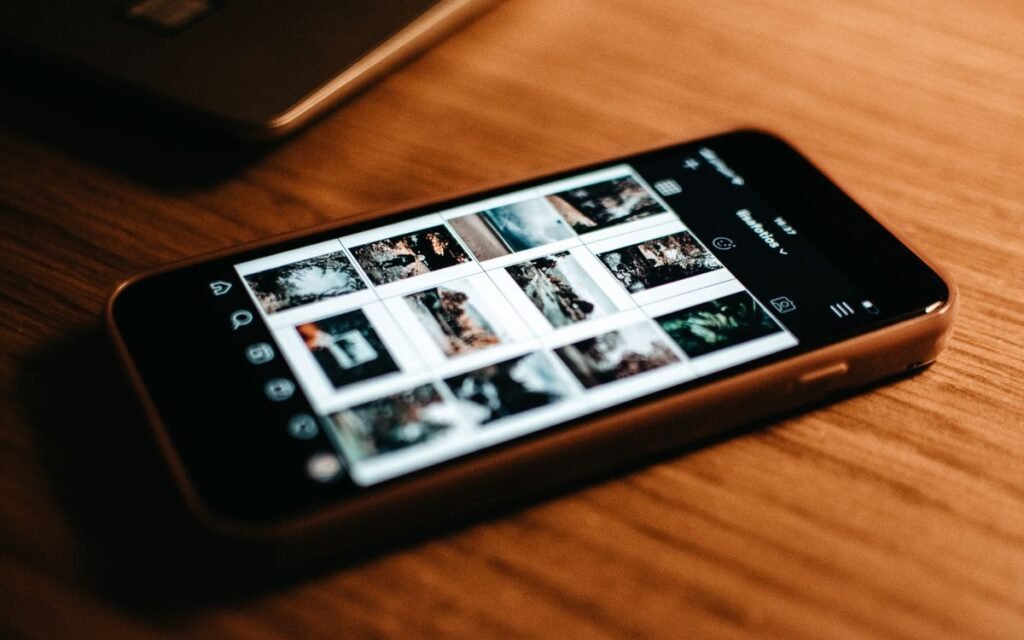
How to Back Up Diwali Photos on Google Photos
This works on Android and iPhone. These are Google’s steps:
- Open the Google Photos app and sign in.
- Tap your profile picture, then Photos settings > Backup.
- Turn on Backup.
- Look at the top of your library. It says Backup complete when everything’s uploaded.
Pick the right quality
Google offers two main options, and both count against your storage now.
- Original quality: Keeps the full resolution, and uses more space.
- Storage saver: Reduces photos above 16 MP to 16 MP, and videos above 1080p to 1080p.
For most family photos, Storage saver is fine, and I’d use it if you’re short of space. Choose Original only if you plan to print big or you shoot a lot of 4K video you truly care about. Some regions also get an Express option, which shrinks photos to 3 MP, and I’d skip that for festival memories.
💡 Pro tip
Watch your mobile data. Under Backup > Mobile data usage, Google lets you set a daily limit or turn off video backup over data. Thirty videos on your 1.5 GB daily pack won’t go far. If you’ve got home Wi-Fi, just use that.
 Also readGoogle Photos Storage Full? Free Up Space Without Paying ₹130
iPhone Users: iCloud, and What It Costs in India
iCloud Photos stores your library and keeps it in sync across your devices. Turn it on in iCloud settings by turning on Sync this device under Photos. Menu names vary a little by iOS version.
The catch is size. Apple gives just 5 GB free, and that’s shared with your iPhone backup too. Here’s how the two compare, as of early November 2026:
| Storage | Google One (India) | iCloud+ (India) |
|---|---|---|
| Free | 15 GB | 5 GB |
| Cheapest paid plan | ₹59 a month, 30 GB | ₹75 a month, 50 GB |
| Next step up | ₹130 a month, 100 GB | ₹219 a month, 200 GB |
| Big plan | ₹1,950 a month, 5 TB with AI features | ₹749 a month, 2 TB |
Prices are from Google One’s plans page and Apple’s iCloud+ page. If you only want a month or two of breathing space, either cheap plan will do. Set a reminder to cancel it, or it’ll keep billing. If you pay by UPI, our UPI AutoPay guide shows how to stop a mandate.

The Delete Mistake That Can Wipe Every Copy
⚠️ Watch out
“It’s backed up, so I’ll delete it” sounds safe, but check how you delete. Google says deleting a backed-up item in the Google Photos app removes it from every device with backup on, and it goes to trash for 30 days. Apple says the same about iCloud Photos: delete on one device, and it’s deleted everywhere.
So how do you clear space and keep the cloud copy? It depends on your phone.
- On Google Photos: Open the photo, tap More, then Delete from device. That removes only the phone’s copy once it’s backed up.
- On iPhone: Turn on Optimize Storage. Your phone keeps smaller versions and the full-size originals stay in iCloud, so you don’t need to delete anything.
- On either: Clear the junk first. Forwarded WhatsApp videos are usually the fattest target, and our WhatsApp storage guide shows you where they hide.
Apple adds one more warning that surprises people: iCloud Photos isn’t a separate backup, since photos aren’t duplicated in your iCloud backup. That’s the reason for a second copy, which comes next.
Free Option: Copy Photos to a Laptop
If you don’t want a subscription, a cable works fine. It’s also the copy that can’t vanish because of a sync or a lapsed plan.
Android to a Windows PC
- Unlock your phone and connect the USB cable.
- Tap the Charging this device via USB notification.
- Under “Use USB for”, pick File Transfer.
- In the window that opens on your PC, copy the DCIM camera folder across, then eject the phone.
If nothing shows up, try another cable, since some only charge.
iPhone to a Mac or Windows PC
Apple’s steps: on a Mac, connect it, open Photos, tap Trust on the phone, and choose Import All New Items. On Windows, install Apple Devices from the Microsoft Store, then import using Microsoft Photos.
If you use iCloud Photos, download the originals to the phone first. Otherwise you could be importing only the smaller versions.
 Also readReuse an Old Phone After Upgrading: 6 Smart Jobs, 1 to Avoid
Sharing the Photos Without Spoiling Them
Everyone will want tonight’s family photo, and WhatsApp’s default compresses it. Send it in HD, as our WhatsApp HD photo guide shows. Better still, make one shared album on Google Photos and send the link to the family group, instead of forwarding 40 photos one by one.
While you’re there, keep your account secure. A shared link is only as safe as the group you’ve posted it in, and your backup is only as safe as your Google or Apple login. If your Google storage is nearly gone, our Gmail storage guide shows how to win back part of that shared 15 GB.
Which Backup Should You Use?
✅ Our verdict
Android or iPhone with Google storage to spare: use Google Photos on Storage saver, tonight. iPhone users already paying for iCloud can stay put. Everyone else should plug into a laptop after Diwali for a free second copy. If the photos matter, one copy isn’t a backup.
- Short on time? Turn on Google Photos backup and go.
- Short on money? Use the USB cable. It costs nothing.
- Parents’ phones? Set up backup for them today. They’re the ones most likely to lose a phone full of grandchild photos.
Frequently Asked Questions
How do I back up Diwali photos for free?
Use Google Photos within its 15 GB free storage, or copy the photos to a laptop with a USB cable. The laptop route has no storage limit other than the laptop’s own disk.
Will deleting photos from my phone delete them from Google Photos?
It depends how you delete. Deleting a backed-up item inside the Google Photos app removes it from every device with backup on. Use Delete from device to remove only the copy on your phone.
Is iCloud Photos a backup?
Not on its own. It syncs your library, so a delete on one device applies everywhere. Apple suggests keeping separate backup copies of your library.
Should I use Original quality or Storage saver?
Storage saver is fine for most family photos, since it keeps photos at up to 16 MP and videos at 1080p. Use Original if you’ll print large or need 4K footage.
How much data will a backup use?
It depends on how many photos and videos you’ve got, and videos use far more. Set a daily limit under Backup > Mobile data usage, or wait for Wi-Fi.
The Bottom Line
Don’t wait for the “storage full” pop-up in the middle of the diyas. Turn on backup now, check for “Backup complete”, and don’t delete anything until you’ve read how your app handles it. When the guests have left, copy everything to a laptop so you’ve got a second set.
Keep reading
Read nextGoogle Photos Storage Full? Free Up Space Without Paying ₹130 Read nextWhatsApp HD Photo Setting: Stop Blurry Diwali Pics in 1 Tap
 Read nextDiwali Photos on Phone: 9 Night Mode Tips for Diyas and Lights
Sources
- Google Photos Help: Back up photos and videos
- Google Photos Help: Backup quality options
- Google Photos Help: Delete and restore
- Google One: India plans (checked 6 November 2026)
- Android Help: Transfer files between your computer and Android device
- Apple Support: Set up and use iCloud Photos
- Apple Support: iCloud+ plans and pricing (India)
- Apple Support: Transfer photos from iPhone to a computer